English _79
● MAIN MENU
CONTROLLING A PTZ DEVICE
The DVR enables you to adjust the settings of a PTZ camera as well as an ordinary one to your preference.
PTZ Device
The PTZ device can be activated only if a channel in connection with the PTZ camera is selected.
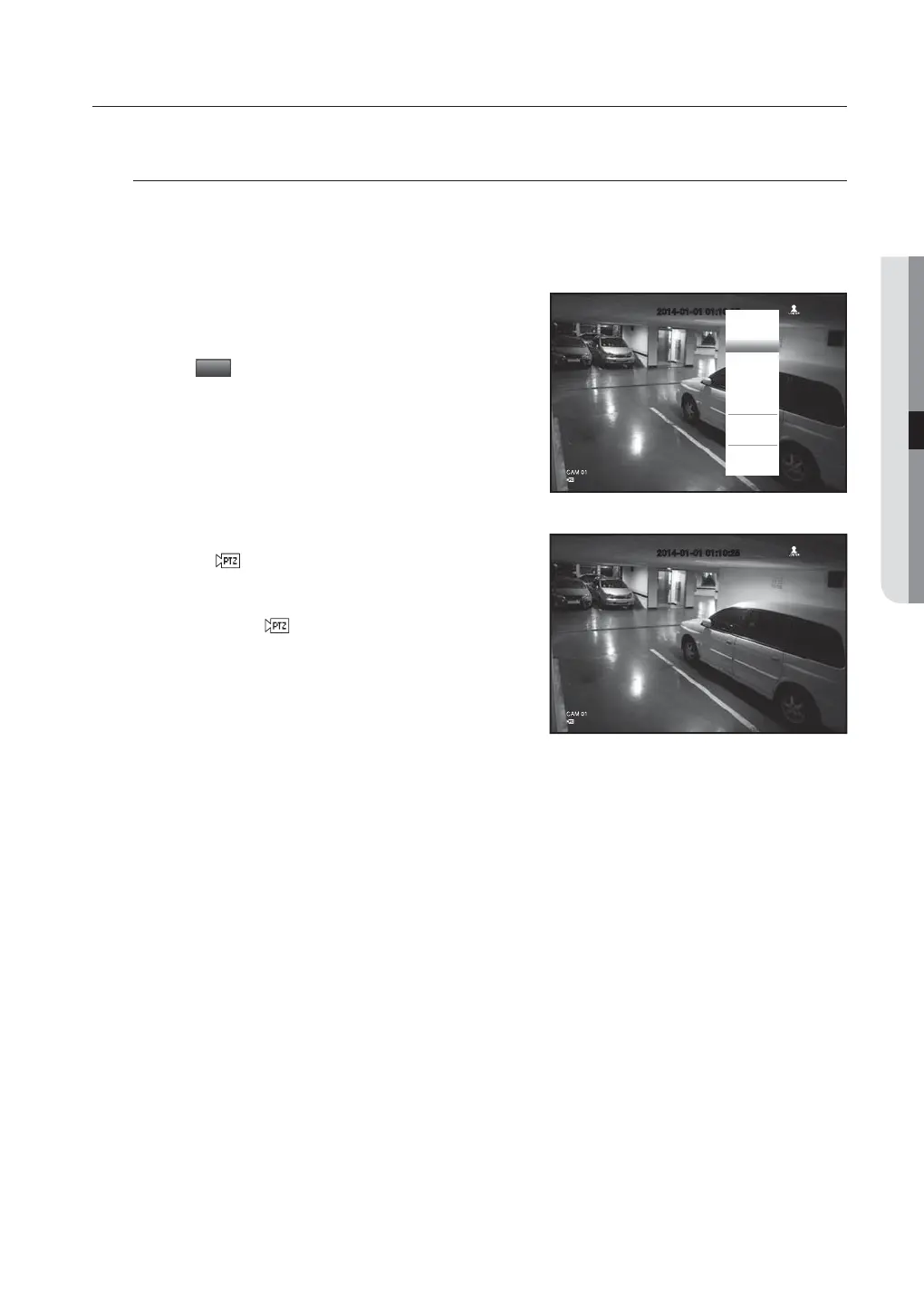
Getting started with PTZ
The PTZ camera is available, only if a channel is selected, in the following way :
Using the remote control buttons
Press the [PTZ] button on the remote control.
Using the launcher menu
Click <
PTZ
> to display the live launcher.
Using the right-click menu in Live mode
Right-click any area on the screen to display the context menu, and
select <PTZ Control>.
Using icons on the live screen
Click the <
> icon on the live screen.
M
The PTZ function is available only if the PTZ camera is connected
so that the <
> icon is displayed on the screen.
2014-01-01 01:10:25
Scene Mode
Spot Out 1
Spot Out 2
PTZ Control
Zoom In
Audio
Freeze
Stop Alarm
Record
Play
Search
Backup
Main Menu
Shutdown
Hide Launcher
Logout



 To Next Page