20_ connecting with other device
CONNECTING EXTERNAL DEVICES
M
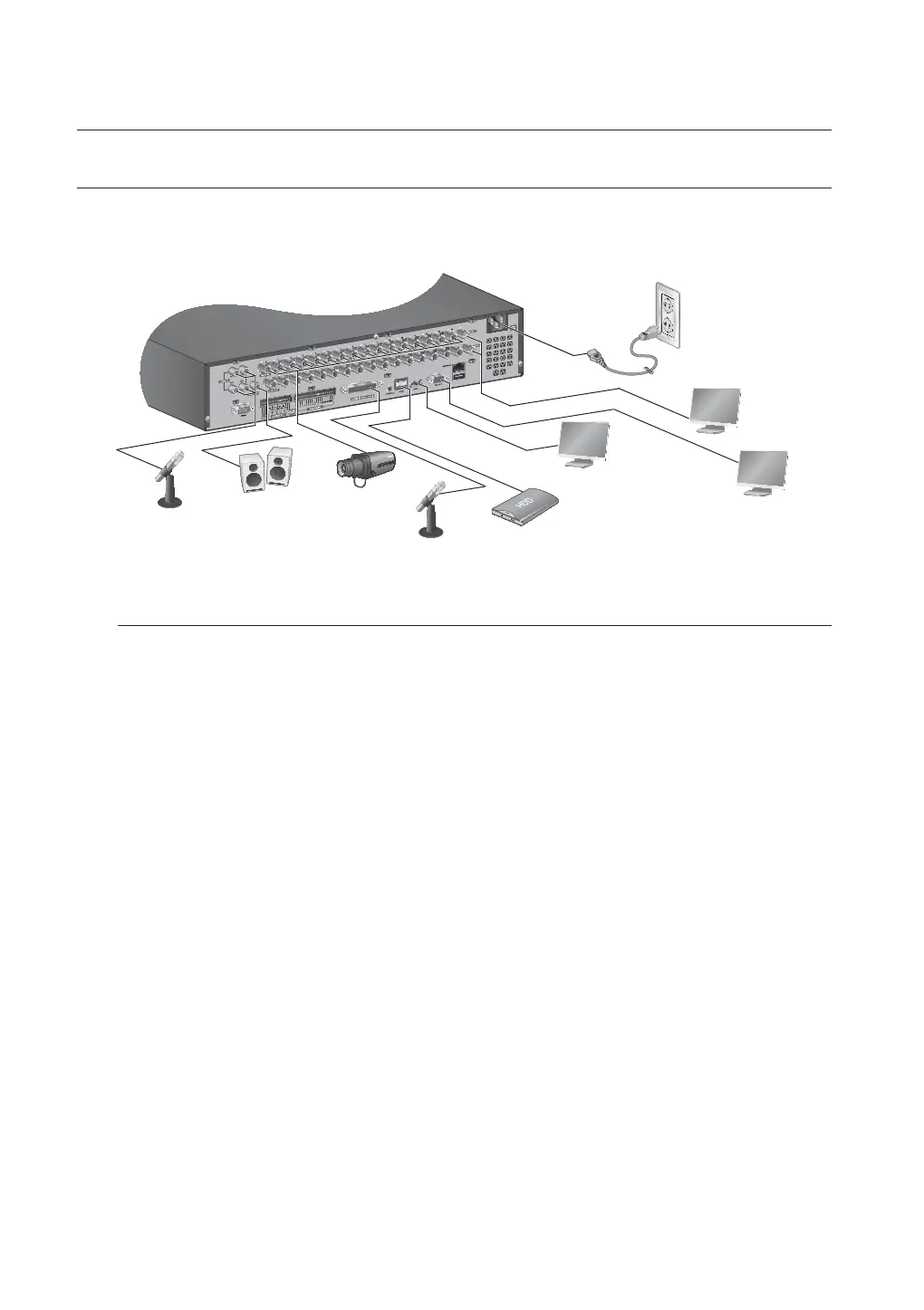
The following figures are based on Model SRD-1656D.
Connecting the USB
1. By factory default, a USB port is provided for external connection.
2. You can connect a USB HDD, USB CD/DVD player, USB memory or mouse to the USB port.
3.
If a USB HDD is connected to the system, recognition and settings are available in “Main Menu >
Device
>
Storage Device”. (Page 51)
4. The product supports hot plugging function that enables connecting/disconnecting USB devices while in
operating the system.
J
If the USB storage media for backup is not formatted by the product, format it as FAT32 file system with a PC.
To prevent from USB ports being damaged, please unplug USB devices before openning the front cover.
connecting with other device
AUDIO IN
AUDIO IN
VIDEO IN
eSATA HDD
AC 100-240V~IN
AUDIO OUT
VIDEO OUT (VGA)
HDMI
SPOT1, 2



 To Next Page