52_ main menu
main menu
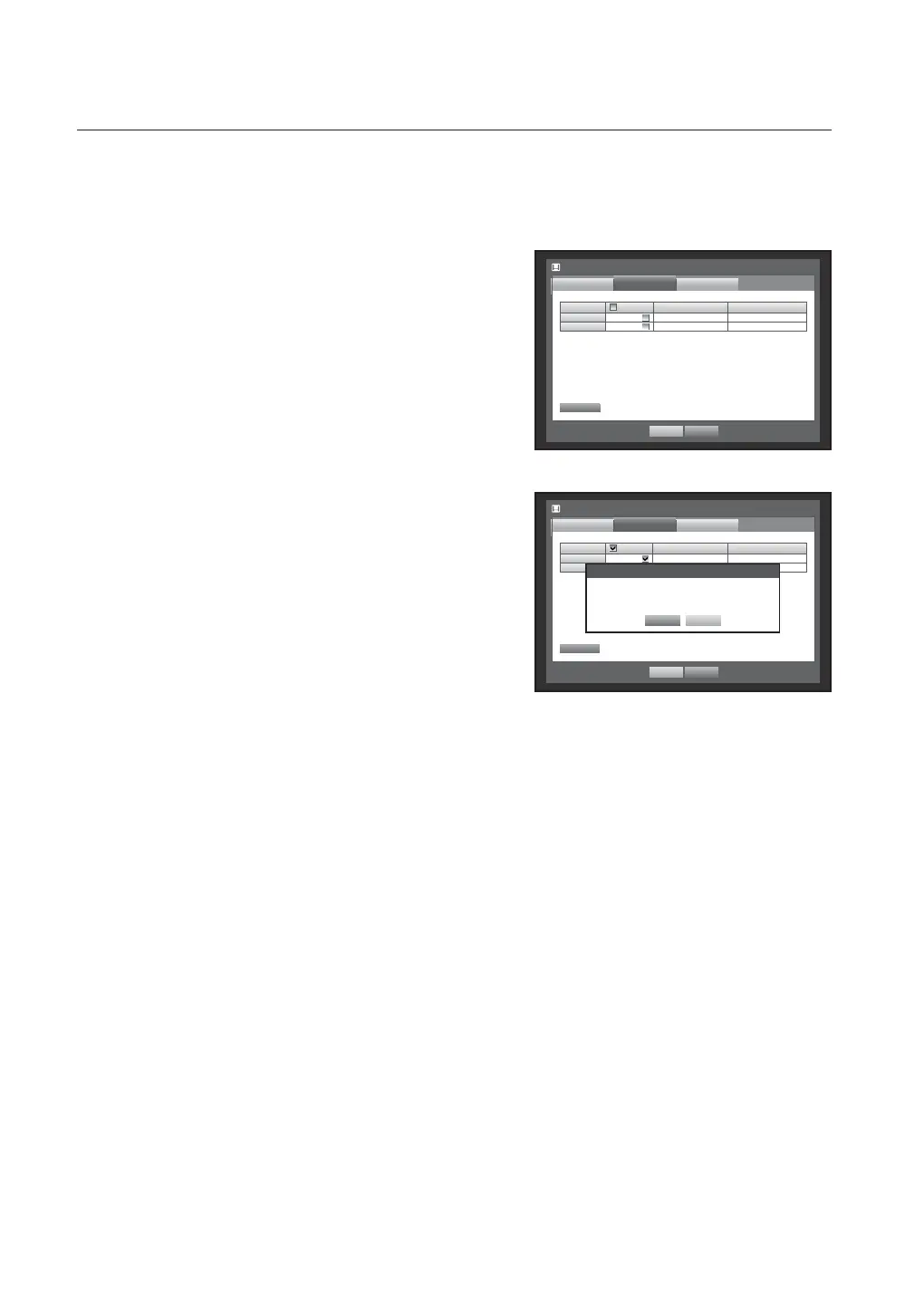
Formatting
You can format a storage device.
Using the mouse may help make setup easier.
1. Use the up/down buttons () in <Device> window to
move to <Storage Device>, and press [ENTER] button.
2. Select <Format>.
A window for selection of device for formatting appears.
3. Use direction buttons (◄ ►) to select a device to be
formatted.
4. Select <Format> on the bottom of the screen.
Press <OK> on the “Manage” confirmation window will
start formatting the selected device.
5. When the formatting is done, press <OK>.
Storage Device
Device
OK Cancel
HDD Alarm
Format
Device Select Used/Total Usage
HDD 1 3.92G/0.98T Internal
CD / DVD – 0 / 0 Backup
Format
Storage Device
Device
OK Cancel
HDD Alarm
Format
Device Select Used/Total Usage
HDD 1 3.92G/0.98T Internal
CD / DVD – 0 / 0 Backup
Format
Manage
Formatting deletes all recordings.
Proceed formatting?
Recording stops few second.
OK Cancel



 To Next Page