English _97
● WEB VIEWER
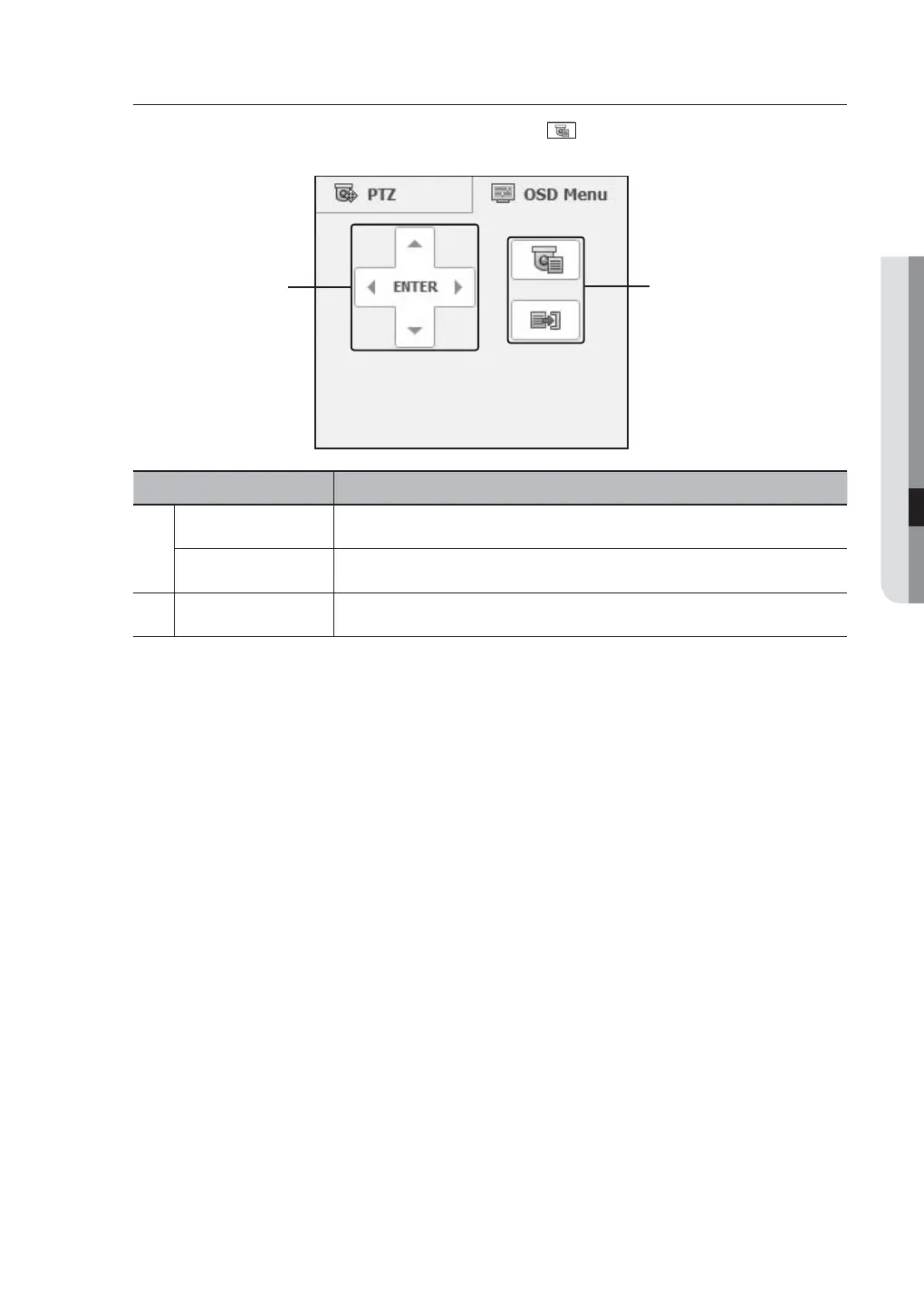
Controlling OSD Menu
If connected PTZ camera supports the OSD menu, press the <
> to enter camera’s menu screen to
change its settings.
Part Names Functions
Direction Adjustment
You can go to a desired menu.
ENTER
Selects a desired item.
b
Menu On/Off
You can On/Off camera’s OSD menu settings.
M
For more information about camera’s OSD menu, refer to corresponding user manul of each camera.
b



 To Next Page