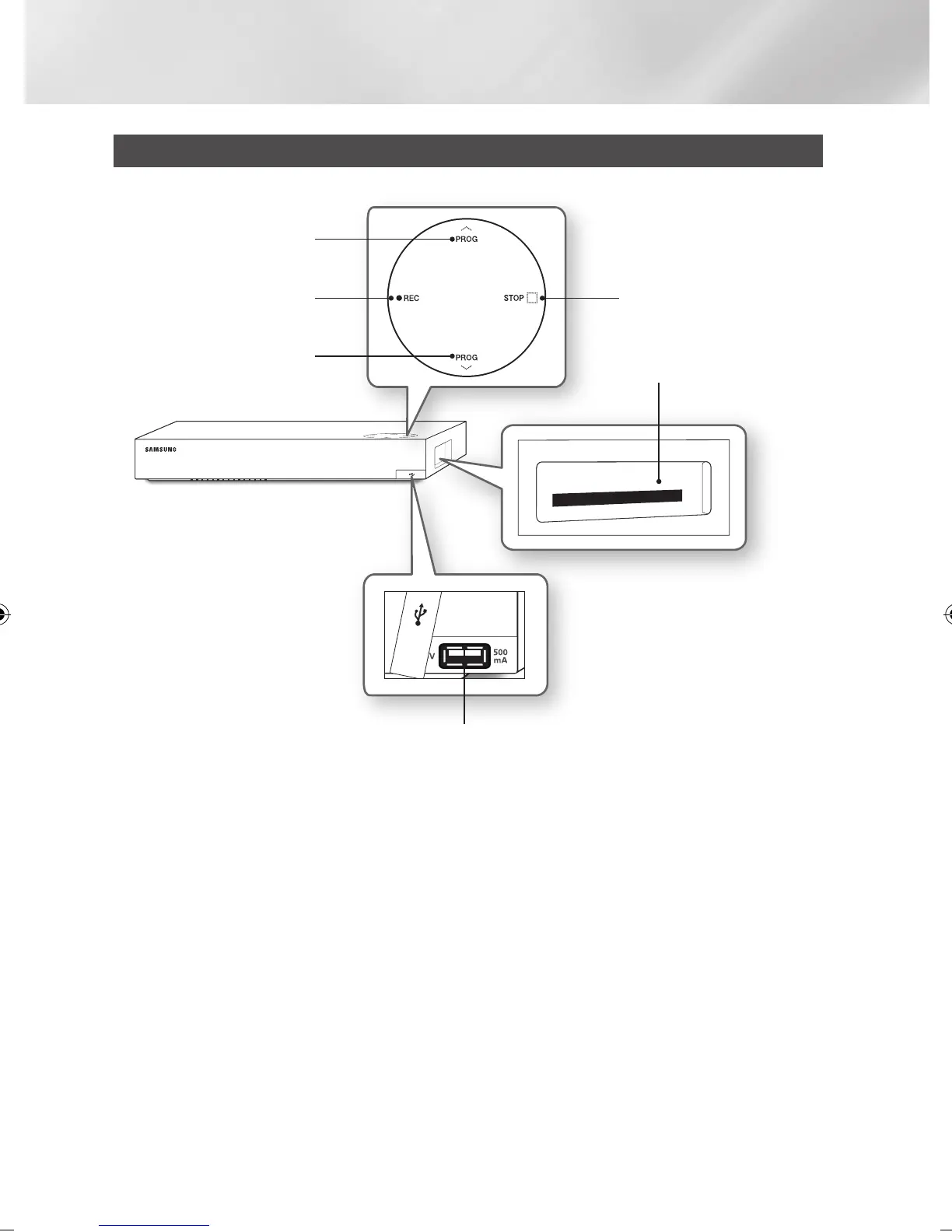
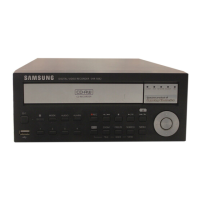
Front Panel
| NOTE |
\
To upgrade the product's software through the USB Host jack, you must use a USB memory stick.
\
You must obtain a "CI CAM with CI or CI+ CARD" from a local cable service provider.
\
When removing the "CI CAM with CI or CI+ CARD", carefully pull it out with your hands since dropping the "CI CAM with CI
or CI+ CARD" may cause damage to it.
\
Insert the "CI CAM with CI or CI+ CARD" in the direction marked on the card.
\
The location of the CI card slot may be different depending on the model.
\
"CI CAM with CI or CI+ CARD" is not supported in some countries and regions; check with your authorized dealer.
If you have any problems, please contact a service provider.
USB HOST
COMMON
INTERFACE SLOT
STOP BUTTONREC BUTTON
PROG BUTTON
PROG BUTTON
|
12 English
02230W-STB-E7900-EN-ENG.indd 12 2012-04-13 오후 3:46:54



 To Next Page