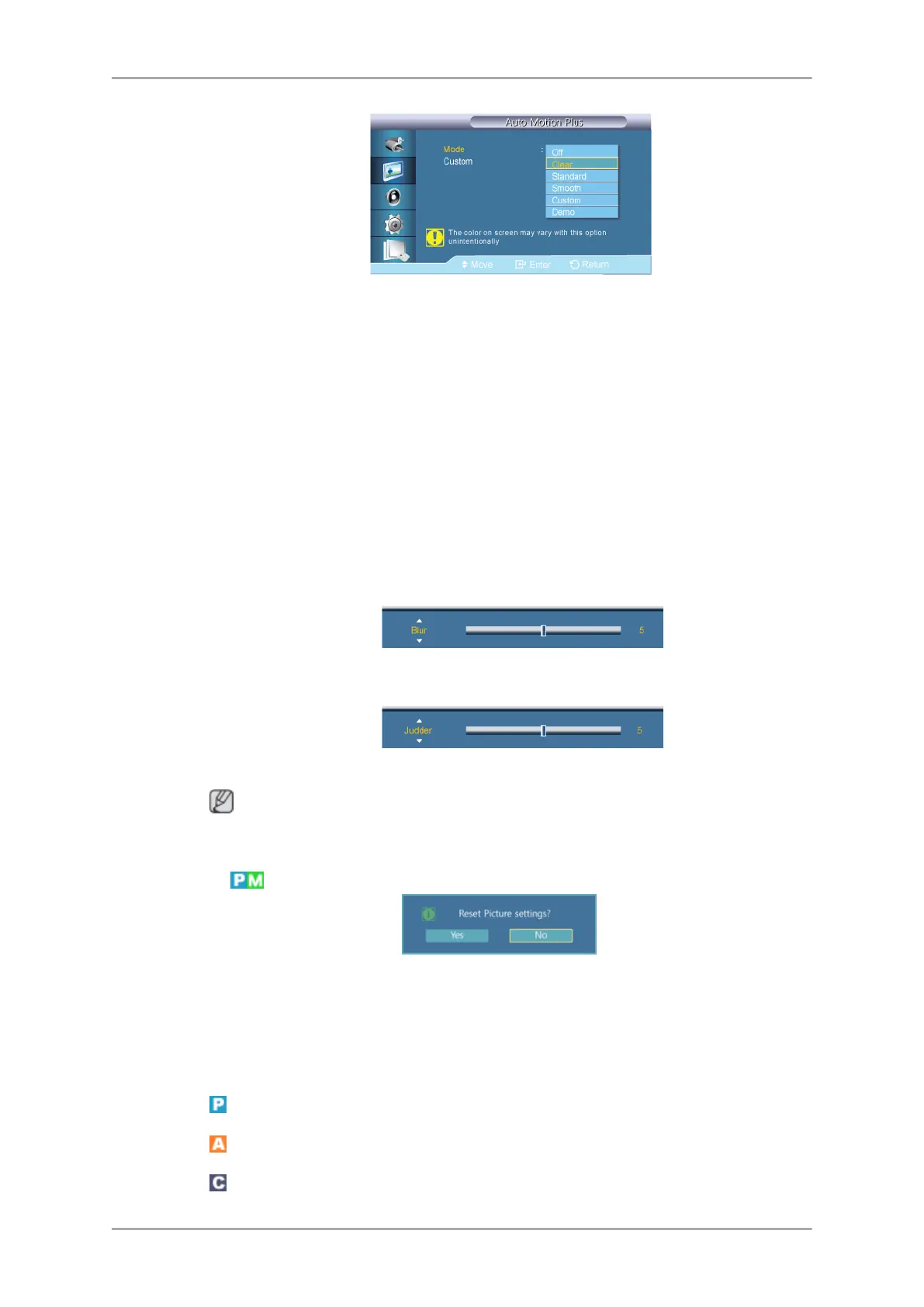
• Off : switches Auto Motion Plus off.
• Clear : sets Auto Motion Plus to Clear (suitable for viewing moving images clearly)
mode.
• Standard : sets Auto Motion Plus to Standard mode.
• Smooth : sets Auto Motion Plus to Smooth (suitable for viewing moving images
naturally) mode.
• Custom : use to reduce the afterimage and judder as much as you want.
• Demo : demonstrates Auto Motion Plus (the picture will be displayed on the left half
of the screen when Auto Motion Plus is set to on).
• Custom
•
Blur : use to reduce the afterimage as much as you want.
•
Judder : use to reduce the judder as much as you want.
Note
The color on screen may vary with this option unintentionally.
Picture Reset
Reset the screen settings.
Picture [ AV / HDMI / Component Mode]
Available Modes
•
PC / DVI / DisplayPort
•
AV
•
Component
Adjusting the LCD Display









 To Next Page