comes back on if MUTE or - VOL + is pressed in the Mute
mode.
CH/P
In TV mode, selects TV channels.
- This is activated when a TV tuner box is installed.
TV
Allows you to watch an analogue or digital TV.
- This is activated when a TV tuner box is installed.
MENU
Opens the on-screen menu and exits from the menu or
closes the adjustment menu.
RETURN
Returns to the previous menu.
EXIT
Exits from the menu screen.
MagicInfo
MagicInfo Quick Launch Button.
Note
This button is disabled for products that do not support
MagicInfo.
User Installation Guide
Note
• Be sure to call an installation expert of Samsung Electronics to install the product.
• The warranty becomes invalid if the product is installed by someone other than a profes-
sional authorized by Samsung Electronics.
• A Samsung Electronics service center can provide details.
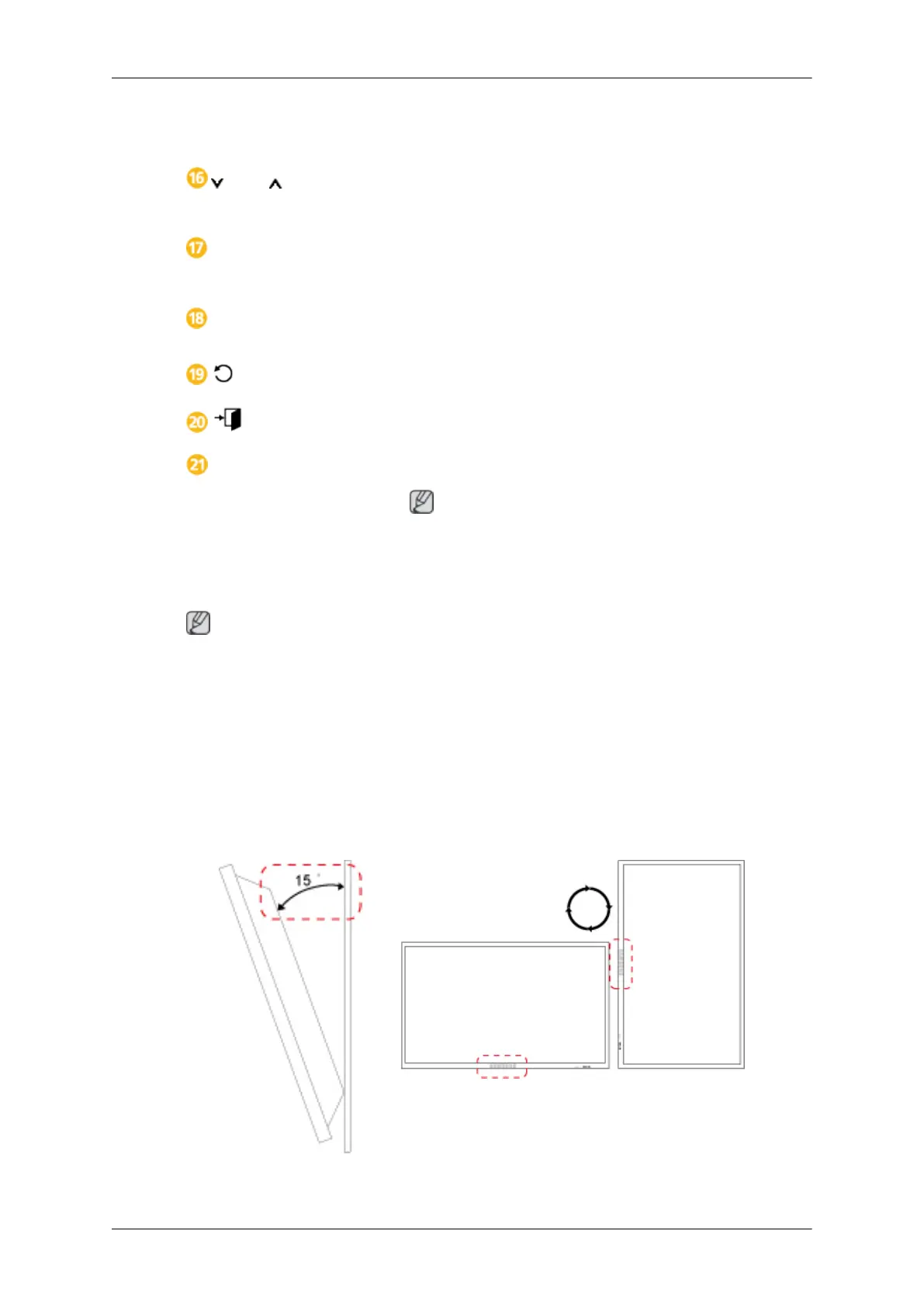
Tilt Angle and Rotation
1 2
1. The product can be tilted up to 15 degrees from a vertical wall.
Introduction









 To Next Page