Adjusts the inverter lamp in order to reduce energy consumption.
Note
Not available when Dynamic Contrast is set to On.
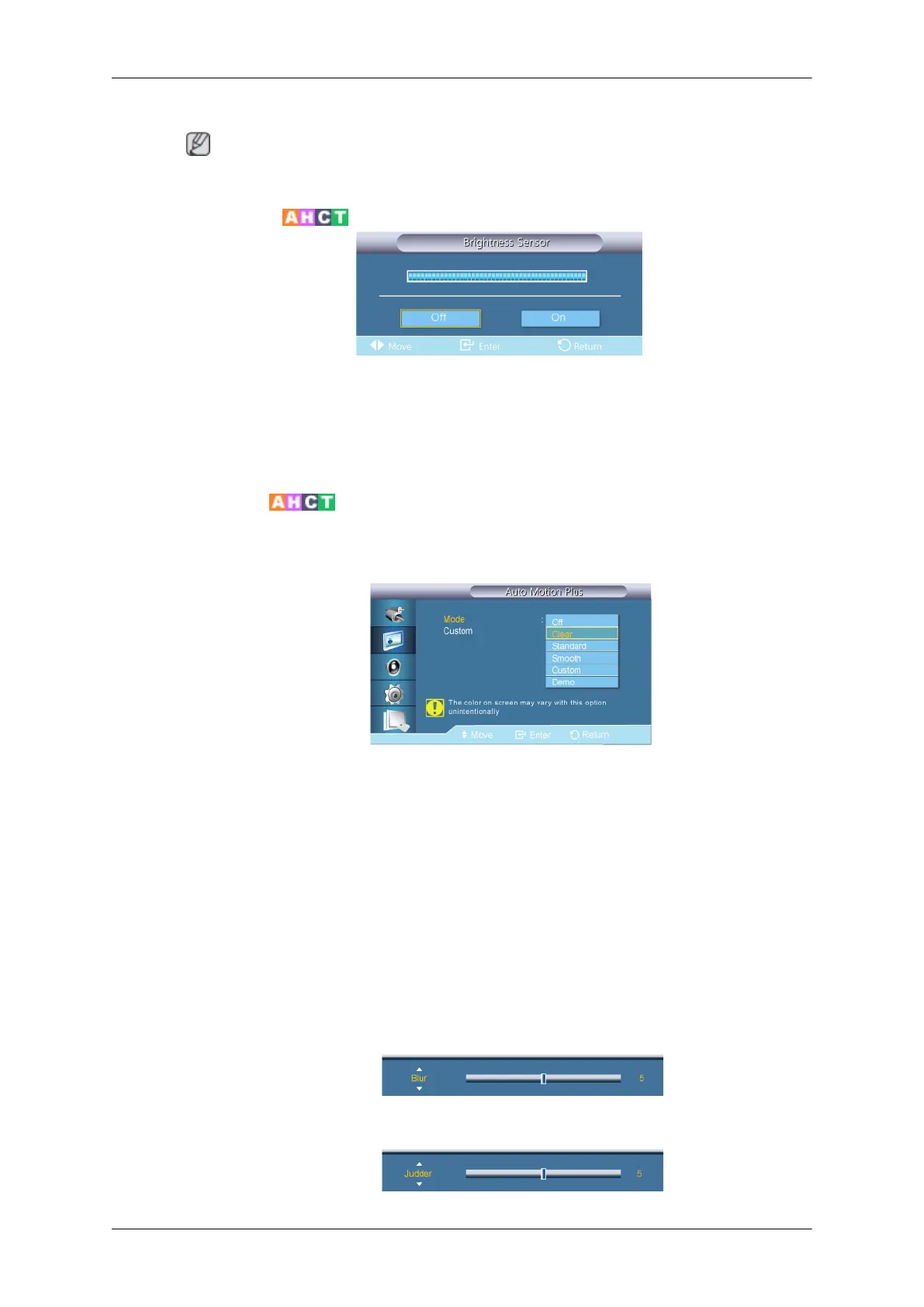
Brightness Sensor
Brightness Sensor detects the ambient light intensity so that the picture brightness can
automatically be adjusted.
1. Off
2. On
Auto Motion Plus
This feature can be used to view fast moving scenes.
• Mode
• Off : switches Auto Motion Plus off.
• Clear : sets Auto Motion Plus to Clear (suitable for viewing moving images clearly)
mode.
• Standard : sets Auto Motion Plus to Standard mode.
• Smooth : sets Auto Motion Plus to Smooth (suitable for viewing moving images
naturally) mode.
• Custom : use to reduce the afterimage and judder as much as you want.
• Demo : demonstrates Auto Motion Plus (the picture will be displayed on the left half
of the screen when Auto Motion Plus is set to on).
• Custom
•
Blur : use to reduce the afterimage as much as you want.
•
Adjusting the LCD Display











 To Next Page