Personal Computer recognizes the screen size of TV or Monitor.
• Get Screen Size Status
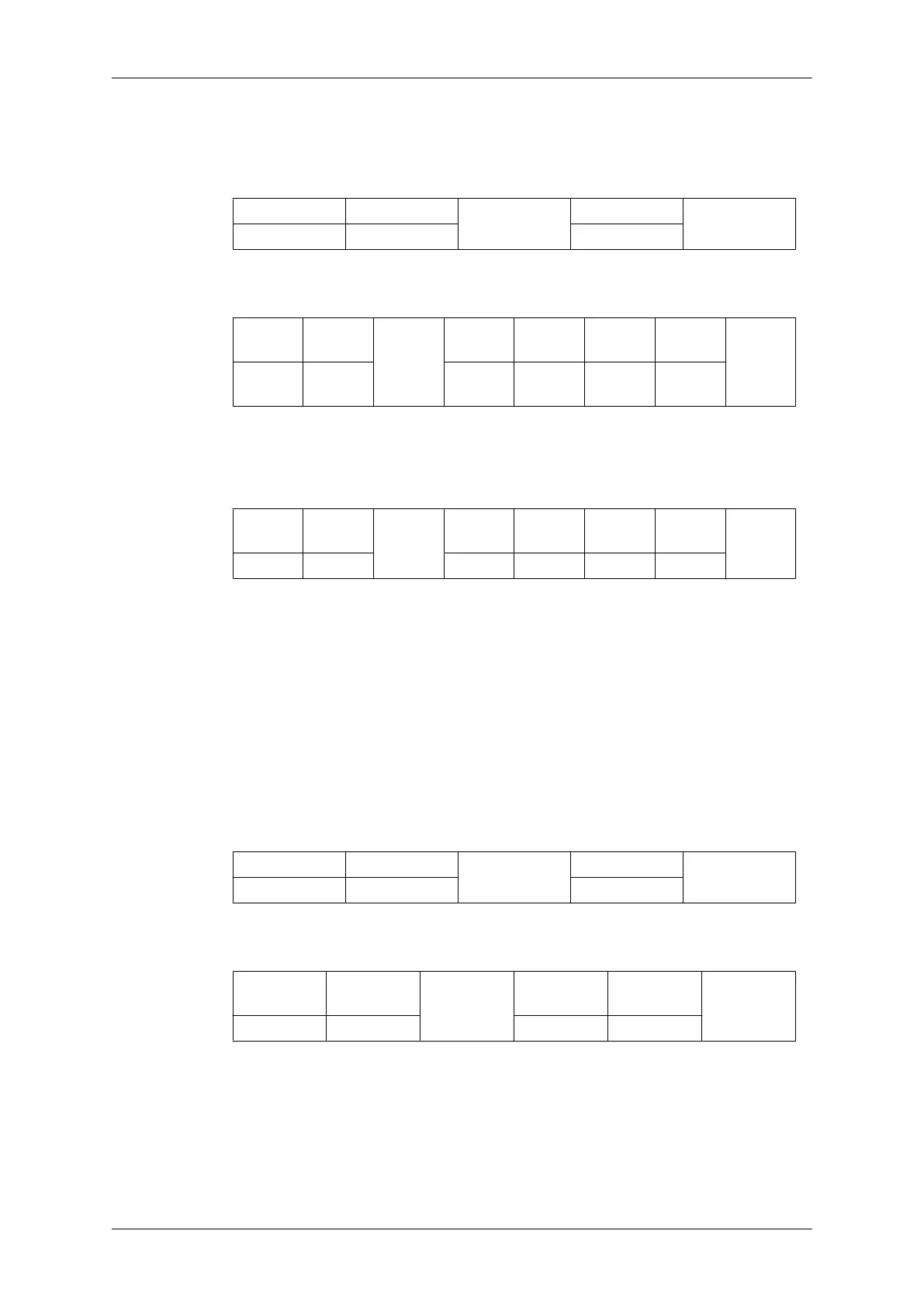
Header command
ID
DATA Length
CheckSum
0xAA 0x19 0
• Ack
Header
com-
mand
ID
DATA
Length
Ack/Nak r-CMD Val1
Check
Sum
0xAA 0xFF 3 ‘A’ 0x19
Screen
Size
Screen Size : Screen Size of TV or Monitor (Range : 0 ~ 255, Unit : Inch)
• Nak
Header
com-
mand
ID
DATA
Length
Ack/Nak r-CMD Val1
Check
Sum
0xAA 0xFF 3 ‘N’ 0x19 ERR
ERR : Error code that shows what occurred error is
• PIP ON / OFF Control
• Function
The PC turns the PIP function of a TV or Monitor ON / OFF.
This does not operate in MagicInfo mode.
• Get the PIP ON / OFF Status
Header
command
ID
DATA Length
CheckSum
0xAA 0x3C 0
• Set the PIP ON / OFF
Header command
ID
DATA
Length
DATA
CheckSum
0xAA 0x3C 1 PIP
PIP : The PIP ON / OFF code to set for the TV or Monitor
1 : PIP ON
0 : PIP OFF
•
Ack
Introduction









 To Next Page