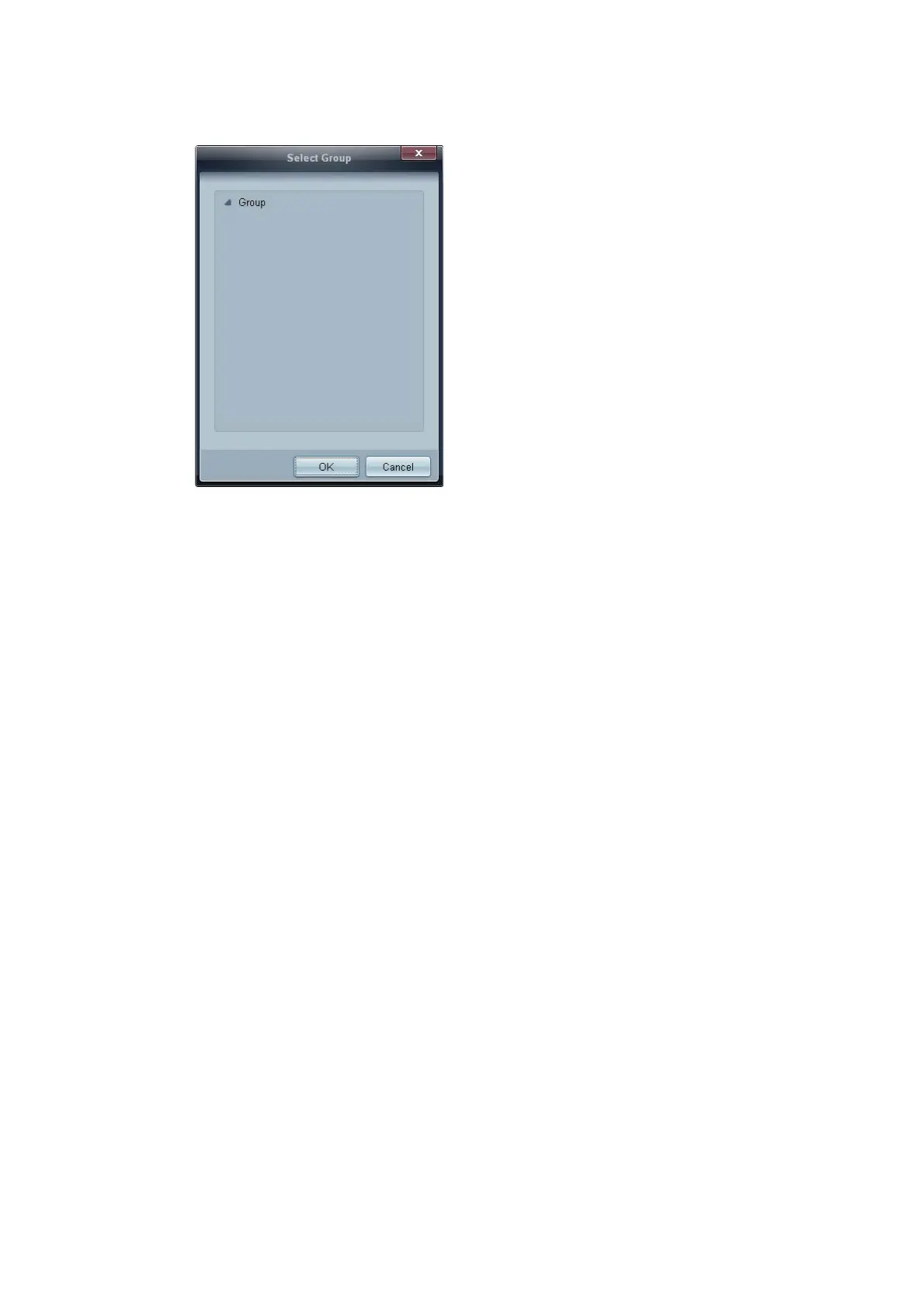
3 Click Add below the Device Group item, and select the group you want to add a schedule to.
4 Select Date&Time/Action and click OK. The schedule will be added and a list of schedules will
appear in the set list window.
z Device Group: Select a group.
z Date&Time
Instant Execution: Run the schedule immediately.
Timer Set the date, time and interval to run the schedule.
z Action: Select a function that will activate at the specified time and interval.
Schedule Modification
To modify a schedule, select the schedule and click Edit.
Deleting a Schedule
To delete a schedule, select the schedule and click Delete.











 To Next Page