Recommended for displaying advertisements (e.g. videos or indoor or outdoor ads).
3. Custom
Custom
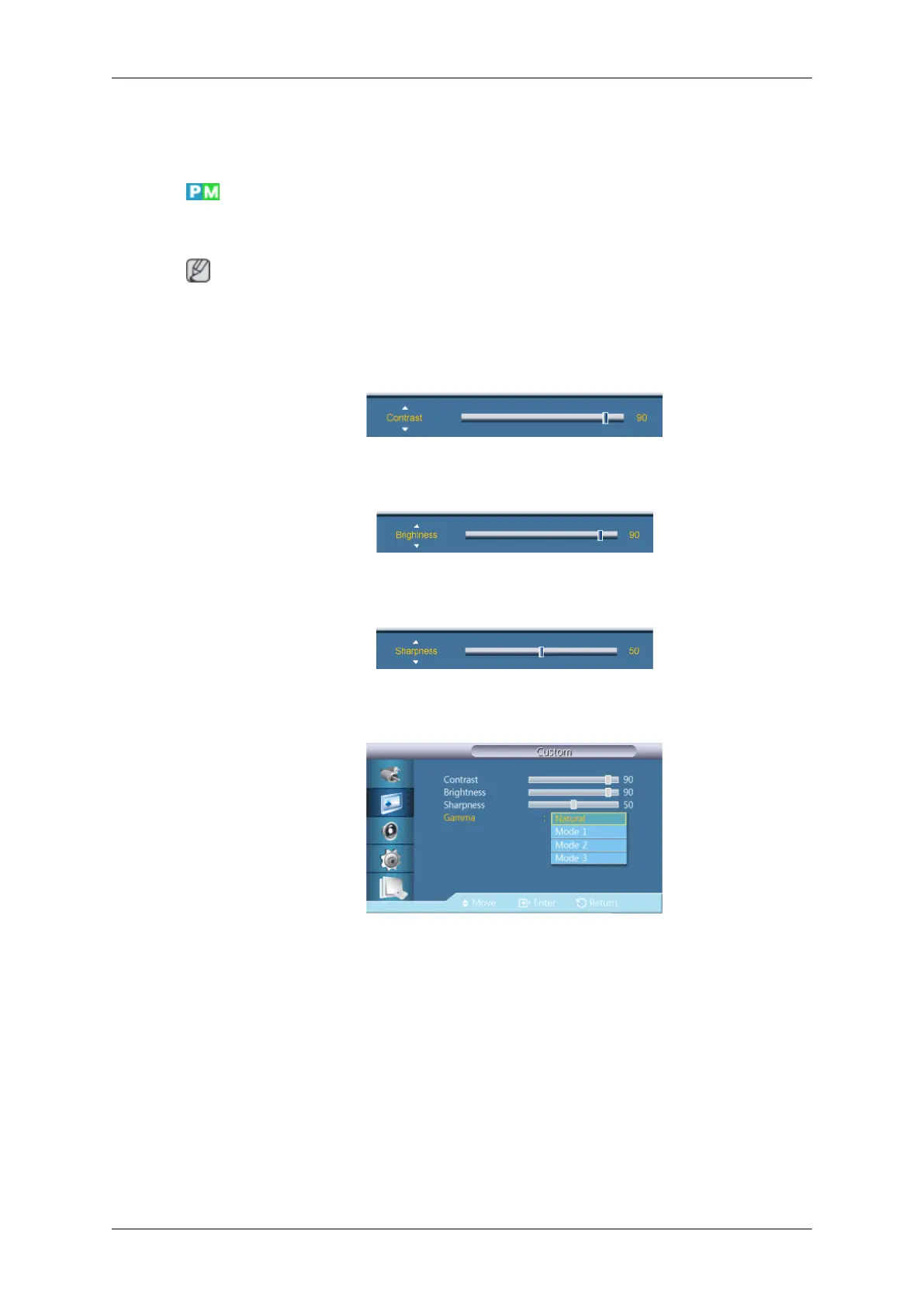
By using the on-screen menus, the contrast and brightness can be changed to your personal
preference.
Note
• By adjusting the picture using the Custom function, Mode will change to Custom mode.
• Not available when Dynamic Contrast is set to On.
1. Contrast
Adjusts the Contrast.
2. Brightness
Adjusts the Brightness.
3. Sharpness
Adjusts the Sharpness.
4. Gamma
Adjust the mid-range brightness (Gamma) for the picture.
• Natural
• Mode 1
Sets the picture brighter than Natural.
• Mode 2
Sets the picture darker than Mode 1.
• Mode 3
Increases the contrast between dark and bright colors.
Adjusting the LCD Display









 To Next Page