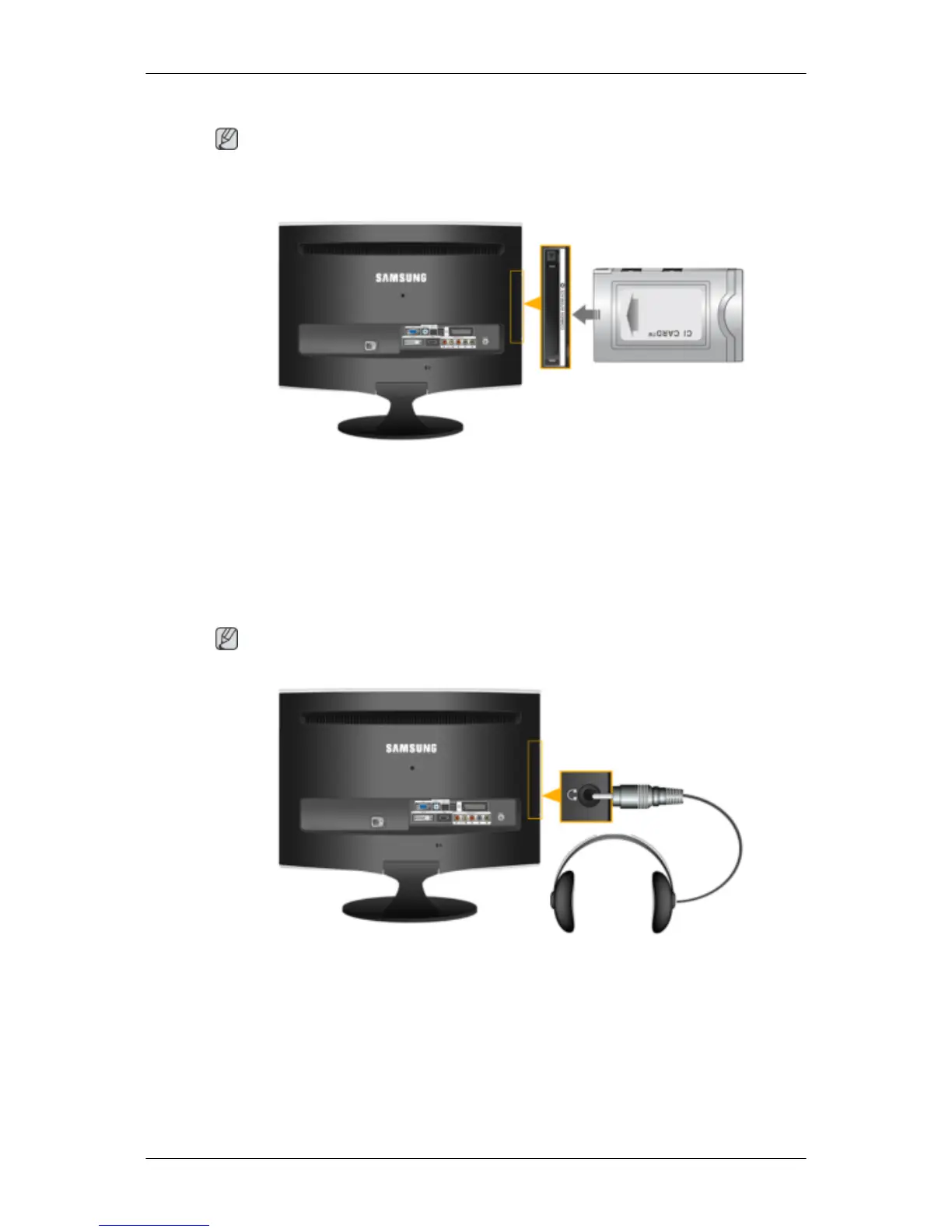
Connecting COMMON INTERFACE
Note
You can install the CAM anytime whether the TV is ON or OFF.
Purchase the CI CAM module by visiting your nearest dealer or by phone.
1. Insert the CI CARD into the CAM in the direction of the arrow until it fits.
2.
Insert the CAM with the CI CARD installed into the common interface slot.
(Insert the CAM in the direction of the arrow, right up to the end so that it is parallel with
the slot.)
3. Check if you can see a picture on a scrambled signal channel.
Connecting Headphone
Note
You may connect your headphones to the monitor.
1. Connect your headphones to the Headphone connection terminal.
Connections













 To Next Page