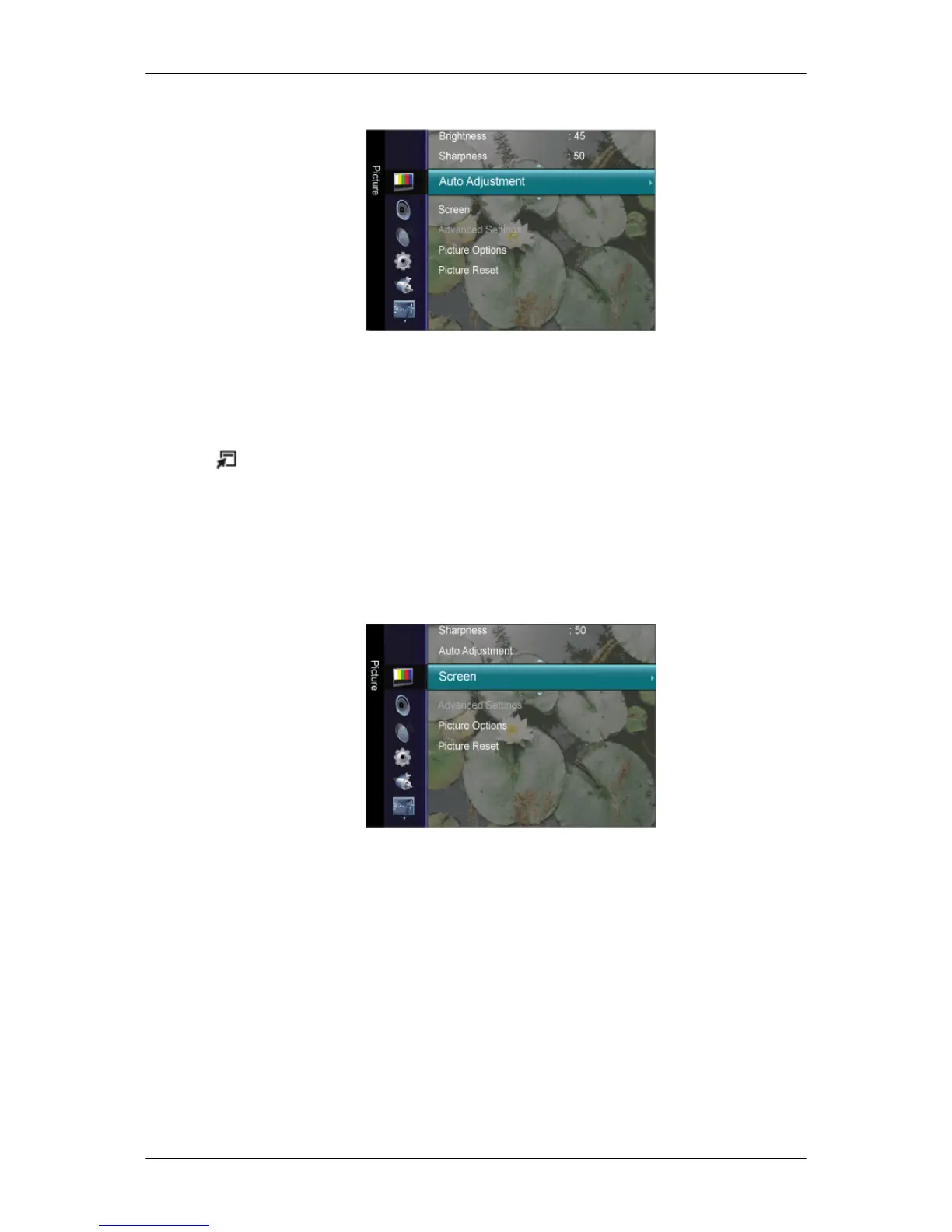
Auto Adjustment
The values of Fine, Coarse, Position are adjusted automatically.
By changing the resolution in the control panel, auto function is performed.
The direct button on the remote control is the 'AUTO' button.
Press the
TOOLS
button to display the Tools menu. You can also set the Auto Adjust-
ment by selecting Tools → Auto Adjustment.
(Available in PC Mode Only)
Screen
(Available in PC mode only)
• Coarse
Removes noise such as vertical stripes.
Coarse
adjustment may move the screen image area. You may relocate it to the center
using the horizontal control menu.
• Fine
Removes noise such as horizontal stripes.
If the noise persists even after Fine tuning, repeat it after adjusting the frequency (clock
speed).
• PC Position
Adjusting the LCD Display













 To Next Page