Press the
TOOLS
button to display the Tools menu. You can also set the MagicBright by
selecting Tools → MagicBright.
• Entertain
High Brightness
For watching motion pictures such as a DVD or VCD
• Internet
For working with a mixture of images such as texts and graphics.
• Text
For documents or works involving heavy text.
• Dynamic Contrast
Dynamic Contrast automatically detects the distribution of the visual signal and adjusts to
create an optimum contrast.
• Custom
Although the values are carefully chosen by our engineers, the pre-configured values may
not be comfortable to your eyes depending on your taste.
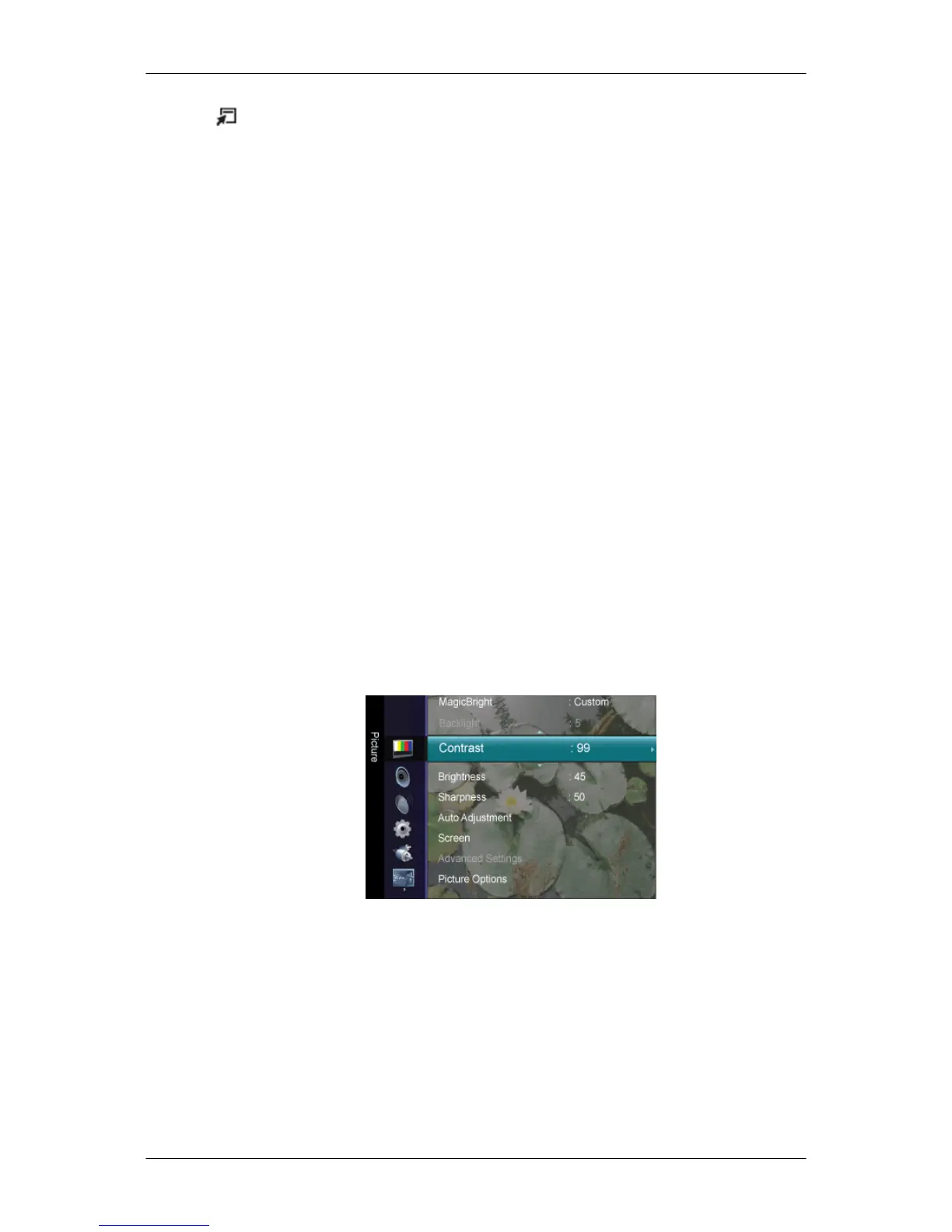
If this is the case, adjust the Brightness and Contrast by using the OSD menu.
Contrast / Brightness / Sharpness
(Not available when MagicBright is Dynamic Contrast.)
You can use the on-screen menus to change the contrast and brightness according to per-
sonal preference.
• Contrast : Adjust the Contrast.
• Brightness : Adjust the Brightness.
• Sharpness : Adjust the Sharpness.
Adjusting the LCD Display













 To Next Page