Note
Press the
TOOLS
button to use the option menu.
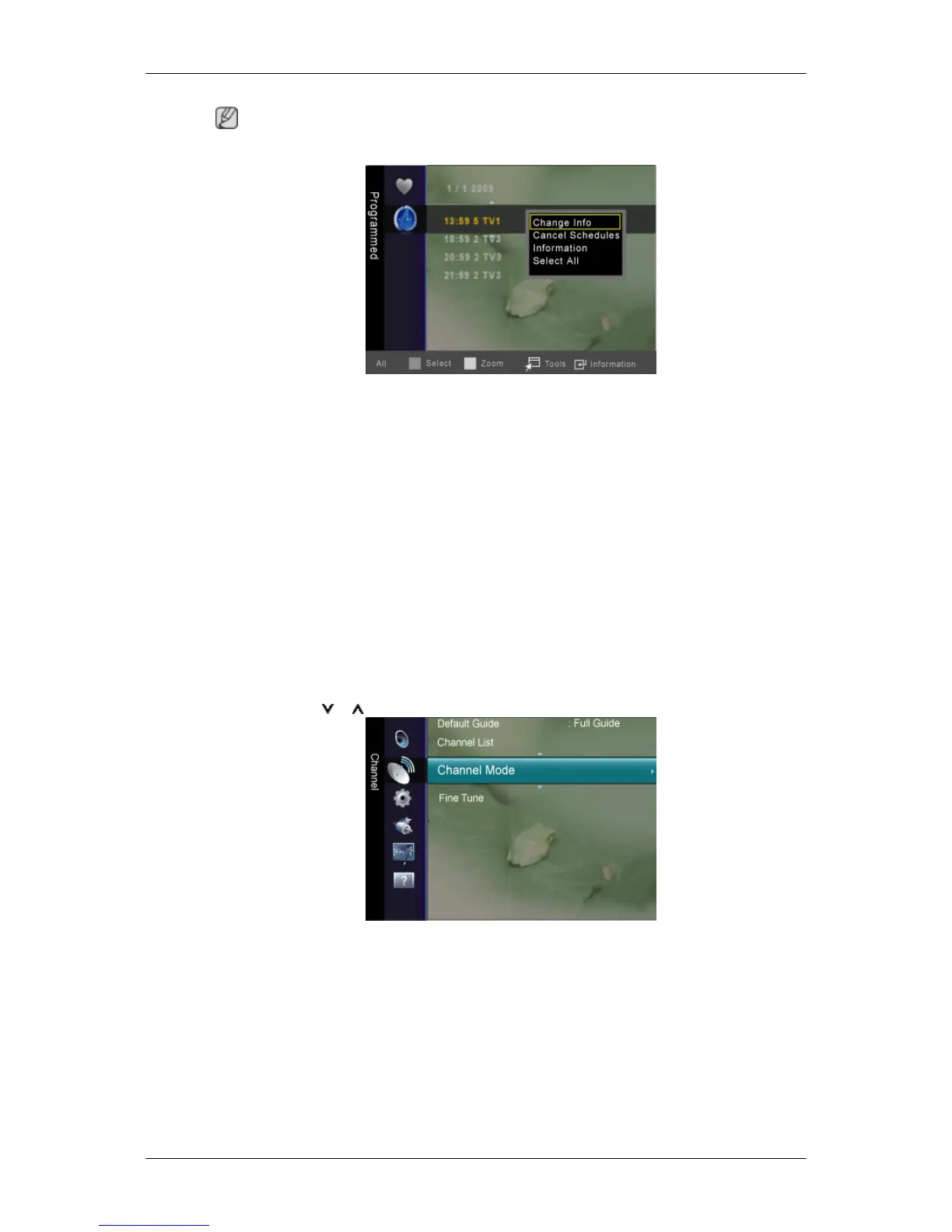
Change Info
Select to change a viewing reservation.
Cancel Schedules
Select to cancel a viewing reservation.
Information
Select to view a viewing reservation. (You can also change the reservation information.)
Select All
Select all reserved programmes.
Channel Mode
When press the P button, Channels will be switched within the selected channel list.
• Added Ch : Channels will be switched within the memorized channel list.
• Favourite Ch : Channels will be switched within the favourite channel list.
Adjusting the LCD Display













 To Next Page