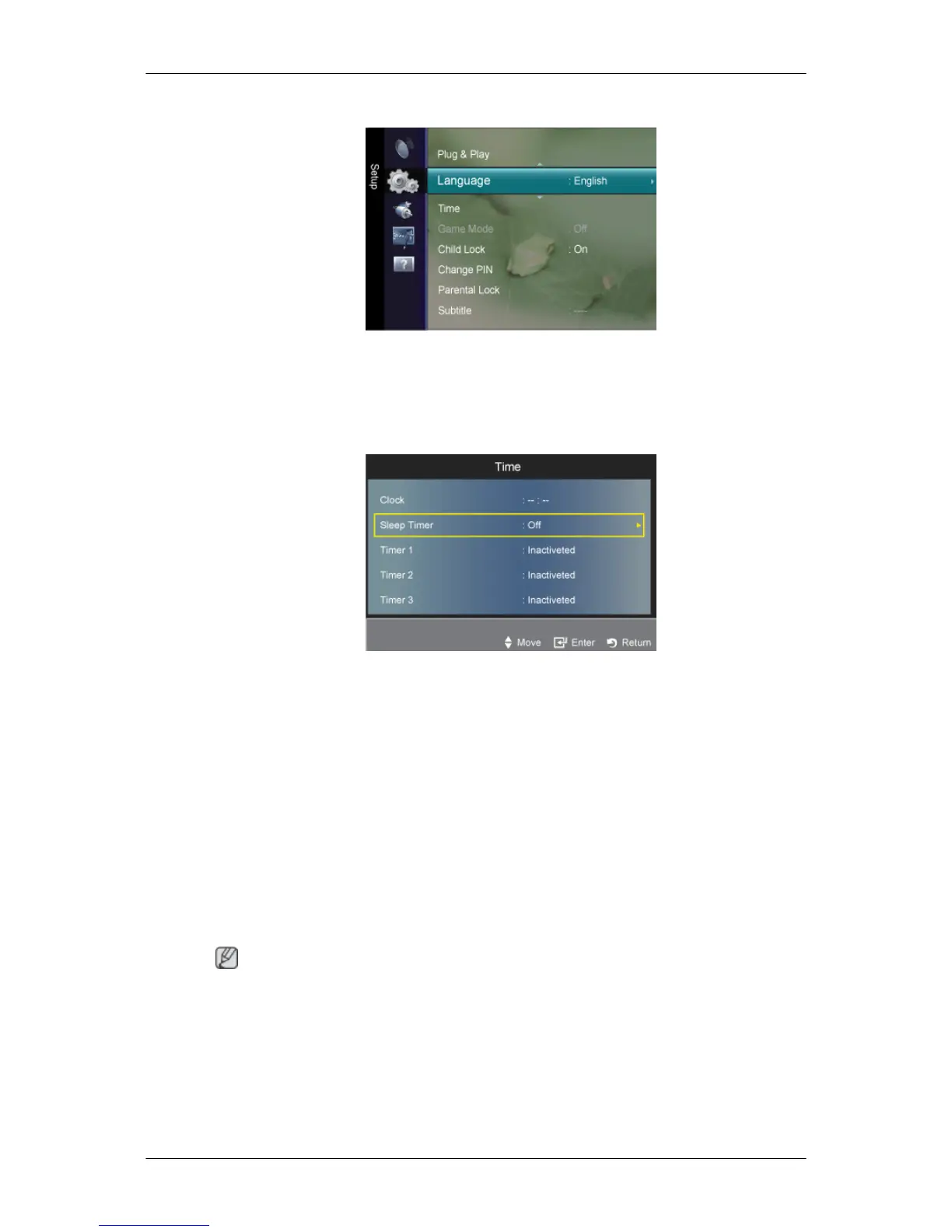
Language
You can set the menu language.
The language chosen affects only the language of the OSD.
Time
Clock
Setting the clock is necessary in order to use the various timer features of the TV.
The current time will appear every time you press the
INFO
button.
If you disconnect the power cord, you have to set the clock again.
Clock Mode
You can set up the current time manually or automatically.
• Auto : Set the current time automatically using the time from the digital broadcast.
• Manual : Set the current time to a manually specified time.
Note
Depending
on the broadcast station and signal, the auto time may not be set correctly. If this
occurs, set the time manually.
The antenna or cable must be connected in order to set the time automatically.
Clock Set
You can set the current time manually.
Adjusting the LCD Display













 To Next Page