To... Then...
Toggle between the Now & Next Guide
or Full Guide
Press the red button repeatedly.
Scrolls backwards quickly (24 hours) Press the green button repeatedly.
Scrolls forward quickly (24 hours) Press the yellow button repeatedly.
Exit the guide Press the EXIT button.
Note
The
programme title is on the upper part of the screen center. Please click on
INFO
button
for the detailed information. Channel Number, Running Time, Status Bar, Parental Level,
Video Quality Information(HD/SD), Sound Modes, Subtitle or Teletext, Languages of Subtitle
or Teletext, and brief summary of the highlighted programme are included on the detailed
information.
“... “ will be appeared if the summary is long.
Six channels are displayed. To scroll between channels, move to a channel using the
or
button. To display page by page, use the ¸ or button.
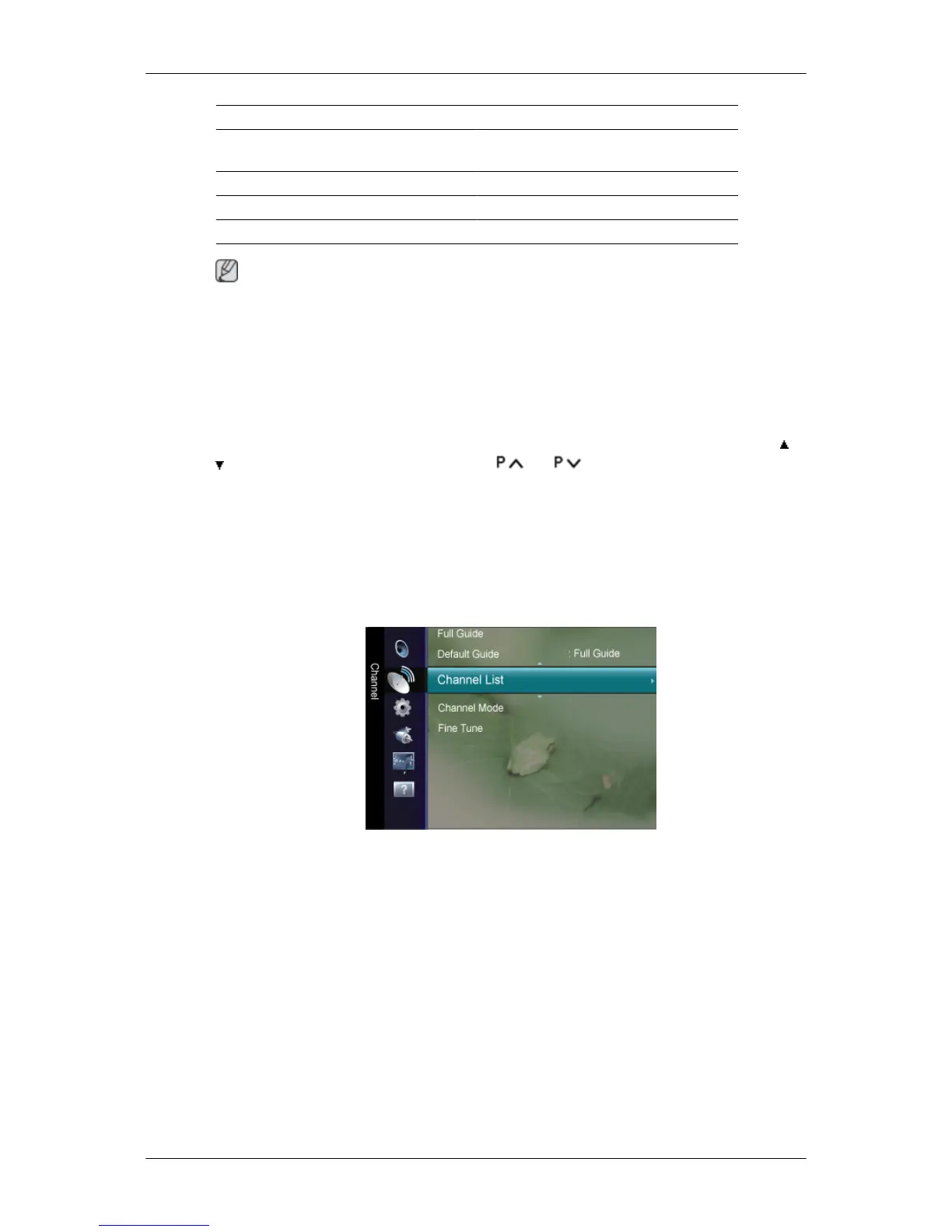
Default Guide
You can decide whether to display either the Now & Next Guide or the Full Guide when the
GUIDE
button on the remote control is pressed.
• Now & Next / Full Guide
Channel List
Using this menu, you can add / delete or set favourites channels and use the programme
guide for digital broadcasts.
You can select these options by simply pressing the
CH LIST
button on the remote control.
All Channels
Shows all currently available channels.
Adjusting the LCD Display













 To Next Page