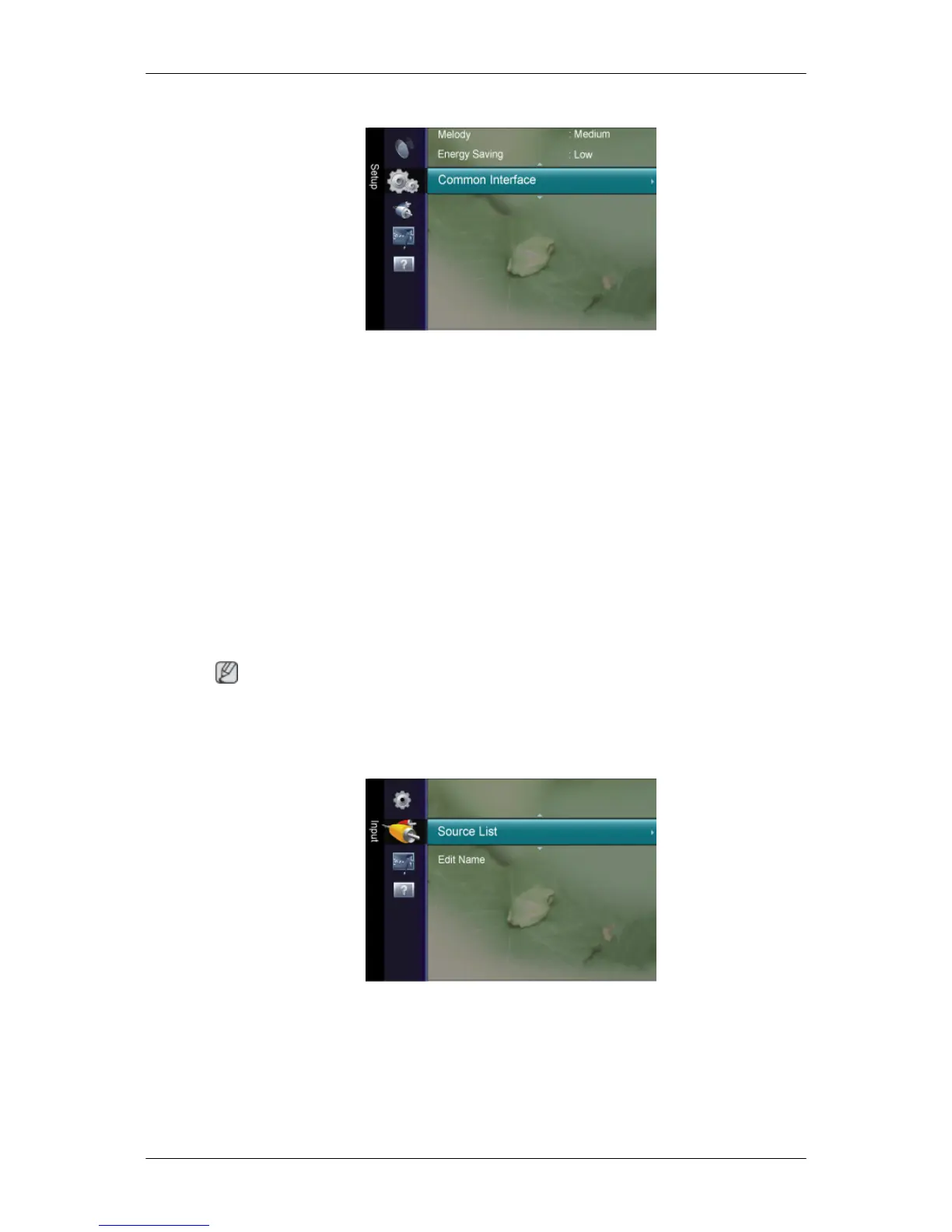
Common Interface
CI Menu
This enables the user to select from the CAM-provided menu.
Select the CI Menu based on the menu PC Card.
Application Info.
This contains information on CAM inserted in the CI slot and displays it.
The
Application Info inserting is about the CI CARD. You can install the CAM anytime whether
the TV is ON or OFF.
Input
Note
The
default setting may be different depending on the selected Input Mode (input signal
source selected in External Input List) and the selected resolution.
Source List
Use to select PC, TV or other external input source connected to the product.Use to select
the screen of your choice.
Press the
SOURCE
button on the remote control to view an external signal source.
PC / TV / Ext. / DVI / Component / HDMI1 / HDMI2
Adjusting the LCD Display













 To Next Page