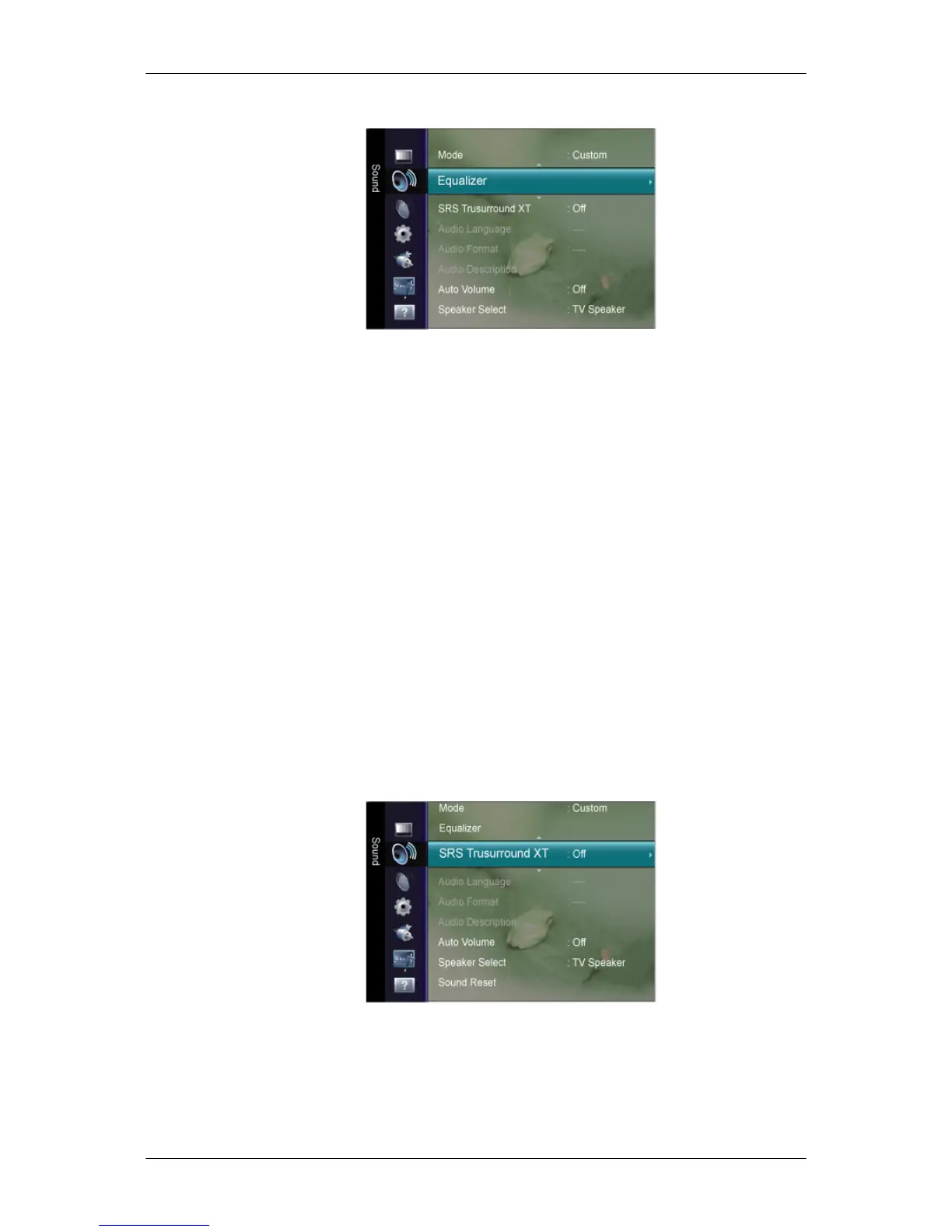
Equalizer
You can adjust the left and right sound balance and the low or high volume as you want.
The sound settings can be adjusted to suit your personal preference.
Mode
Selects the sound mode among the predefined settings.
Balance
Adjusts the balance between the right and left speaker.
100Hz / 300Hz / 1kHz / 3kHz / 10kHz
To adjust the level of different bandwidth frequencies.
Reset
Resets the equalizer settings to the default values.
SRS TruSurround XT
SRS TruSurround XT
is a patented SRS technology that solves the problem of playing 5.1
multichannel content over two speakers.
TruSurround delivers a compelling, virtual surround sound experience through any two-
speaker playback system, including internal television speakers. It is fully compatible with all
multichannel formats.
Adjusting the LCD Display













 To Next Page