• R-Offset : Adjusts the red colour darkness.
• G-Offset : Adjusts the green colour darkness.
• B-Offset : Adjusts the blue colour darkness.
• R-Gain : Adjusts the red colour brightness.
• G-Gain : Adjusts the green colour brightness.
• B-Gain : Adjusts the blue colour brightness.
• Reset : The previously adjusted white balance will be reset to the factory defaults.
Flesh Tone
You can emphasize the pink Flesh Tone in the picture.
Note
Changing the adjustment value will refresh the adjusted screen.
Edge Enhancement
You can emphasize object boundaries in the picture.
• Off / On
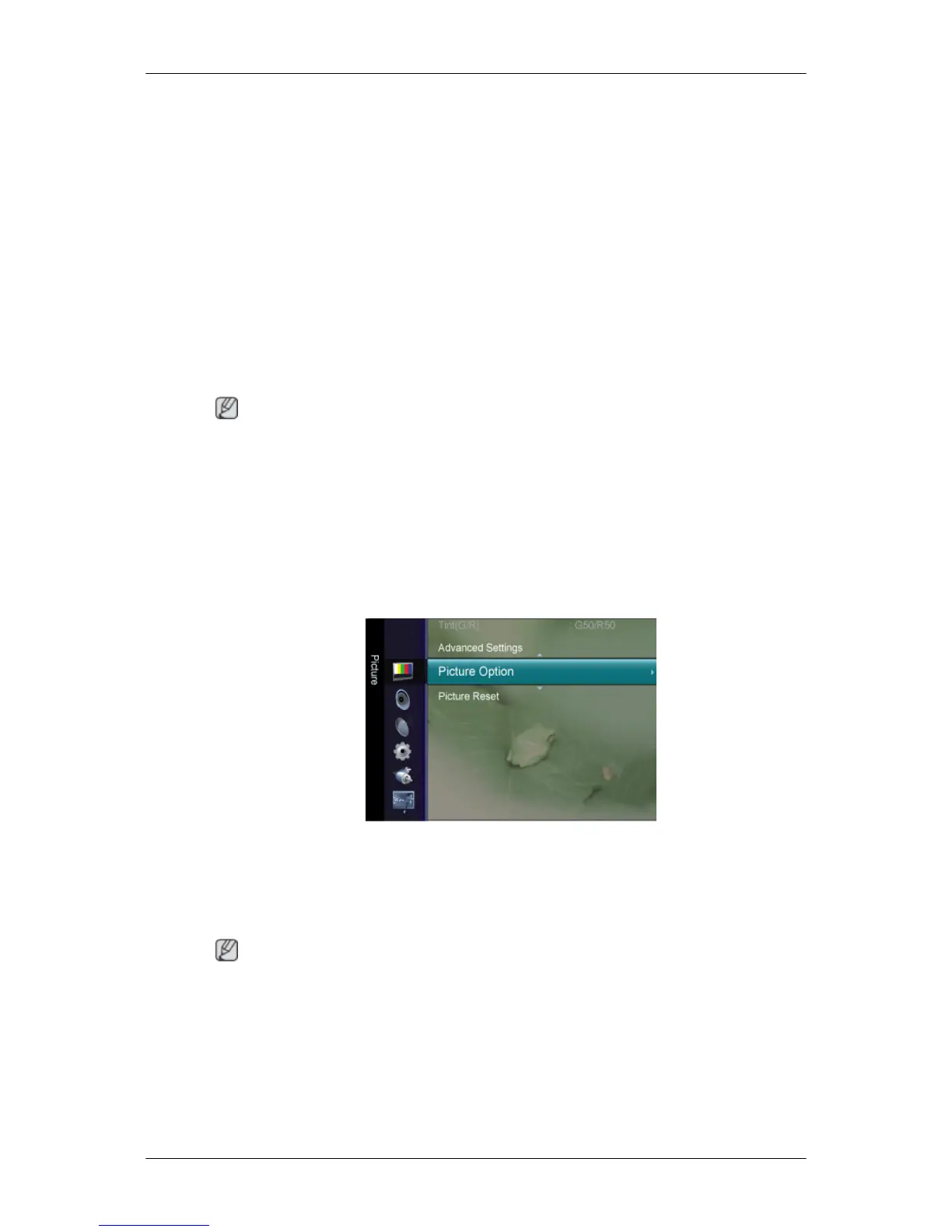
Picture Option
Colour Tone
The tone of the color can be changed.
• Cool / Normal / Warm1 / Warm2
Note
“Warm1” or “Warm2” is only activated when the picture mode is “Movie”.
Settings
can be adjusted and stored for each external device you have connected to an input
of the TV.
Size
You can switch the Size.
Adjusting the LCD Display













 To Next Page