40
Camera and Video
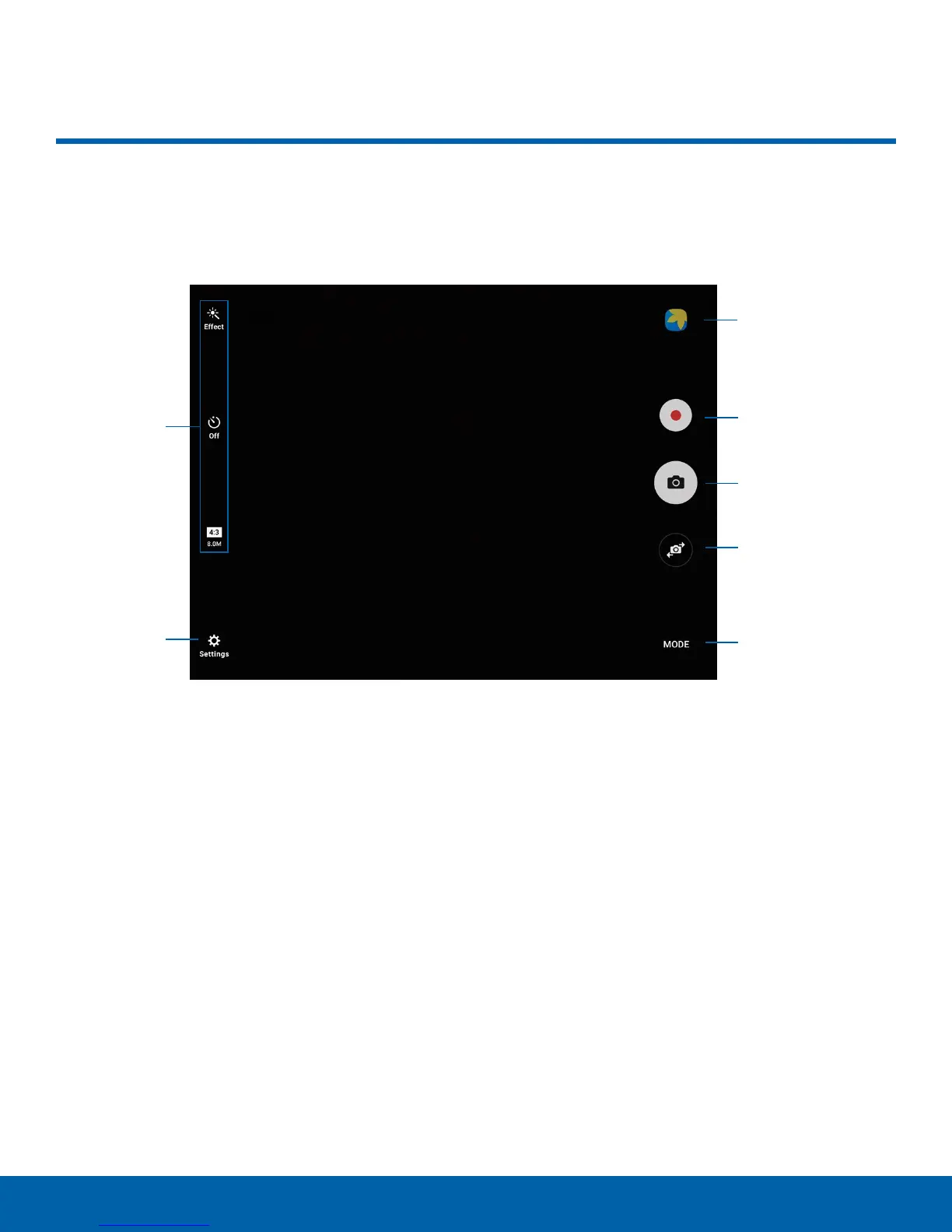
Quick
settings
More
settings
Gallery
Record video
Take a picture
Switch cameras
Shooting mode
Camera and Video
Take pictures and record videos with the Camera app.
•
Gallery: Open the Gallery to view photos and
videos.
•
Record video: Record a video.
•
Take a picture: Take a picture.
•
Switch cameras: Switch between the rear and
front cameras.
•
Shooting mode: Change the shooting mode.
•
More settings: Configure other camera settings.
•
Quick settings: Select camera settings or
options.















 To Next Page