3
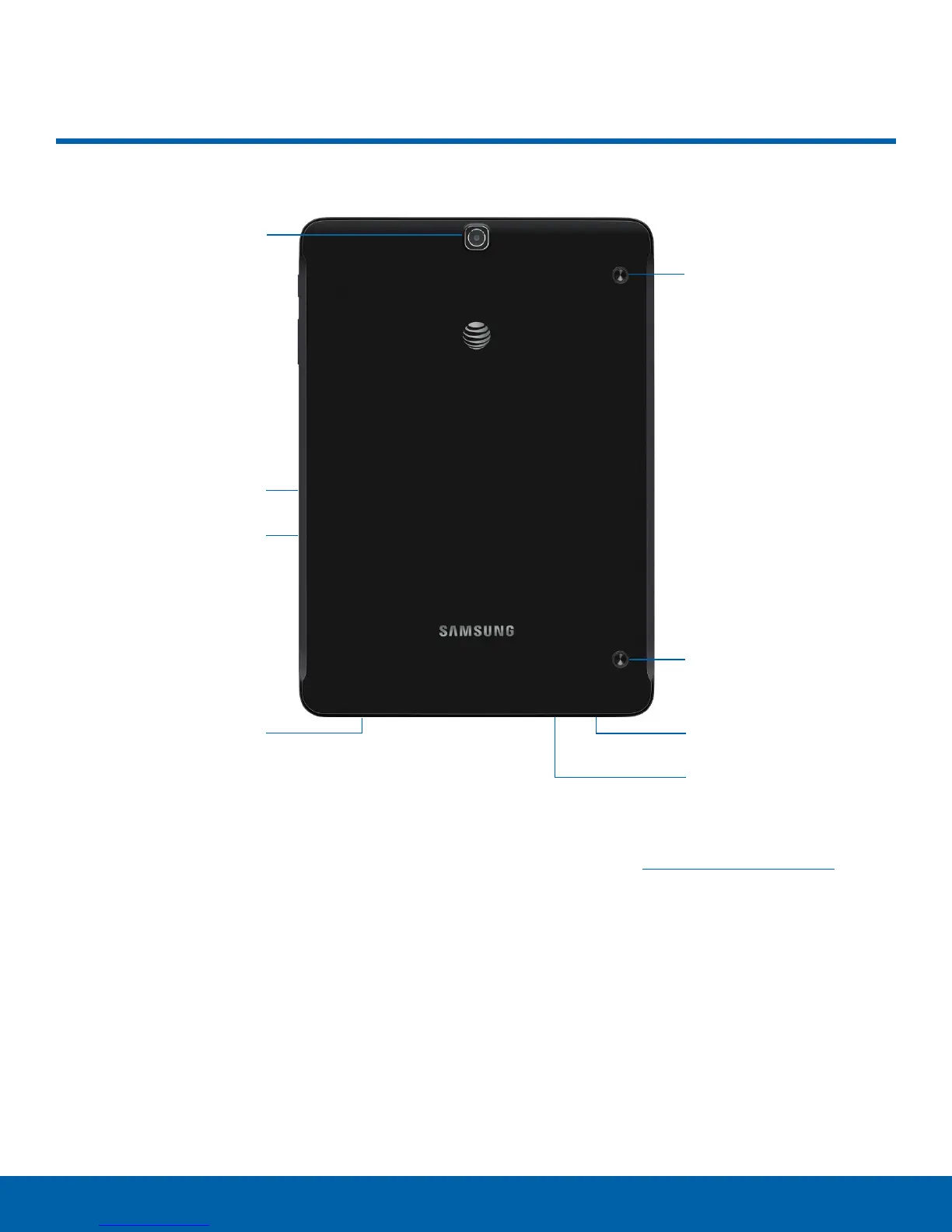
Back View
Rear camera
Memory card slot
SIM card slot
Speaker
Simple clicker
Simple clicker
Speaker
Headset jack
Back View
•
Simple clicker: Securely attach optional covers
(not included) to these retractable attachment
points.
•
Speaker: Play music and other sounds.
•
Headset jack: Connect an optional headset
(notincluded).
•
SIM card slot: Install the SIM card here. For more
information, see Install the Nano SIMCard.
•
Memory card slot: Install an optional memory
card (not included) for storage of files.
•
Rear camera: Take pictures and record videos.















 To Next Page