SPECIAL FEATURES ]
Changing the Screen Size
(For models TSK2792F/TSK2790F/TSK3292F/TSK3290F/
TS L3294HF/TSL3295HF/TSL2795HF)
1
Normal : Sets the picture to 4:3 normal mode.
This is a standard TV screen size.
Wide : Sets the picture to 16:9 wide mode.
Zoom : Sets the picture to Zoom mode.
Changing the Screen Size
(For models TSK3092WF/TSL3095WHF)
1
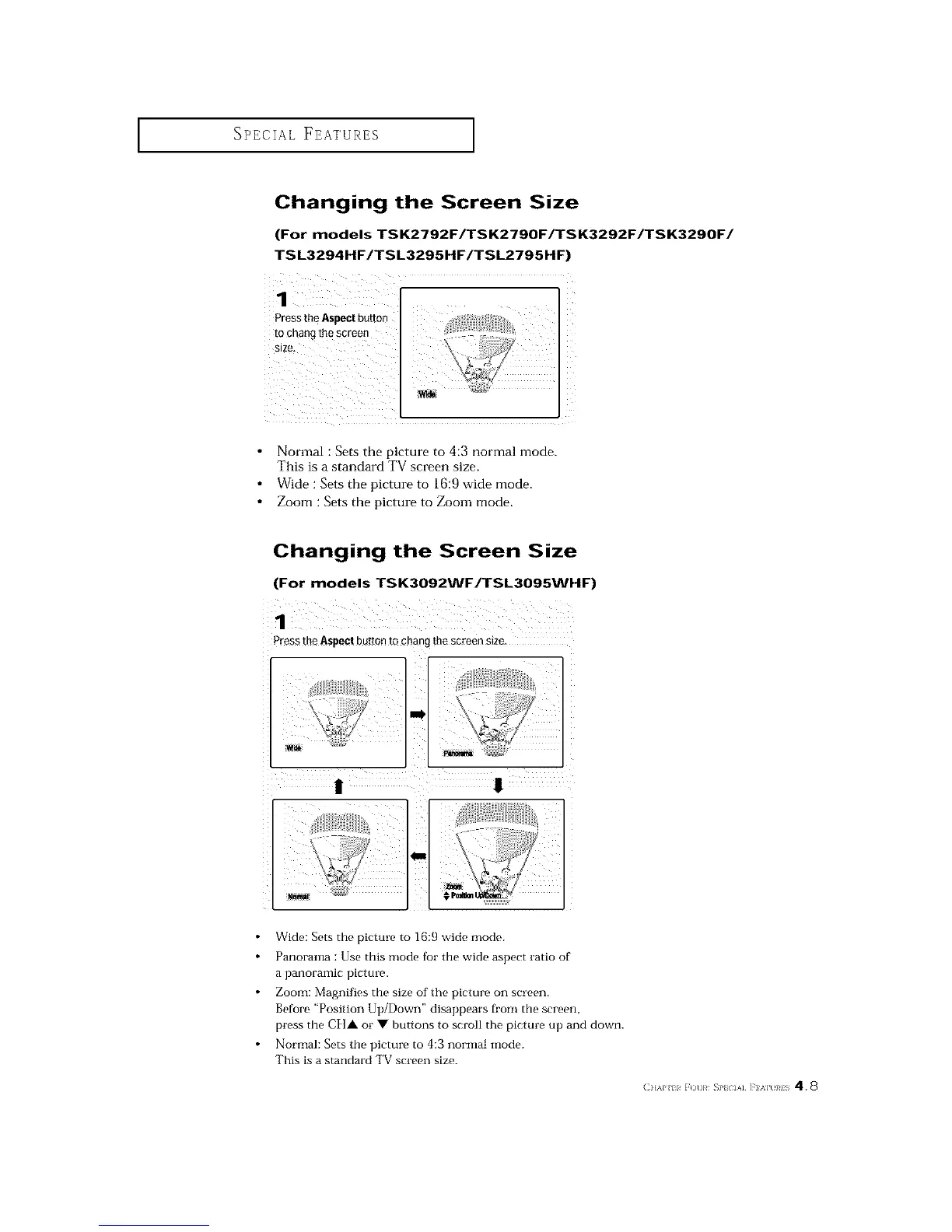
Press the Aspect buttonto chang me screen s_ze
Wide: Sets the picture to 16:9 wide mode.
Panorama : Use this mode for the wide aspect ratio of
a panoramic picture.
Zoom: Magnifies the size of the picture on screen.
Before "Position Up/Down" disappears fi'om the screen,
press the C][]A or • buttons to scroll the picture up and down.
Normal: Sets the picture to 4:3 normal mode.
This is a standard TV screen size.
(]]&P 11 r ()t]}¢ _}'l IA] ]'] %] }¢IS 4.8






 To Next Page