SPECIAL FEATURES ]
Freezing the Picture
Press the Still picture button to freeze a moving picture.
(Normal sound wilt still be heard,)
Press again t0 canceJ_
Using the R.Surf
This feature allows you to set the TV to return to a particular channel after a certain
amount of time. For example, you may be watching a channel when commercials
start. Yuu can set the Surf to "5 minutes", then switch channels. After 5 minutes,
the TV will return to the original channel. Tu use the R.Surf:
1
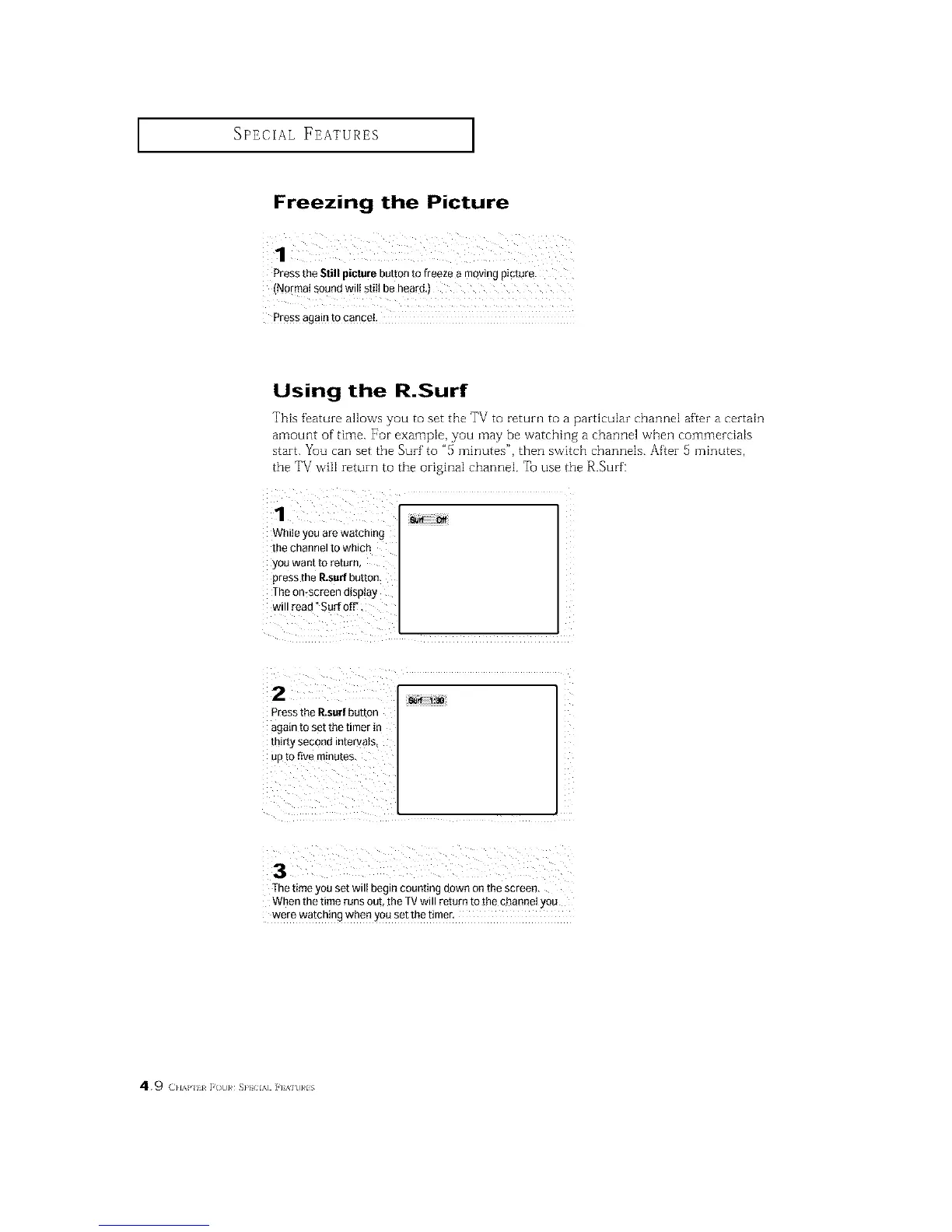
While you are watching
the channel to which
you want to return,
press the P_surfbutton.
The on*screen display
will read °Sad off'
Pressthe P_surfbutton
again to set the timer in
thirty second intervats_
up tOfive m!nu!es,
The time you set wilt begin counting down on the screen,
When the time runs out, the TVwill return to [he channel you
were watching when you set the tirner,
4.9 (}lAP ii F( t]}# SP} IA] ]'] %]t]}#lS






 To Next Page