SPECIAL FEATURES ]
6
How to set the F\ D,L,S and V sub-ratmgs.
First, n_ghlight one of these TV-Ratings:TV-YT.TV-PG TV*14or TV-MA See Step 4, on prevtous paget
Nexb while the T%Rating is highlighted, repeatedly press the VOL+button This will cycle through the avatl*
abte SUb-ratings tFV.L S. D or Vl.
A bunking letter £ U° or" B"1will be disptayed for each sub-rating. Wh ethe °U or" B" is DrinKing,press me
OH• or OH • buttons to change the sub-rating.
Press Menu once to save the TV guidelines. A [V-Rating wdI behighlighted, and no letters _villblink. Toexit
this screen. DreSsme Menu button again. To select a different TV-Rating,press me CH• or CH• buttons
aRCmen reueatme 3/ocess.
Note: [he V-chto will automatic_ ,x u_oc_certain categories that are "More restrictive", For example, if you
block" L" sub-rabng n TV-PG then the" L" sub-ratings in TV-14and 1V*MA wilt automaticatty Be DtOCKea.
7
Press the Menu button three times to clear all the screens fO_Droceea TOme next sectto_ anu set uu ace
tionat restrictions based on the MPAA codes,,
How to Set up Restrictions using the MPAA Ratings: G, PG, PG-
13, R, NC-17, X
The MPAA rating system uses the Motion Picture Association of America (MPAA) system,
and its main app]ication is fbr movies. (Eventua]]y, movie videocassettes will be encoded
with MPAA ratings.) When the VChip lock is on, the TV wfl] automatically b]ock any
programs that are coded with objectionable ratings (either MPAA or TV Ratings).
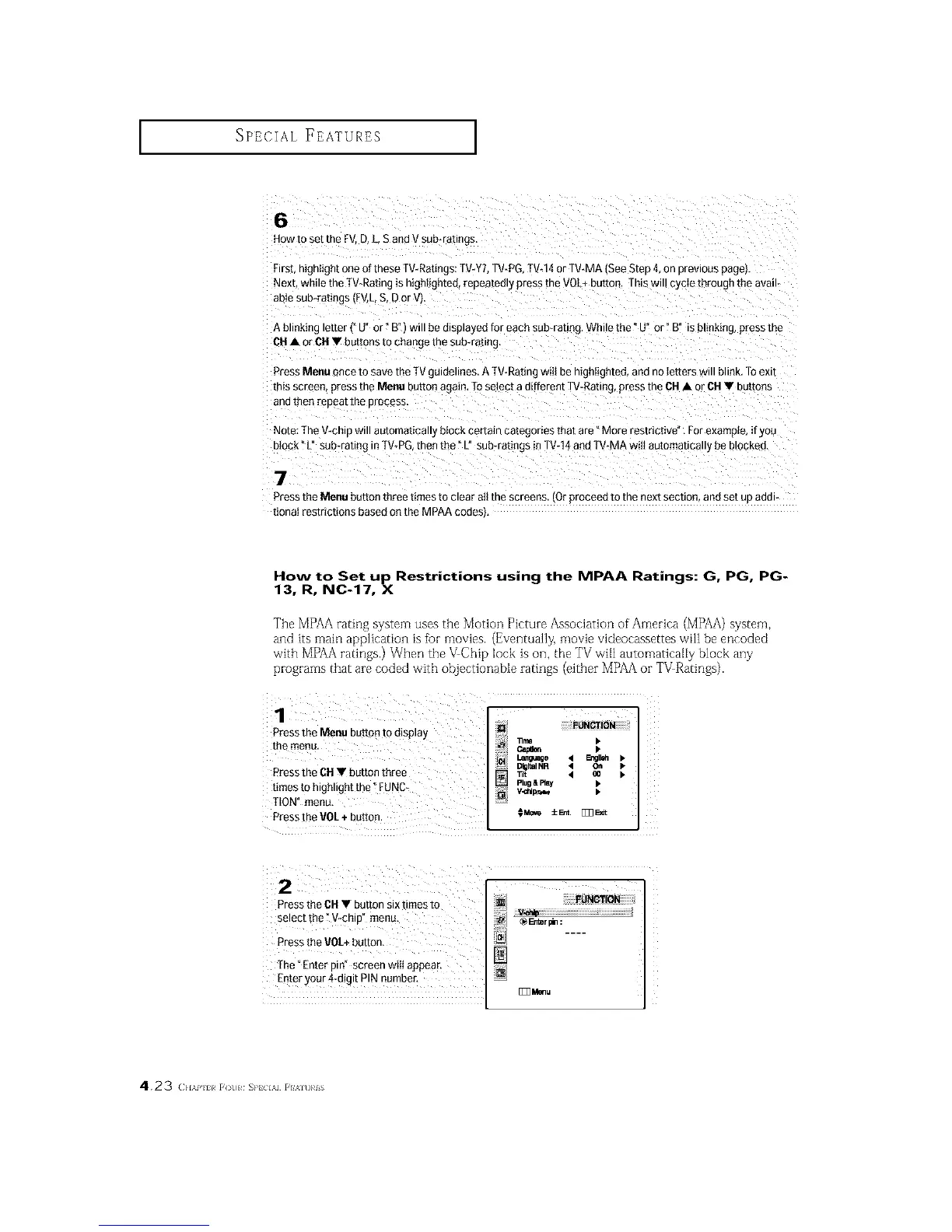
Pressthe Menu button tOdisplay
the menu. _ •
um_e 4 En¢_ •
DigitalNR • Oil •
£ress the CH • button three _, < oo •
times to highlight the _FUNC_ Ptug&_ •
TtON" menu,
PresstheVOE+button. OMo_ ±_. [E3_t
Pressthe CH• button six times to
select the _V-chip" menu.
Pressthe VOL+button,
[]
The_Enter pin" screen wilI appear.
Enter your 4-digit PIN number,
[]33_u
4.23 (}l,\i' l_ [(t]l S}'_ l,\l [I'_lt]}#is






 To Next Page