Using Media Studio
30
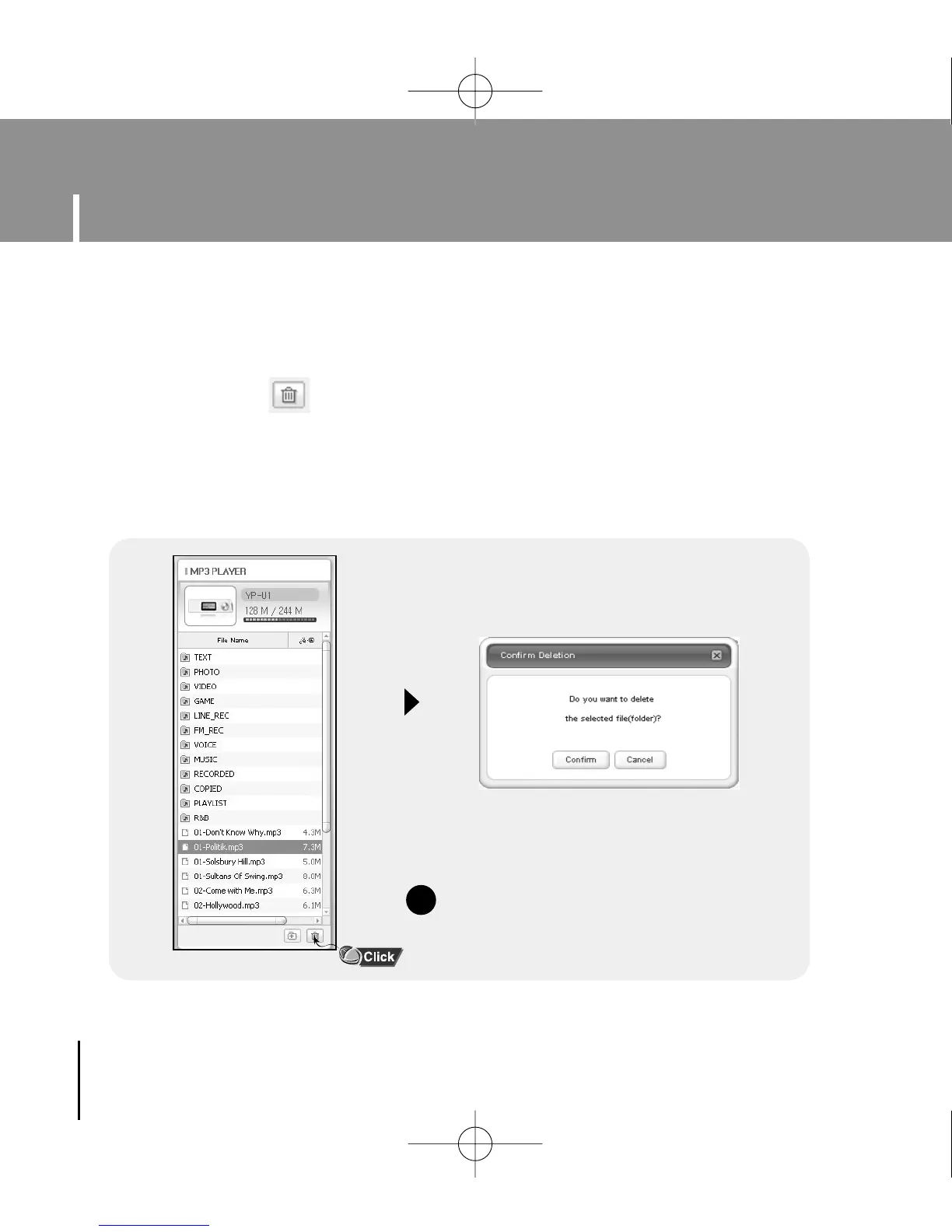
1 Connect the player to the computer.
2 Press the [Delete] button at the bottom of the connection windows after
selecting required files or folders from the device connection windows.
3 Press the [Confirm] button when an Confirm Deletion screen appears.
● A selected folder or file is deleted.
I Deleting File
NN
NN
oo
oo
tt
tt
ee
ee
- Refer to [Help] for more detailed information.
✍
YP-U1(SECA)Eng 8/22/05 3:22 PM Page 30



 To Next Page