37
Using Navigation
ENG
NN
NN
oo
oo
tt
tt
ee
ee
- Press and hold the MENU button in Navigation mode to exit the Navigation mode.
✍
1
Press the MENU button to enter Navigation mode.
or press and hold the MENU button to move to Menu and then select
Navigation in Menu.
2 Select the file or folder that you want to play.
● : When moving to a higher-level folder.
● : When moving to a lower-level folder.
● , : When moving to a file or folder in the same directory.
●
MENU : Move to the next folder down. When there is not a lower folder,
the selected file will be designated as part of the playlist.
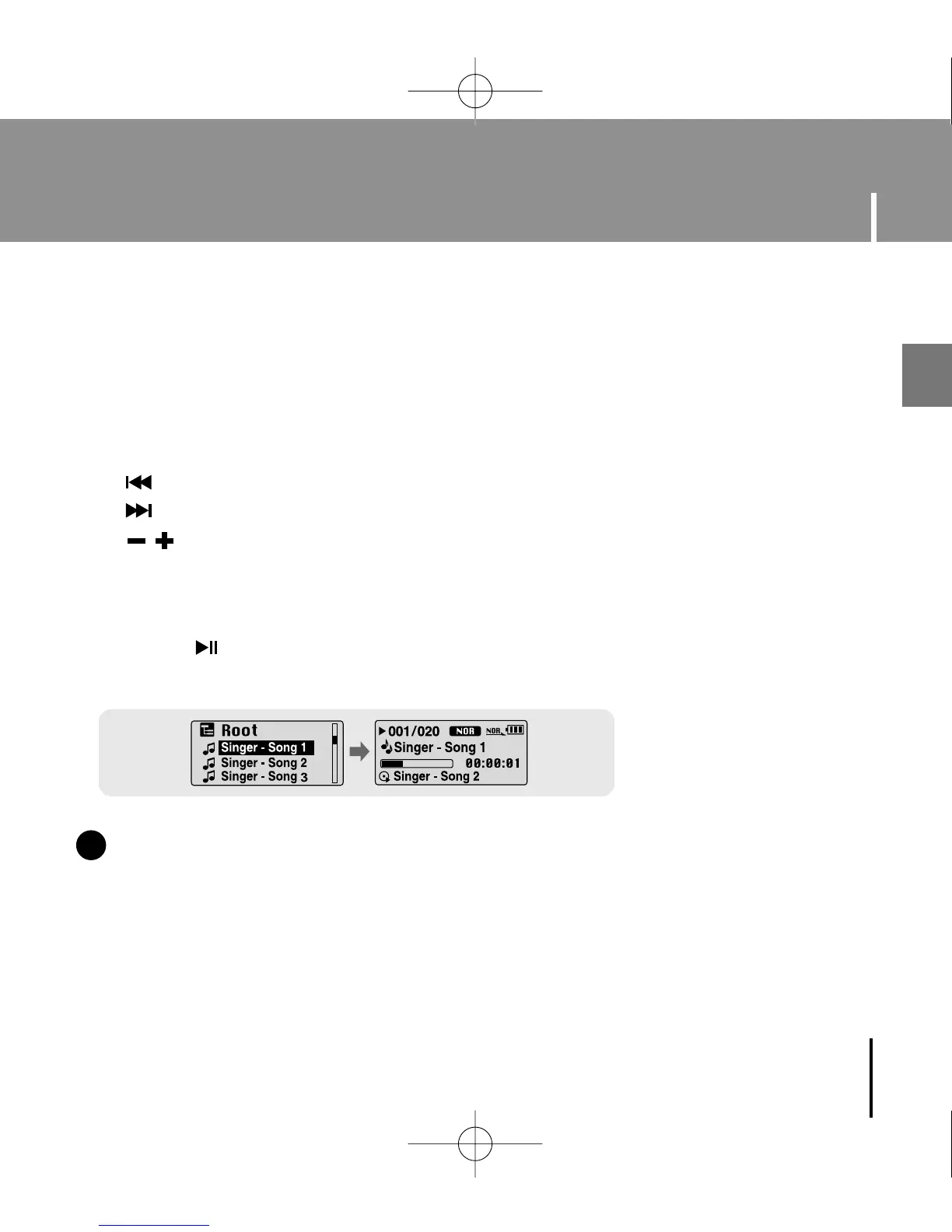
3 Press the button.
● The selected file will be played.
You can easily search for files or switch modes using the Navigation function.
YP-U1(SECA)Eng 8/22/05 3:22 PM Page 37



 To Next Page