System
Settings
48
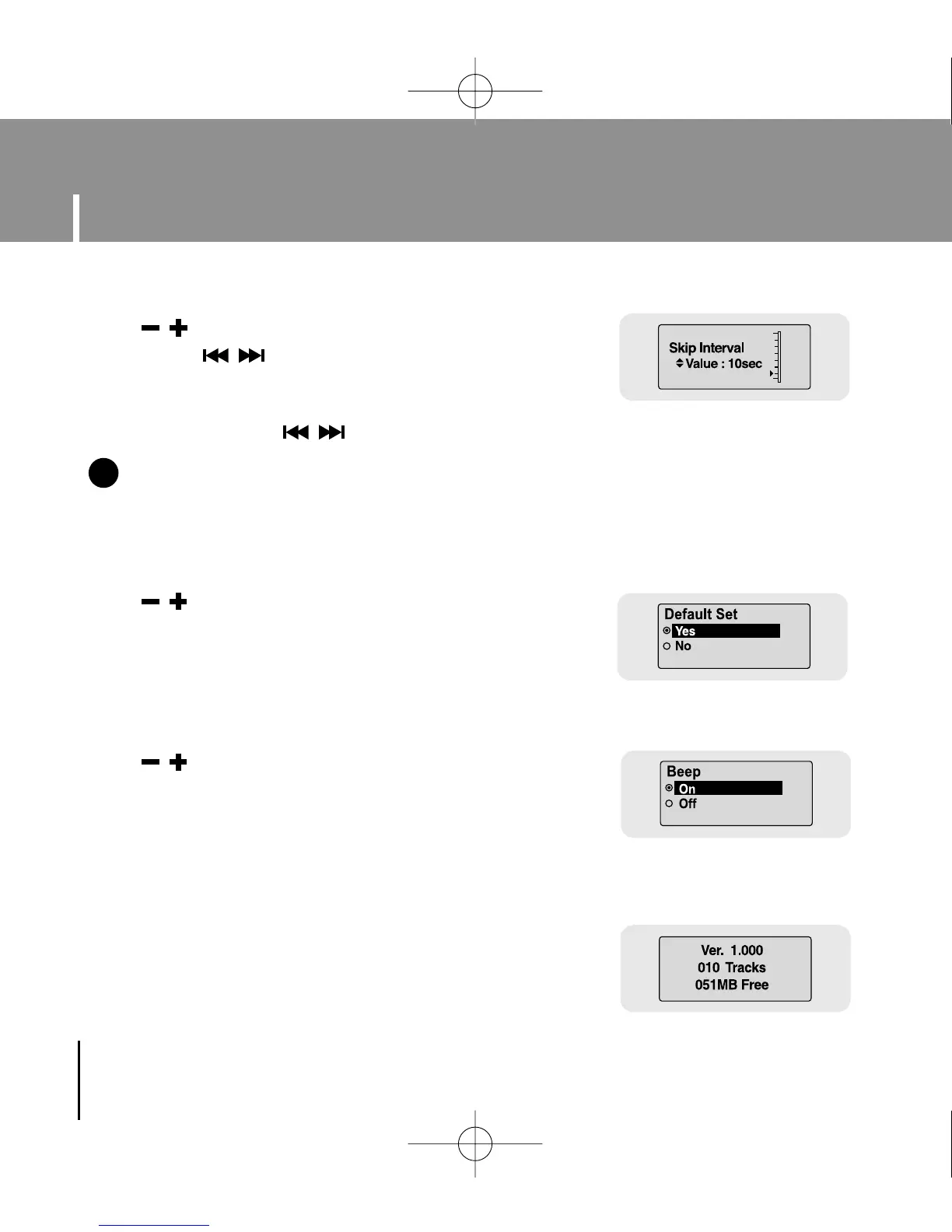
● Use , to set the skip interval from 5sec to 10min.
● If you press , in music mode, you can search a track
by a set time.
● In 1 Track setting, you can move to the previous track or the
next track by pressing , .
I Skip Interval
NN
NN
oo
oo
tt
tt
ee
ee
- For a VBR or Ogg file, the skip interval may not be uniform.
✍
● Use , to select Default Set Yes or No.
● Yes : All settings selected will be initialized.
● No : All settings selected will remain as they are.
● Use , to select Beep On or Off.
● On : Beep sounds whenever you press the button.
● Off : No beep sounds when you press the button.
I About
● If you select About, you can check version information,
total number of tracks and remaining capacity.
I Default Set
I Beep
YP-U1(SECA)Eng 8/22/05 3:22 PM Page 48



 To Next Page