33
ENG
HOLD Function
In Hold mode, all buttons are disabled.
Slide the switch in the direction of the arrow.
❈ When the button is pressed, the “ HOLD!” message will appear on the display.
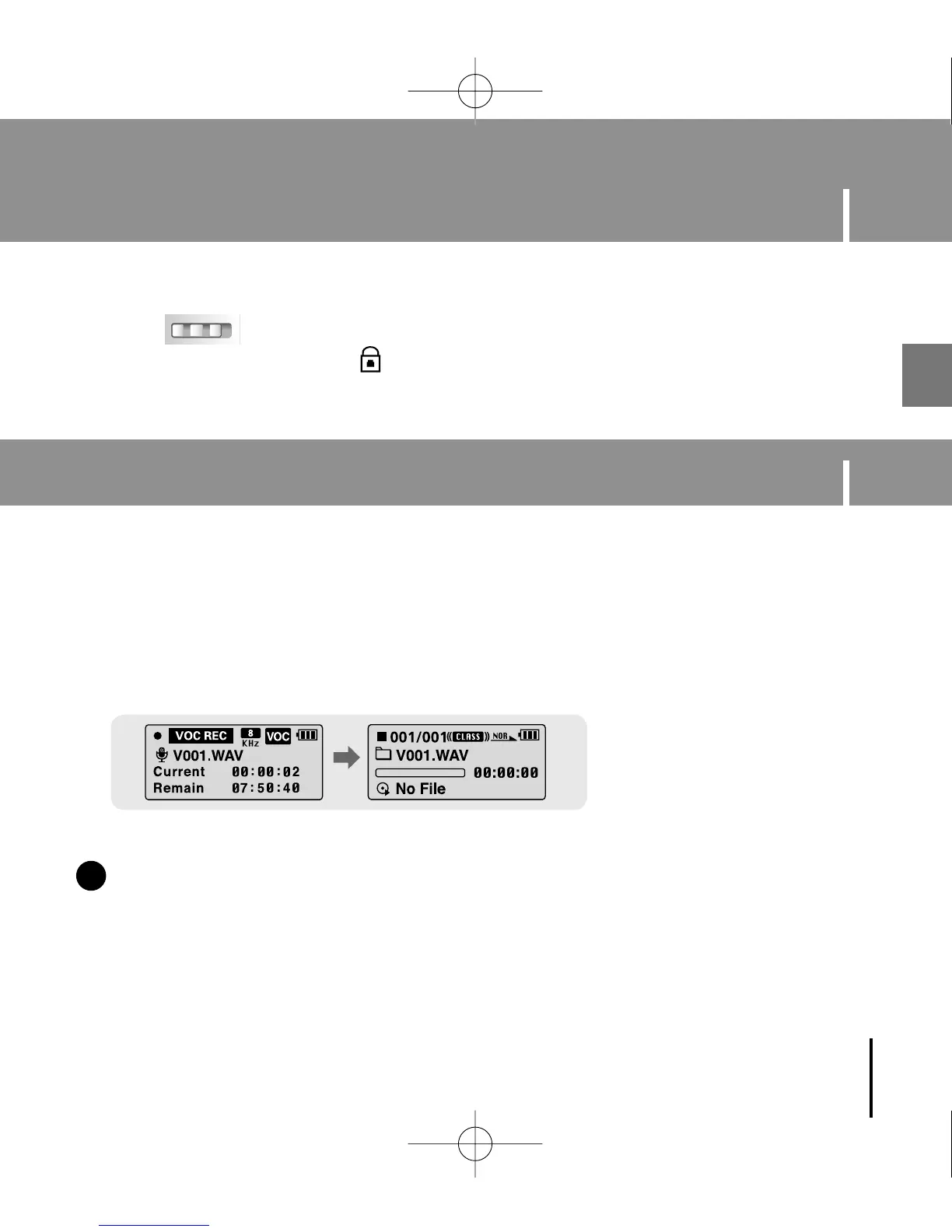
1 Press and hold the REC button to start voice recording.
2 Press the REC button again to stop the recording and save the voice file.
✽ To move to other modes from the Voice mode,
refer to “Changing Mode”.
NN
NN
oo
oo
tt
tt
ee
ee
- The files are recorded in the order of V001,V002......, and saved as WAV file in the
VOICE folder after recording.
- If the Memory is full, Voice Recording is stopped automatically.
✍
Recording Voice
YP-U1(SECA)Eng 8/22/05 3:22 PM Page 33



 To Next Page