Managing Files
50
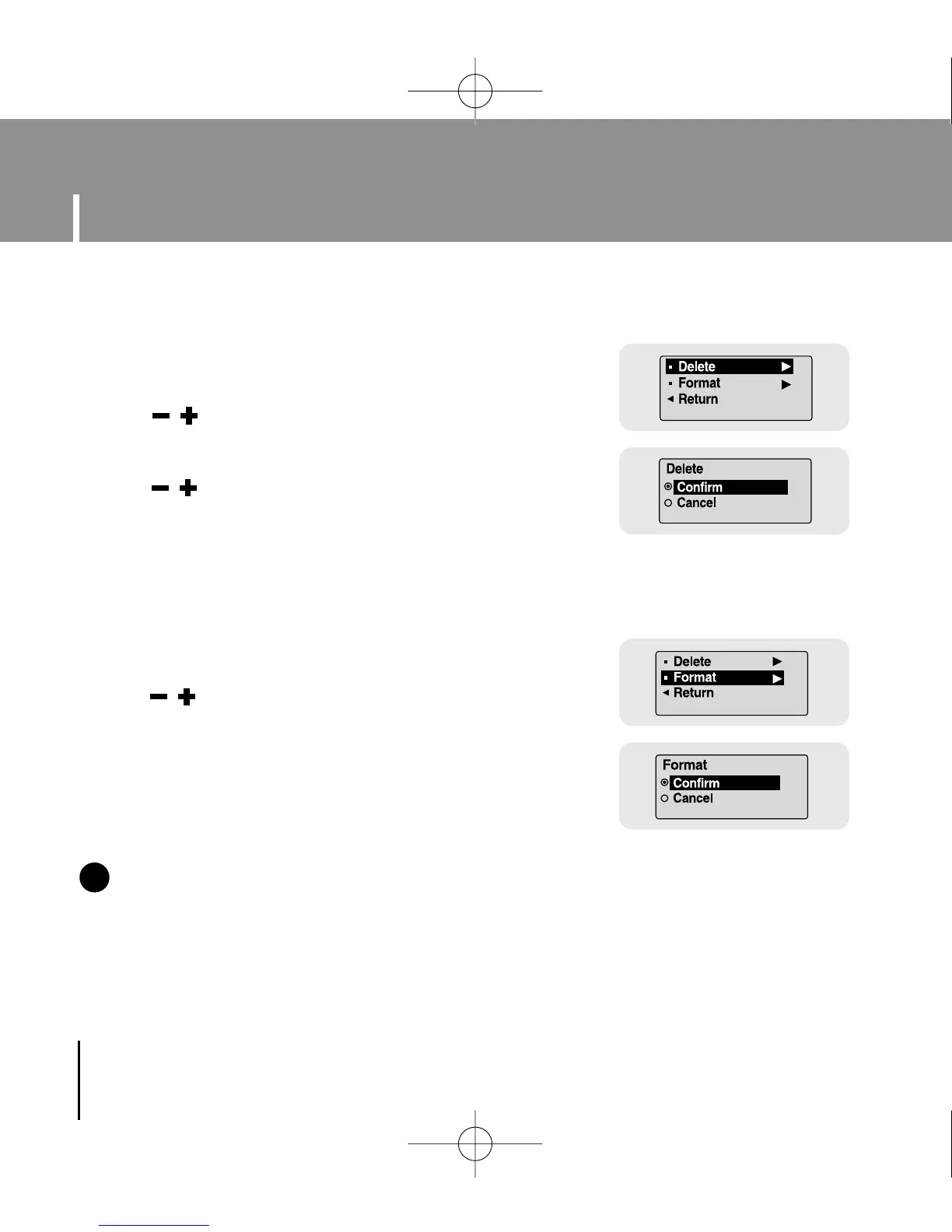
1 Select Delete in File.
2 Use , to move to the file you want to
delete and then press the MENU button.
3 Use , to move to Confirm and then
press the MENU button.
● The selected file will be deleted.
I Deleting
1 Select Format in File.
2 Use , to move to Confirm and then
press the MENU button.
● The player will be formatted.
I Formatting
Select File in Settings.
NN
NN
oo
oo
tt
tt
ee
ee
- All files will be deleted when formatting the built-in memory.
✍
YP-U1(SECA)Eng 8/22/05 3:22 PM Page 50



 To Next Page