Setting Playlist
40
I Setting Playlist
I Playing Playlist
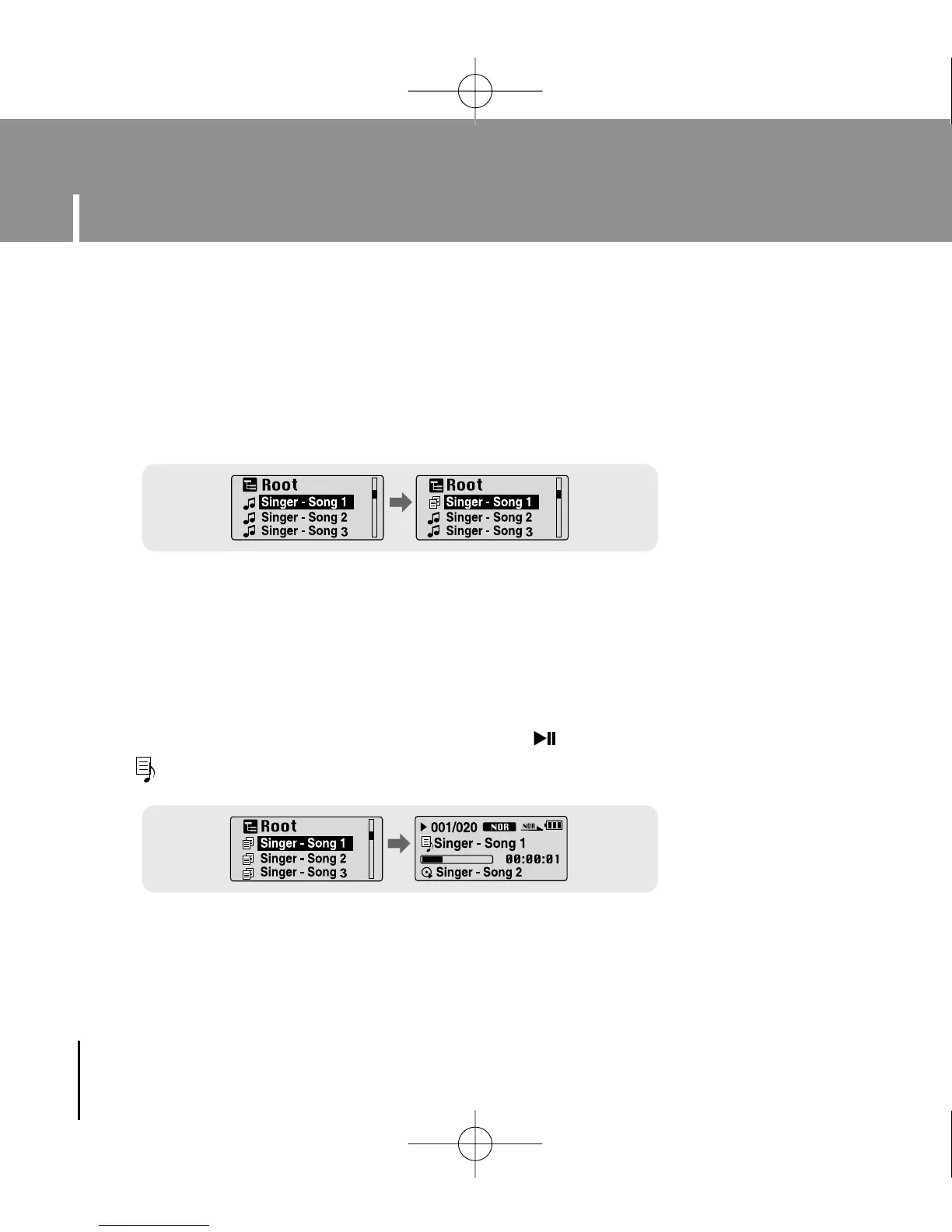
1 Select Playlist in Menu.
● The playlist you set will be displayed.
2 Move to the file you want to play and press the button.
● “ ” mark appears and the selected file will be played.
- Move to the file you want in Navigation mode and press the MENU button.
● The selected file will be marked.
● To exit the playlist setting, move to the marked file in Navigation mode and press the
MENU button again.
YP-U1(SECA)Eng 8/22/05 3:22 PM Page 40



 To Next Page