Display Settings
44
Select Display in Settings.
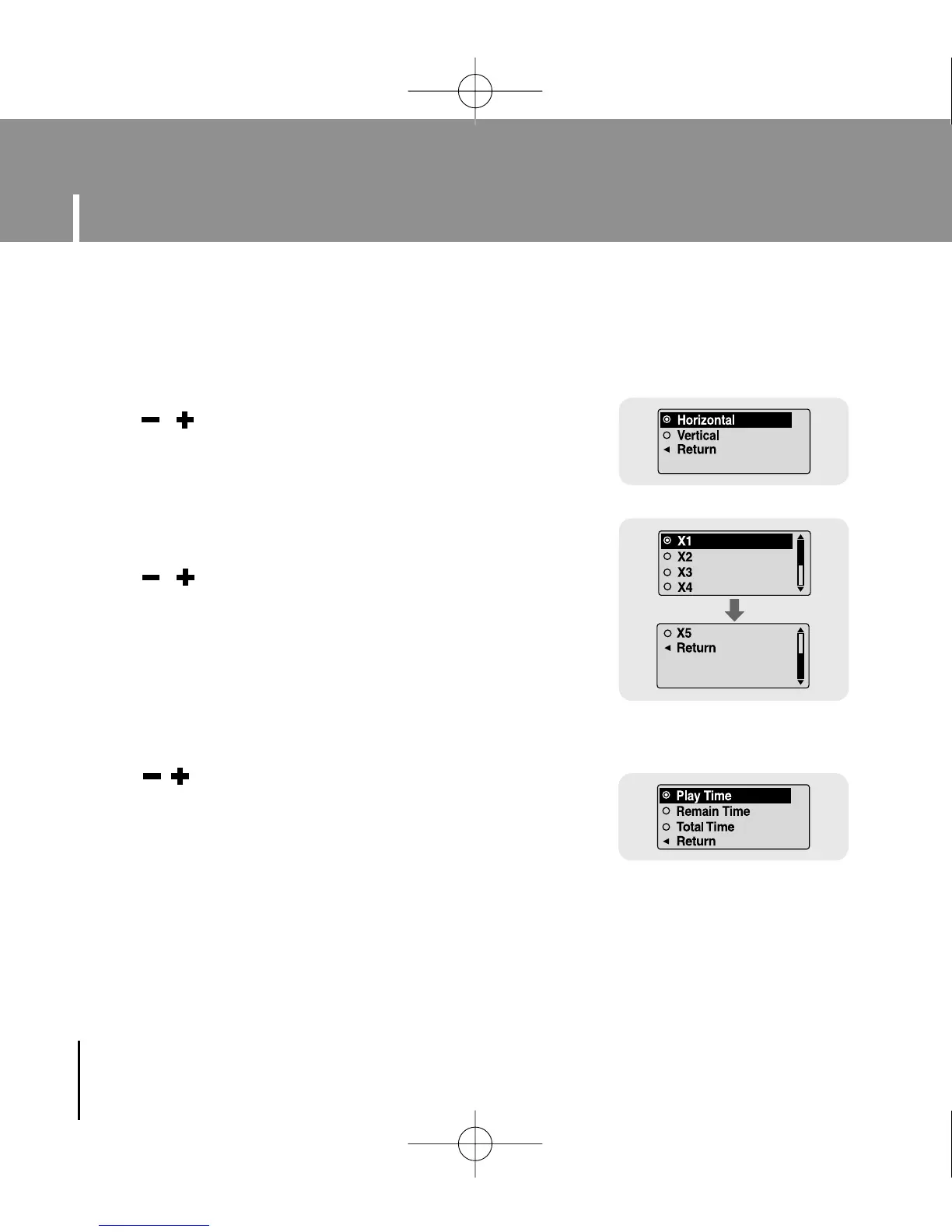
● Use , to select the scroll type.
● Horizontal : Music title moves horizontally.
● Vertical : Music title moves vertically.
[ Speed ]
I Scroll
[ Type ]
● Use , to set the scroll speed from X1 to X5 to adjust
the speed of the track title movement.
I Display Time
● Use , to select the display time.
● Play Time: Current playback time is displayed.
● Remain Time: Remaining time from total playback time is
displayed.
● Total Time: Total playback time is displayed.
YP-U1(SECA)Eng 8/22/05 3:22 PM Page 44



 To Next Page