45
Display Settings
ENG
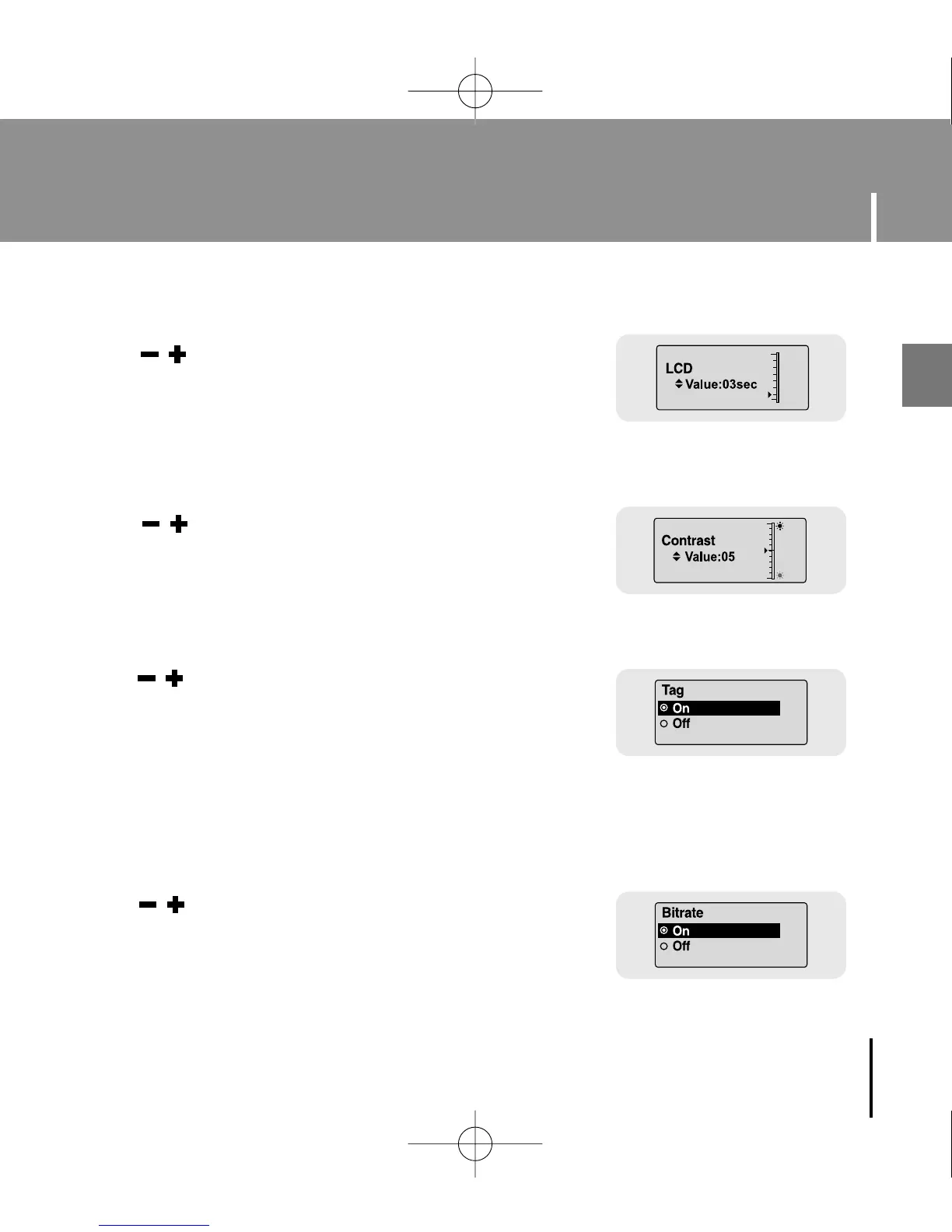
● Use , to set the contrast from 0 to 10 to adjust the
brightness of the screen.
I Backlight
I Contrast
● Use , to set the LCD Light-Off time from
Off to 60 seconds.
● When set to On, the Light stays on continuously.
● Use , to select Tag On or Off.
● On: Display the Tag information if the music file has Tag
information. Display the file name if the music file
has no Tag information.
● Off: Display the name of music file.
● Use , to select Bitrate On or Off.
● On: Bit rate is displayed at the top of the screen.
● Off: The total number of tracks is displayed at the top of
the screen.
I Tag
I Bitrate
YP-U1(SECA)Eng 8/22/05 3:22 PM Page 45



 To Next Page