Boundaries: Turns the displaying of
chart boundaries on, off or auto mode
which shows the chart boundaries of the
two charts below the current scale.
Text/Icon Size: change the size of text
and icon on the chart.
Names: Display area names in the chart.
Nav-aids & Light Sector: Turns the
presentation of Light, Signals, Buoys and
Beacons On, Off, No Sector (Nav-Aids are
shown, Light Sectors are hidden) or
Animated (The lights are flashed).
Nav-aids: The way to display fog, radar
and radio station signals. (International
and US)
Attention areas: Turns the displaying of
Attention Areas where need to pay
attention more) On or Off.
Projected course: Display the Projected
course in given set time.
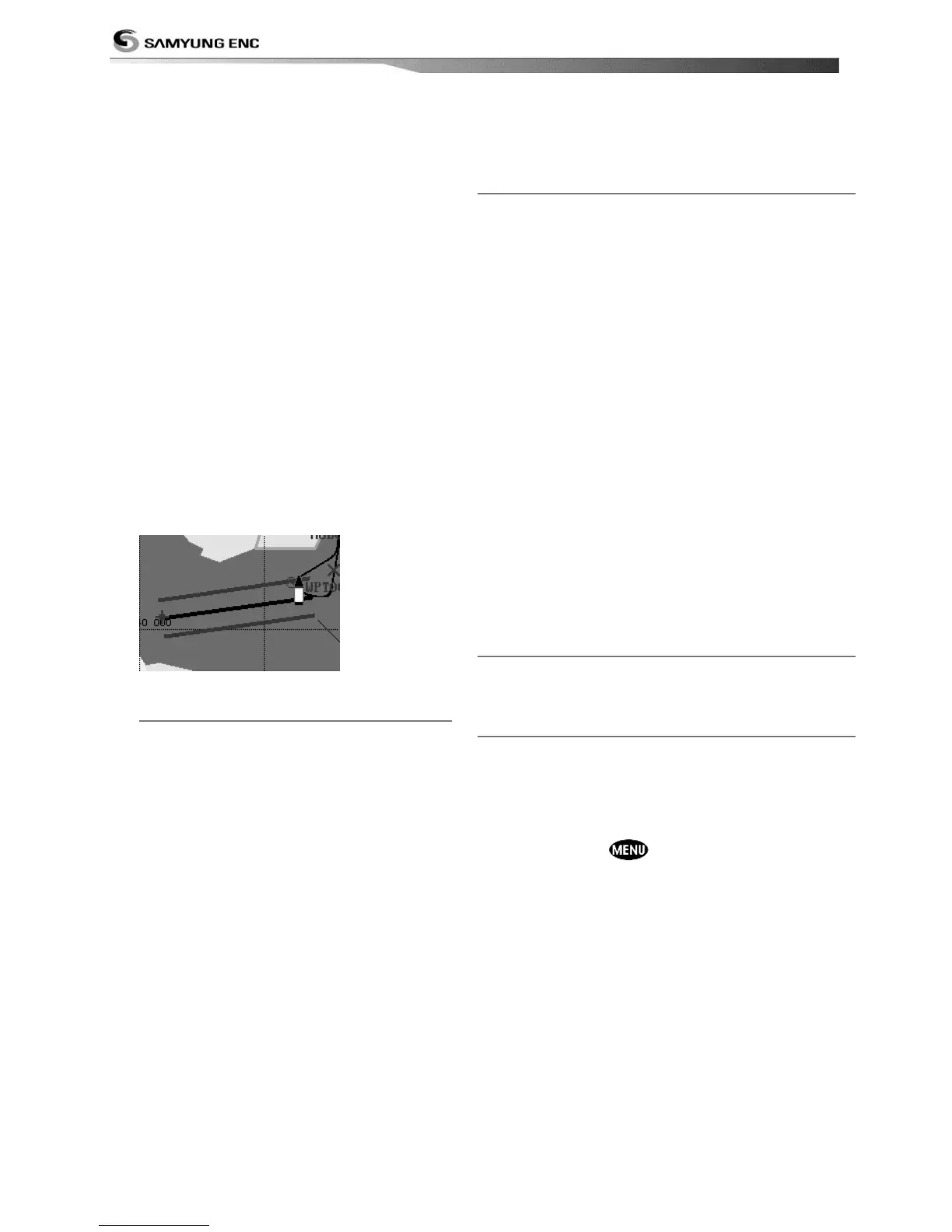
CDI scale: Set CDI (Course Deviation
Indicator) scale which is a parallel line on
either side of the pottered course.
4-2-3-2 General(S-MAP)
Lat/Lon grid: Turns the displaying of
Lat/Lon on or off
Depth Digit: Turns the displaying of
water depth on or off
Lighthouse: Turns the displaying of
Lighthouse on or off
Buoy: Turns the displaying of buoys on
or off
Wreck Ship: Turns the displaying of
Wreck Ship on or off
Fish Haven: Turns the displaying of Fish
Haven on or off
Sea Lane: Turns the displaying of Sea
Lane on or off
Restricted Area: Turns the displaying of
Restricted area on or off
Fishing Area: Turns the displaying of
Fishing Area on or off
Sea Cable: Turns the displaying of Sea
Cable on or off
Name: Turns the displaying of area name
on or off
Mark Attribute: Turns the displaying of Mark
Attribute on or off
Sea Sector No: Turns the displaying of Sea
Sector No on or off
4-2-4-1 Land & Sea (NAVIONICS)
Water features: Turns the displaying of sea bed
nature and tide stations icon on or off.
Object depths: Turns the displaying of object
depths on or off.
Spot soundings: Turns the displaying of spot
sounding on or off.
Sounding min: Set the minimum depth limit to
show depth sounding, bathymetric lines and depth
area.
Sounding max: Set the maximum depth limit to
show depth sounding, bathymetric lines and depth
area.
Tidal stream: Turns the displaying of tidal
streams on or off.
Land Features: Turns the displaying of land
features on or off.
Land elevation: Turns the displaying of land
elevations on or off.
Safe Navigation Area: Set the water depth for
safe navigation and displaying safe navigation area
in color.
4-2-4-2 Land & Sea (S-MAP)
Turns the displaying of sea color in 16 different
colors.
4-2-5 Map datum
This unit has a compatibility with most of major
chart system and this option allows you to select a
map datum. The default datum is WGS84.
Map datum Selection
1 Press and hold and select chart icon
2 Select general and Map datum
3 Select a desired map datum



 To Next Page