4-2-6 NMEA datum offset
When you select other Map datum
different from WGS84, latitude and
longitude will be different from WGS84‟S
coordinates and this might confuse other
device such as VHF radio if connected to
the unit. If this option is applied, latitude
and longitude send on the unit NMEA
output will be the same as coordinates in
WGS84.
4-2-7 Map shift
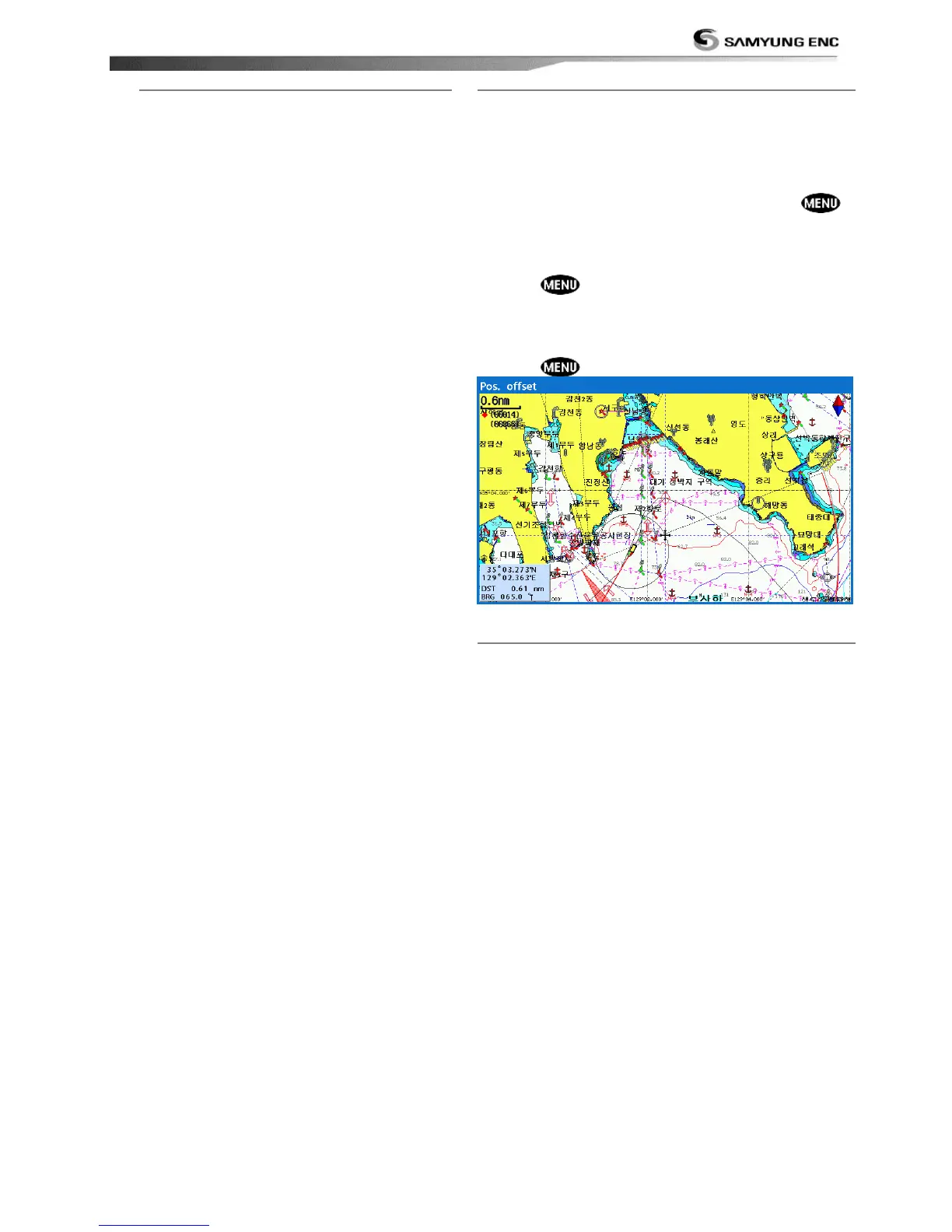
Sometimes current position of own ship does not
match with the current location on the chart. To
correct this position error, you can apply a map
shift.
Applying a map shift
1 In the Chart setup menu, press and hold
and select Chart icon.
2 Select Map shift to ON.
3 Move cursor to the actual position on the chart.
4 Press and select Set.
Canceling a map shift
If you want to clear the map shift:
1 In the Chart setup menu, select Map shift.
2 Press and select Clear.
4-2-8 Restore default
Returns every chat settings to default.



 To Next Page