Need help?
Do you have a question about the SANUS VuePoint FLF424KIT and is the answer not in the manual?
Covers potential injuries, property damage, and usage guidelines.
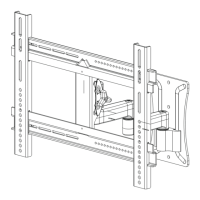
Specifies the dimensions for connecting the TV.
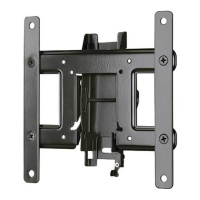
Details the size and mounting points of the wall plate.
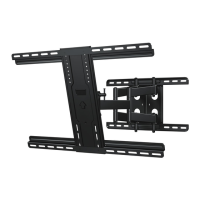
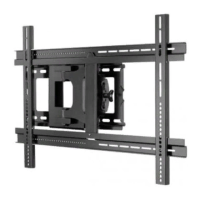
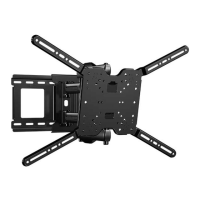
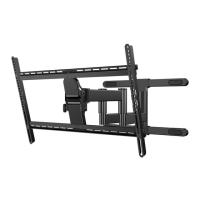
Illustrates the mount in its extended positions.
Shows the mount in its retracted or folded state.
Displays the complete mount assembly.
Instructions on detaching the TV's original stand.
Guidance on attaching any additional TV accessories.
Advice on safeguarding the TV display during setup.
Guide to choosing the correct screw size for your TV.
Instructions on choosing screw length and using spacers.
Steps for mounting vertical brackets onto the TV.
Instructions for attaching horizontal brackets to the TV.
Steps for securely mounting the wall plate to wood studs.
Instructions for installing the wall plate on concrete surfaces.
How to adjust the tilt tension for optimal TV positioning.
Procedure for leveling the TV after mounting.
Adjusting the TV's horizontal position on wood stud mounts.
 General
| Brand | SANUS |
|---|---|
| Model | VuePoint FLF424KIT |
| Category | TV Mount |
| Mount Type | Full-Motion |
| Compatible Screen Size | 42" - 90" |
| Maximum Weight Capacity | 125 lbs |
| Extension Range | 24" |
| Construction Material | Steel |
| Color | Black |
| Adjustable | Yes |
| VESA Compatible | Yes |
| Tilt Range | +5º / -15º |
| Warranty | Limited Lifetime |

 To Next Page