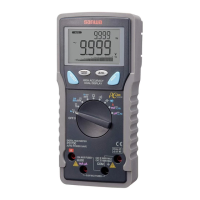
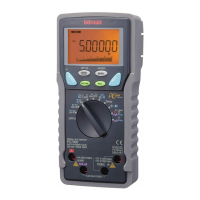
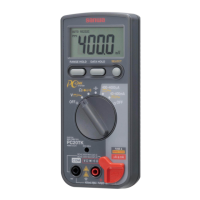
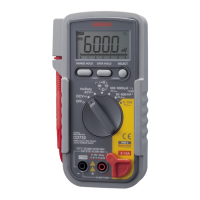
D-1034-143a PC5000(E)
DRAWING No. PC5000a 07-0812 2040 6010
—
18
—
1) Application
Logic Frequency: Logic frequency is measured.
Duty ratio: Duty ratio is measured.
2) Measuring ranges
Logic Frequency: 5.0000Hz to 2.0000MHz (Auto range)
Duty ratio: 0.1% to 99% (Auto range)
3) Measurement procedure
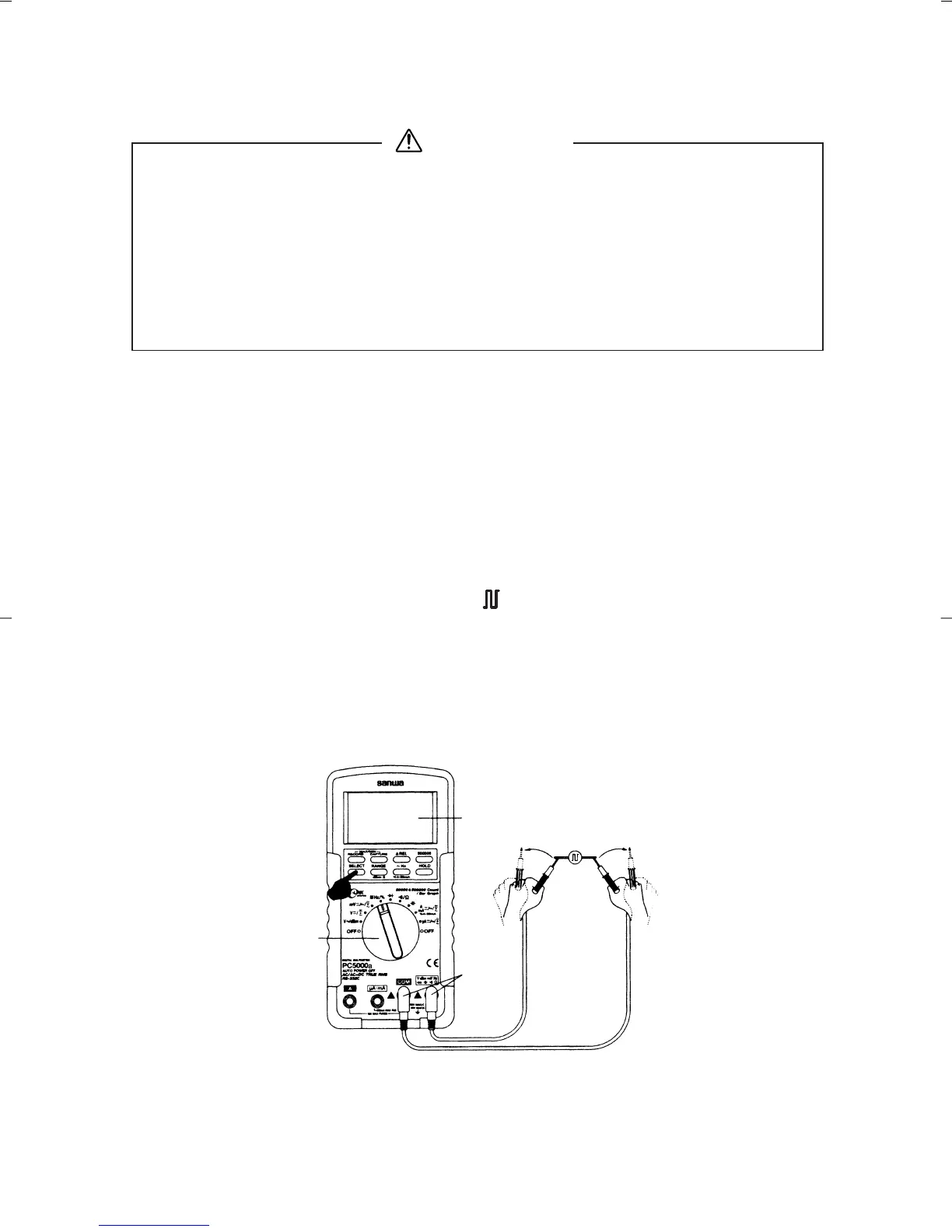
Connect the plug of black test lead to COM measuring input
terminal and plug of red test lead to
Hz measuring terminal.
Set the function switch to ' Hz/%'.
Press "SELECT" button to toggle between Hz and % (duty
ratio).
Apply the red and black test pins to an object to measure.
Read the value in the display.
After measurement, release the red and black test pins from
the object measured.
5-4 Logic Frequency / Duty Ratio measurement
1. Never apply an input signal exceeding the maximum rating
input value.
2. Be sure to disconnect the test pins from the circuit when
changing the function.
3. Always keep your fingers behind the finger guards on the
probe when making measurements.
4. The square waveform of a negative voltage cannot be meas-
ured.
WARNING
Note:
No bargraph in Hz and duty cycle function.
Press "
500000" button to between 50000 count and 500000
count at Hz.
Input sensitivity is set only at the highest.


 To Next Page