EasyManua.ls Logo

Sanyo TLS-1960P - User Manual

Sanyo TLS-1960P
56 pages
Print Icon
To Next Page IconTo Next Page
Loading...
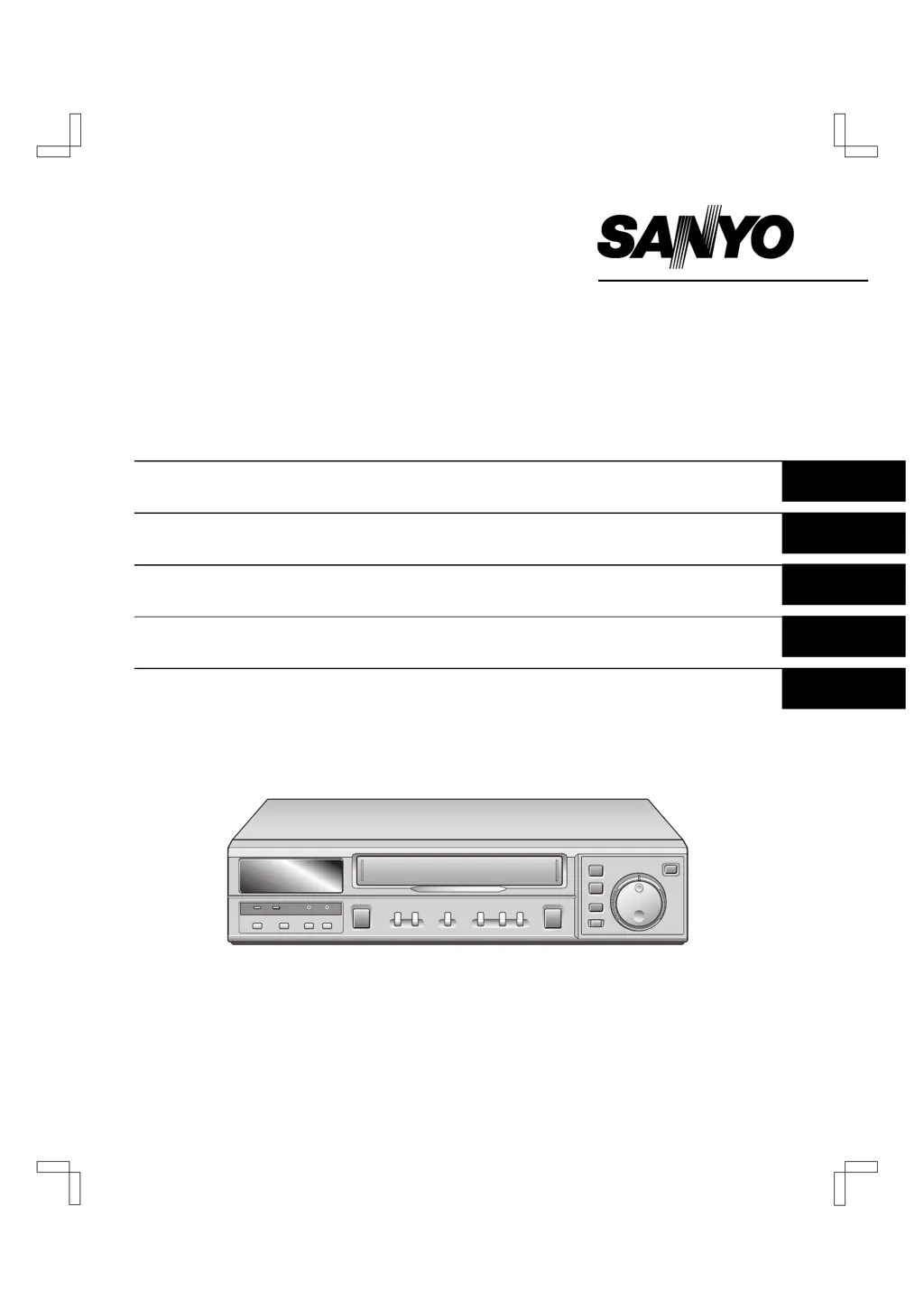
INSTRUCTION MANUAL
TLS-1960P
TLS-9924P
Time Lapse Video Cassette Recorder English
Time Lapse-Videorecorder Deutsch
Magnétoscope time lapse à cassette Français
Videograbador en lapsos de tiempo Español
Videoregistratore a cassette, a fotogrammi differenziati
Italiano
Please read this manual carefully before connecting your VCR and operating it for the first time.
Be sure to read carefully and follow all the PRECAUTIONS on page 1 and 2.
Keep the manual in a safe place for future reference.
RQ4Q/EX (TLS-1960P GB) Wed. May, 08/2002

Other manuals for Sanyo TLS-1960P

Questions and Answers

  • S
    Scott MeltonAug 11, 2025
    What to do if there is no image displayed on the TV monitor for Sanyo TLS-1960P?
    • L
      Lisa DavisAug 11, 2025
      If you're not seeing an image on your TV monitor when using your Sanyo VCR, there are a couple of things to check: First, ensure that all the connection cables are correctly and securely plugged in. Second, make sure that the power is turned on for both the camera and the TV monitor.
  • H
    Heather KramerAug 19, 2025
    How to troubleshoot no power on a Sanyo TLS-1960P?
    • K
      Kenneth StephensonAug 19, 2025
      If your Sanyo VCR has no power, the most common cause is simply that the power cord isn't properly connected. Ensure the power cord is securely plugged into both the VCR and the power outlet.
  • R
    raymond61Aug 26, 2025
    What to do if the buttons do not respond on my Sanyo TLS-1960P VCR?
    • A
      aprilwilcoxAug 26, 2025
      If the buttons on your Sanyo VCR aren't responding, consider these possibilities: - A cassette tape might not be loaded. Load a cassette and turn the power on. - Condensation may have suspended all functions; wait for the 'À' indicator to disappear. - An alarm recording may be in progress; wait for it to end. - The unit might be in menu mode; press the MENU EXIT button. - The security lock could be engaged; cancel the security lock.
  • C
    Candice ShannonSep 2, 2025
    Why is my Sanyo TLS-1960P ejecting the tape and not recording?
    • J
      Jessica WilliamsSep 2, 2025
      If your Sanyo VCR is ejecting the tape and not allowing recording, it's likely because the loaded cassette doesn't have an erasure-prevention tab. To fix this, either load a cassette tape that has an erasure-prevention tab or cover the tab hole on the current cassette with adhesive tape.

Sanyo TLS-1960P Specifications

General IconGeneral
BrandSanyo
ModelTLS-1960P
CategoryVCR
LanguageEnglish

Related product manuals