71
The Sapling Company, Inc.
1633 Republic Road
Huntingdon Valley, PA 19006
USA
P. (+1) 215.322.6063
F. (+1) 215.322.8498
www.sapling-inc.com
1
2
3
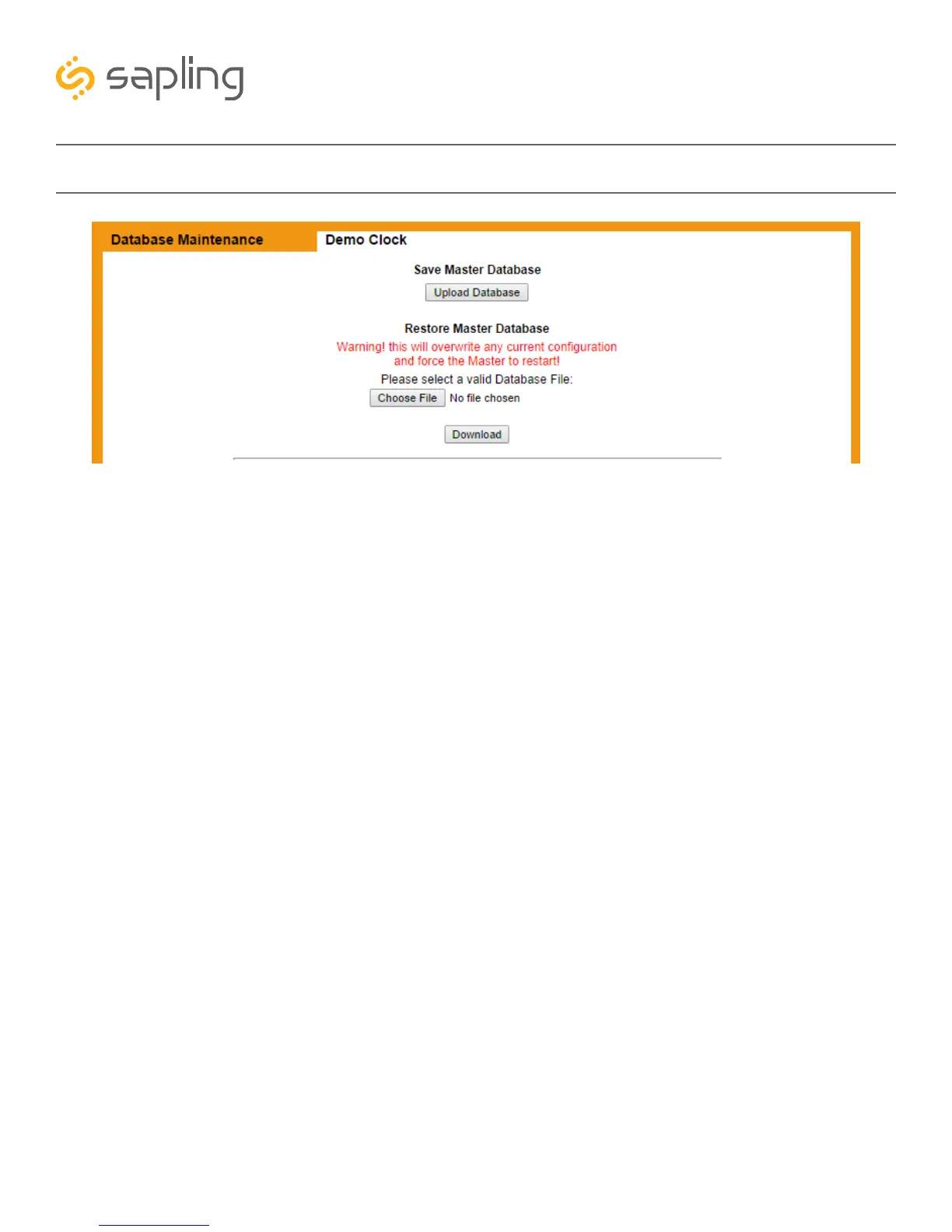
Web Interface - Database Maintenance
1. Upload Database - Sends the master clock settings, events, and schedules as a file to whichever device
is accessing the master clock through the web interface. The file will be labeled “masterclockA.db”.
2. Choose File - Allows the user to select a backed-up copy of the master clock for eventual upload to the
master clock. This does not upload the file, it only selects the file.
3. Download - Takes whichever file was selected with the Choose File button and applies the settings
contained within it to the master clock.



 To Next Page