15
The Sapling Company, Inc.
1633 Republic Road
Huntingdon Valley, PA 19006
USA
P. (+1) 215.322.6063
F. (+1) 215.322.8498
www.sapling-inc.com
Inputs - NTP Server
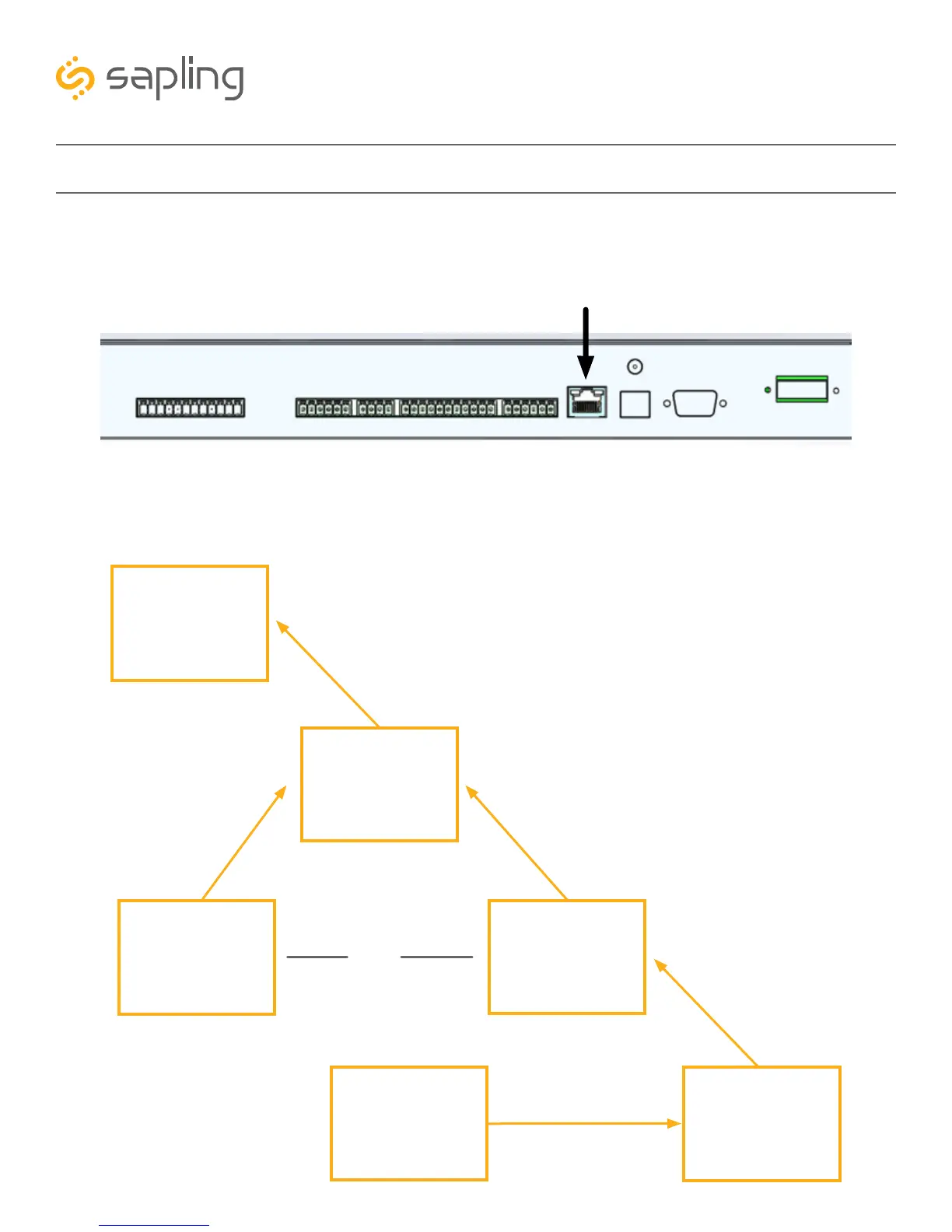
The master clock can receive NTP time over a Local Area Network connected to the Internet. To accomplish
this, the master clock must be connected to the router by a CAT5 or CAT6 Patch Cable with an RJ45
connector. The Ethernet port on the master clock can be identified using the diagram below.
MASTER CLOCK
NETWORK
ROUTER / SWITCH
IN-HOUSE NTP
SERVER
MODEM
THE INTERNET
CAT5/CAT6 CABLE
ONLINE THIRD
PARTY NTP
SERVER
OR
Firewall Ports 80, 123, and 1777 must be open to use the master clock on a network.
The connection between the master clock and the router must be a wired connection. NTP Master Clocks
do not include a wireless network card for WiFi routers.



 To Next Page