55
The Sapling Company, Inc.
1633 Republic Road
Huntingdon Valley, PA 19006
USA
P. (+1) 215.322.6063
F. (+1) 215.322.8498
www.sapling-inc.com
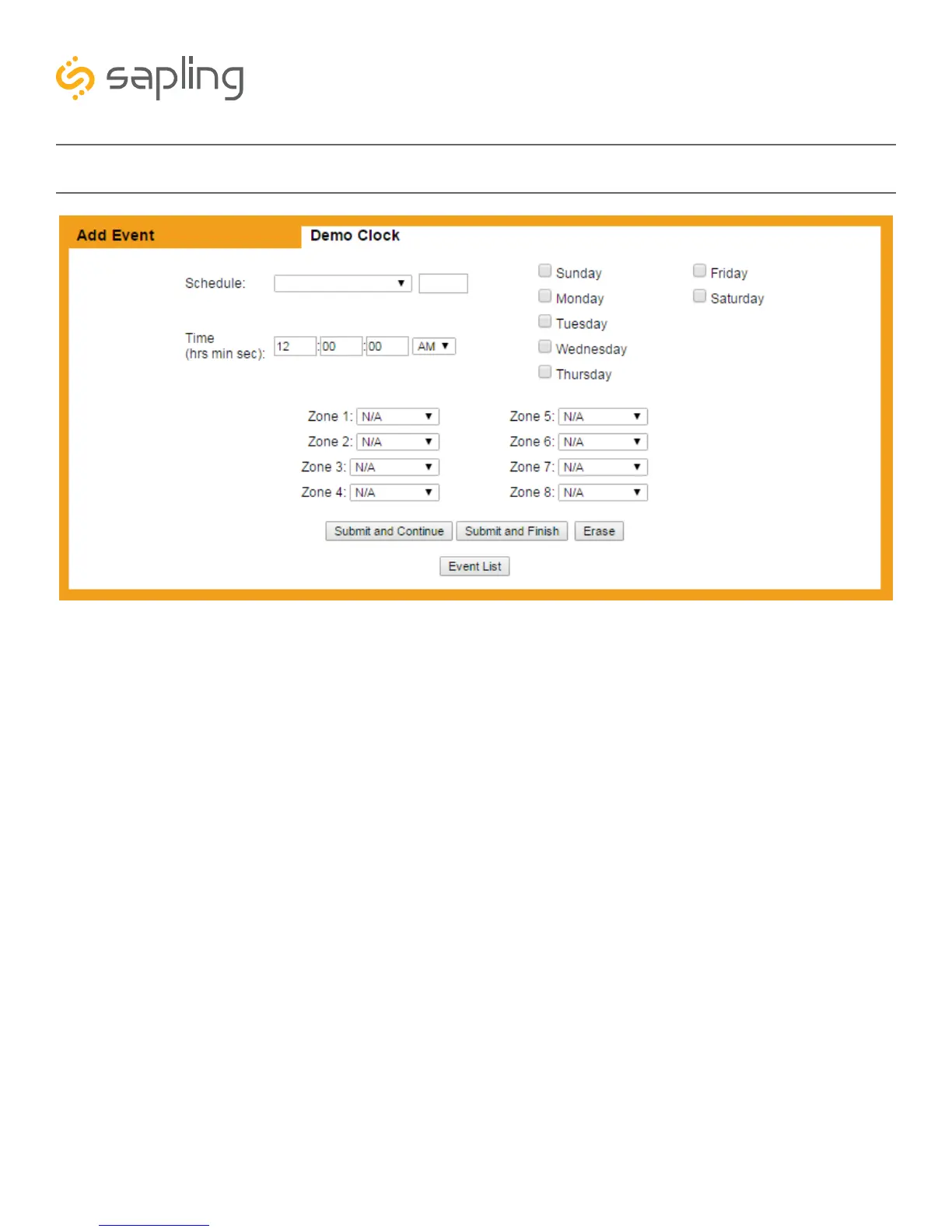
Web Interface - Add New Event
1. Submit and Continue - This button, when pressed, saves the displayed event, then clears all the fields
so that the user can configure a new event.
2. Submit and Finish - This button, when pressed, saves the displayed event, then takes the user back to
the event list.
3. Erase - This button, when pressed, erases the displayed event.
4. Event List - This button, when pressed, takes the user back to the event list. It does not save any
changes made to the displayed event.
4
3
2
1



 To Next Page