中文
EN DE RU KO PT JA ES
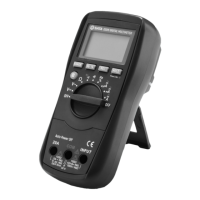
03015/03017
26
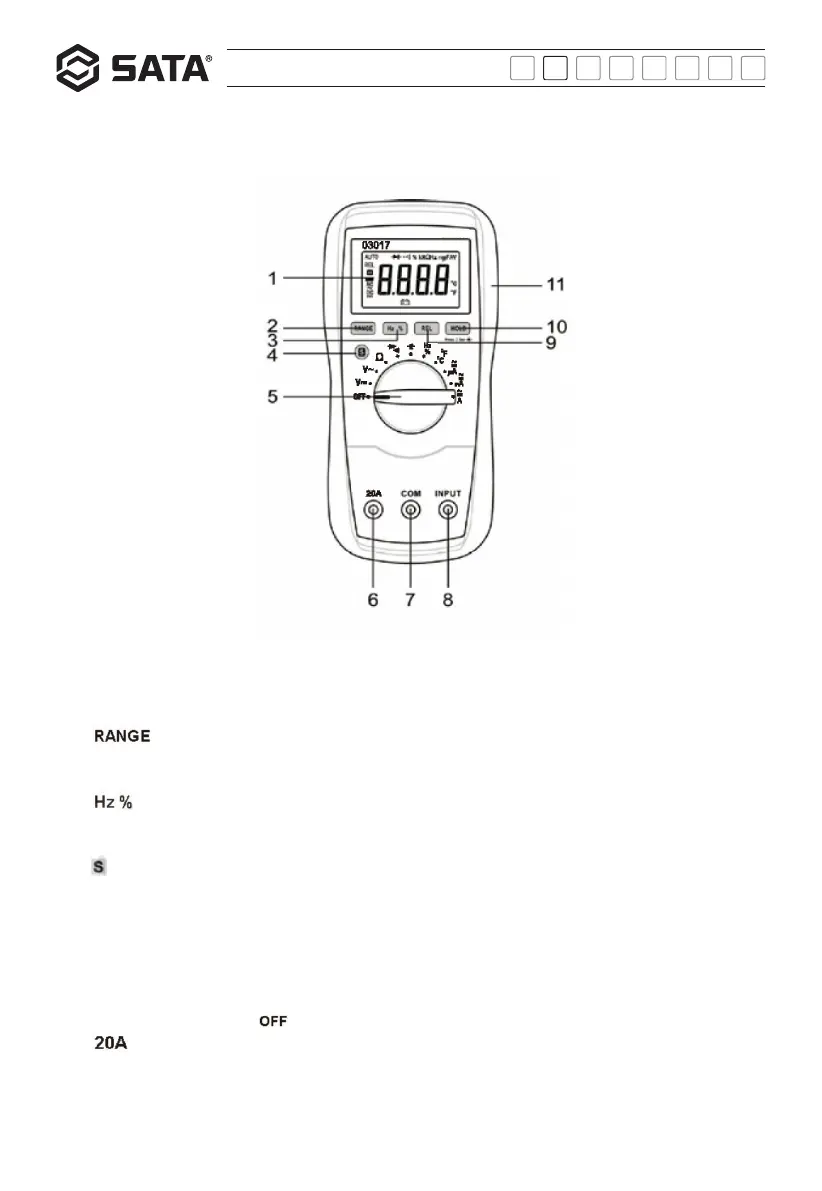
1) Display
03015: 3 3/4-digit LCD multimeter, with maximum reading of 3999
03017:3 5/6-digit LCD multimeter, with maximum reading of 5999
2) " "button
This button can be used to switch between manual range and auto range modes. In the manual range mode, this button can be
used to choose between ranges.
3) " "button
This button is used to switch between frequency measurement mode and duty cycle measurement mode during frequency (or
duty cycle) test.
4) " " button
This button can be used to switch between the following measurement functions:
a)DC current/AC current
b)Diode/continuity test
c)Temperature measurement (℃ / ℉)
5) Function/position switch
This switch is used to select the desired function or position. It can also be used to switch the power on/off. When power has been
switched off, turn this switch to " " position.
6) " " 插孔
Quick tour:
Panel introduction:


 To Next Page