中文
EN DE RU KO PT JA ES
03015/03017
34
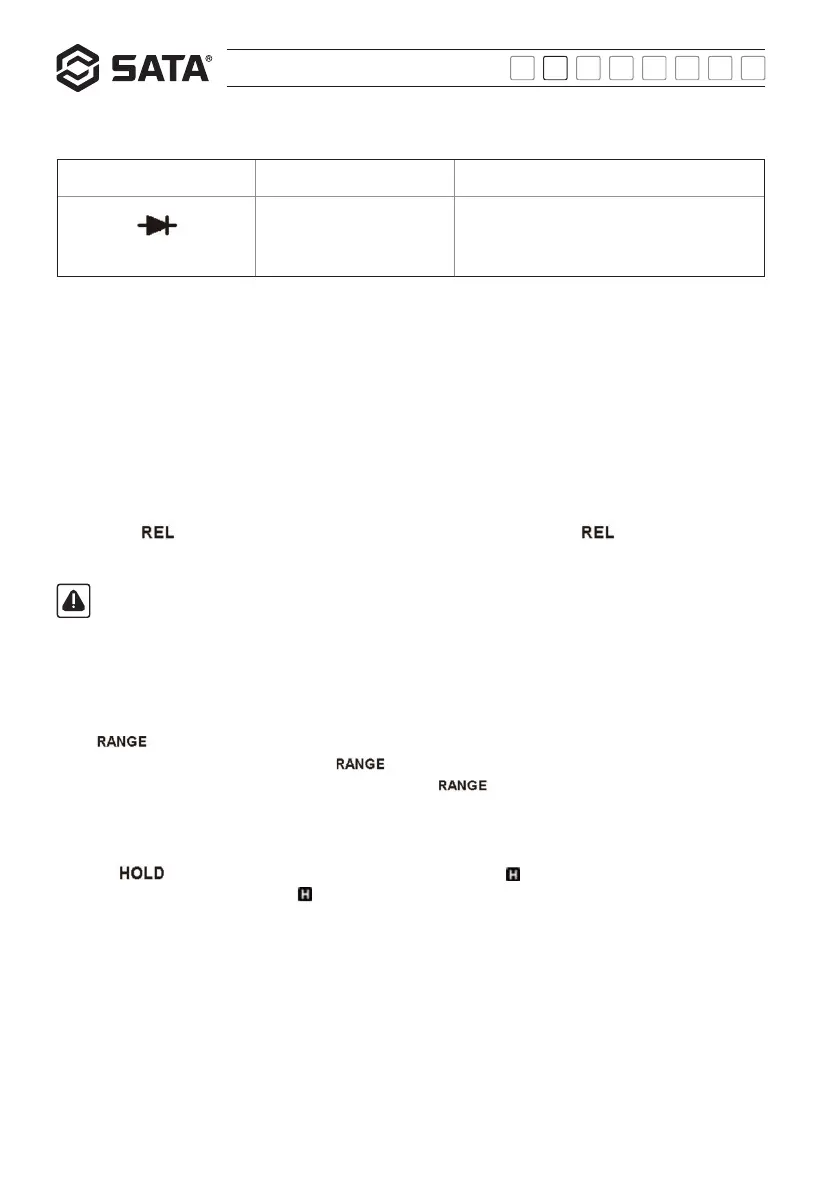
Diode test:
Range Resolution Remarks
The screen shows an
approximation of the forward
voltage drop of diode
Open-circuit voltage: About 3V
Test current: About 0.8mA
Operation instructions:
Relative value measurement:
Some functions support the relative value measurement. The relative value is measured as follows:
1) Set the meter to the desired function.
2) Make the probe contact with the circuit to be compared in subsequent measurement, after which the meter will display a reading.
3) Press the "REL" button to save the reading as a reference value and start the relative value measurement. The reading becomes
zero and the "REL" symbol appears on the screen.
4) In the subsequent measurement, the screen will display the relative value, i.e. difference between reference value and measured
value. Relative value = measured value - reference value
5) Press the " " button again, after which the meter will return to normal operation and the " " symbol will disappear.
Note:
In case of relative value measurement, the measured actual value shall not exceed the maximum measurable value of the
range; otherwise, it's required to select a larger range.
Manual range and auto range:
When the function with manual/auto range mode is selected, the meter enters auto range mode first, and "AUTO" symbol appears on
the screen.
Press " " button to switch the meter into the manual range mode. At that time, the "AUTO" symbol will disappear.
When the meter is in the manual range mode, press " " button to set the meter to a larger range. When the maximum range
is set, the meter then will switch to the minimum range. Press down the " " button for at most 2s to return to the auto range
mode.
Data hold:
Press the " " button and the current reading is held on the screen with the " " symbol on the screen. Pressing the button
again cancels the data hold function and the " " symbol disappears.


 To Next Page