Saia-Burgess Controls AG
User Manual Standby System │ Document 27-645 │ Edition ENG 02 │ 2017-04-26
Creating a Standby System Project in PG5
Diagnostic
2-4
2
defaults is good for starting the project.
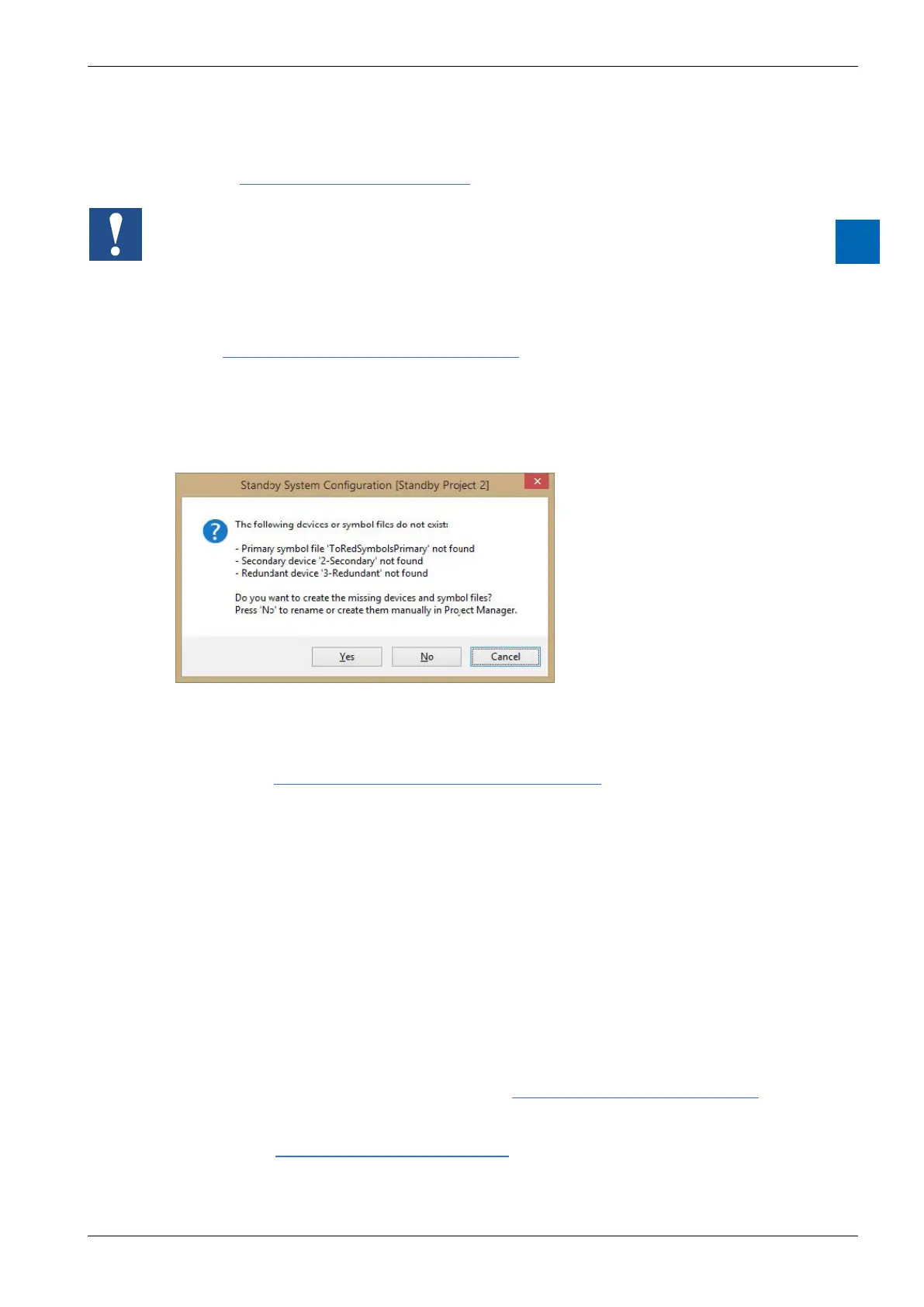
See the dialog box for more details.
If you use Project Manager to rename or delete one of the standby devices or
modify the names there too, Project Manager will not do this automatically. You will
see a
4. Create the Secondary and Redundant devices
do not exist, and will ask if you want to create them:
window, see .
5. Congure and download the Device Conguration to the Primary and Sec-
ondary devices
Set the S-Bus station number, usually Primary=0 , Secondary=1. Enter the IP
addresses of each device in the “Onboard Communications - Ethernet” slot.
“Onboard Communications - Ethernet” slot, and enter the same the IP Addresses
for the Primary and Secondary devices, see .
devices, see .



 To Next Page