28
4. AUTO START
If the Auto function is turned ON, the machine starts to count automatically
when detecting a note on the hopper. Whereas in Manual mode, the
machine starts to count after a note is placed in the Hopper and
START/ENTER is pressed.
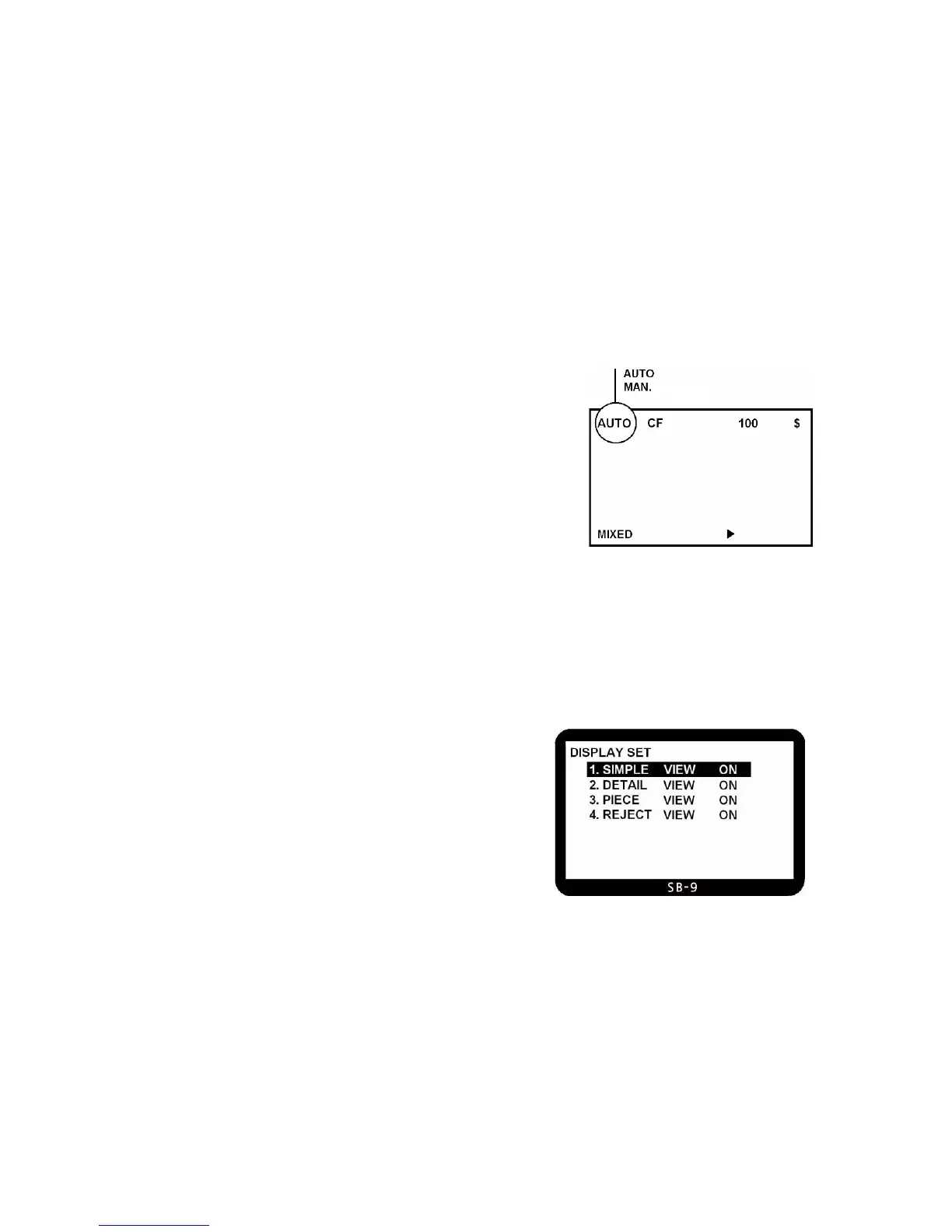
This mode is displayed on LCD like below:
To change the mode, move to “AUTO START” and press ENTER key or
directly press the numeric “4” key. And then select an option in the sub
menu. If “AUTO START ON” is selected, the Display will show “AUTO”, else “MAN”.
5. CONTRAST OF LCD
When the contrast of LCD display is too dark or too bright, user can change the contrast level using UP/DOWN
key then press START key to enter.
6. DISPLAY SET
User can select
preferable view among 4 kinds of view.
Using UP/DOWN key, you can move to preferable view and press
“START” key.
At least, one between ‘1.Simple view’ and ‘2.Detail view’ should be



 To Next Page