47
SCAIME Manual : NU-eNod4C-E-0418-196712-F.docx
12.1.3.2 Keyboard functions
Main Keyboard and 2
nd
Keyboard
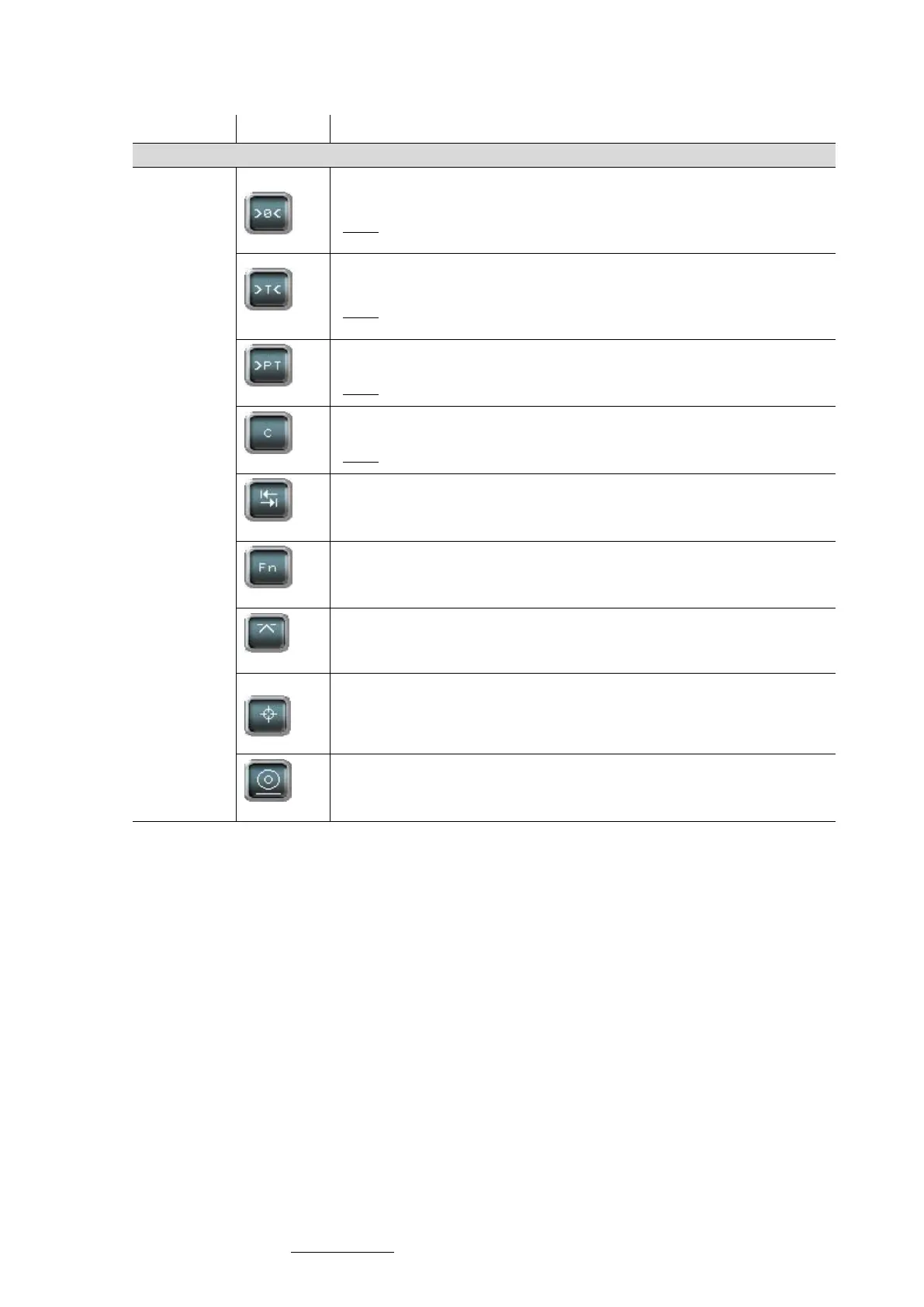
ZERO function: possible only under stability condition, according to stability
criterion
NOTE: The ZERO function allows to reset the gross measurement. It is only
available if the measured value is included in +/- 10% of the full scale.
TARE function: possible only under stability condition, according to stability
criterion
NOTE: The TARE value is the value subtracted from the gross measurement
to get the net measurement.
PRESET TARE function
NOTE: A previous calculated TARE can be restored using this variable.
CANCEL TARE function
NOTE: Cancel TARE allows to switch back to the gross measurement display.
Access to thresholds adjustment screen (in Transmitter mode)
Enter in the Quick Access Menu that give access to sensor input diagnosis
and allows to set applicative target weights for eNod4-C, D, F and B. Quick
access can be configured to manage what is accessible in this menu for
eNod4-D and F.
Weighing result acquisition (DSD) only in transmitter functioning mode.



 To Next Page