40
SCAIME Manual : NU-eNod4C-E-0418-196712-F.docx
12 ENODTOUCH – HUMAN MACHINE INTERFACE (OPTION)
12.1 Online functioning
12.1.1 Startup screens
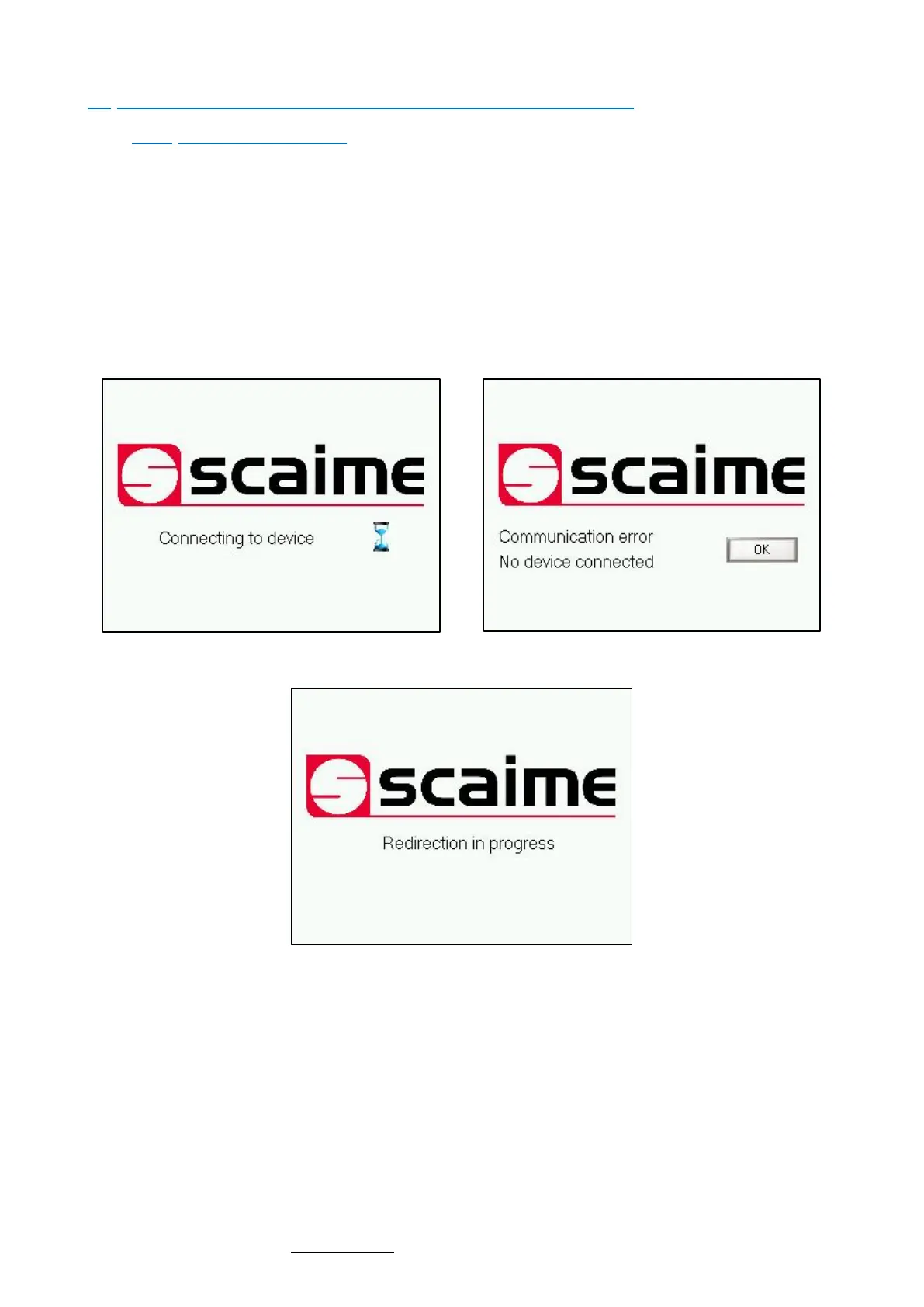
• At first Power-On, eNodTouch is set to manage one eNod4 at the address 1, the connection screen is displayed
while eNodTouch try to communicate with connected eNod4 device.
• Then a redirection screen appears during 3 seconds for a redirection to a main screen if the communication is
established between eNodTouch and eNod4 communication or an error screen if eNodTouch does not manage
to connect to the eNod.
• If there is no eNod4 connected or if the display unit cannot communicate with eNod4 device, a
communication error screen appears. In this case, check the wiring between eNodTouch and eNod4 (§
Electrical Powering) and check that the communication parameters of eNodTouch and eNod4 are correct
(§Peripheral – Device PLC Settings).
Redirection screen



 To Next Page