51
SCAIME Manual : NU-eNod4C-E-0418-196712-F.docx
12.1.5 Main setup menu
• eNodTouch setup menu allows to display and modify all the eNod4 parameters. For more information about
parameters, consult eNod4 software manuals.
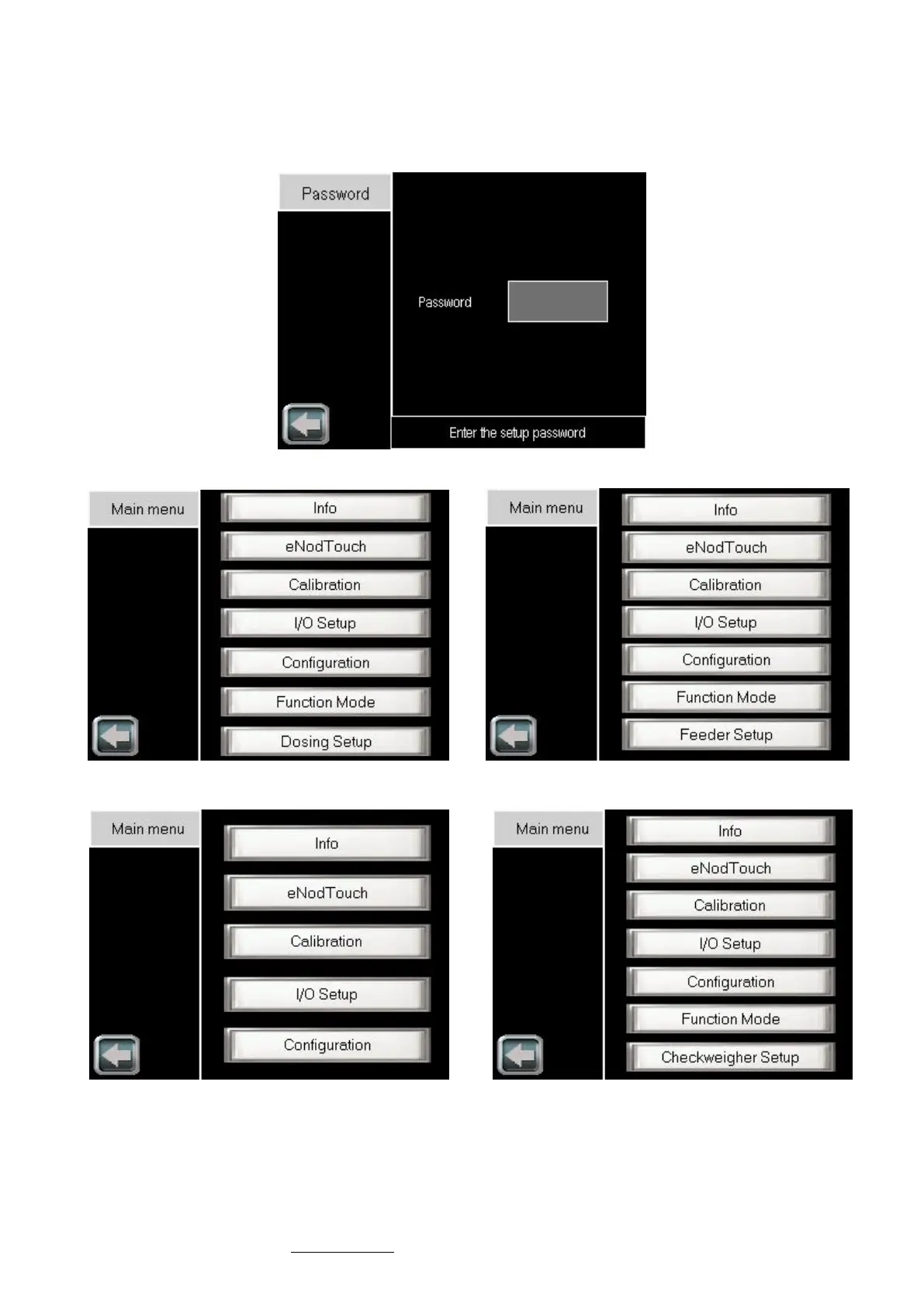
• Setup menu access can be secured by password (see § 3.5.1). In that case, the following screen is displayed:
• After entering a valid password (or OLEG if you’ve forgot your password), the following menu will be displayed:



 To Next Page