50
SCAIME Manual : NU-eNod4C-E-0418-196712-F.docx
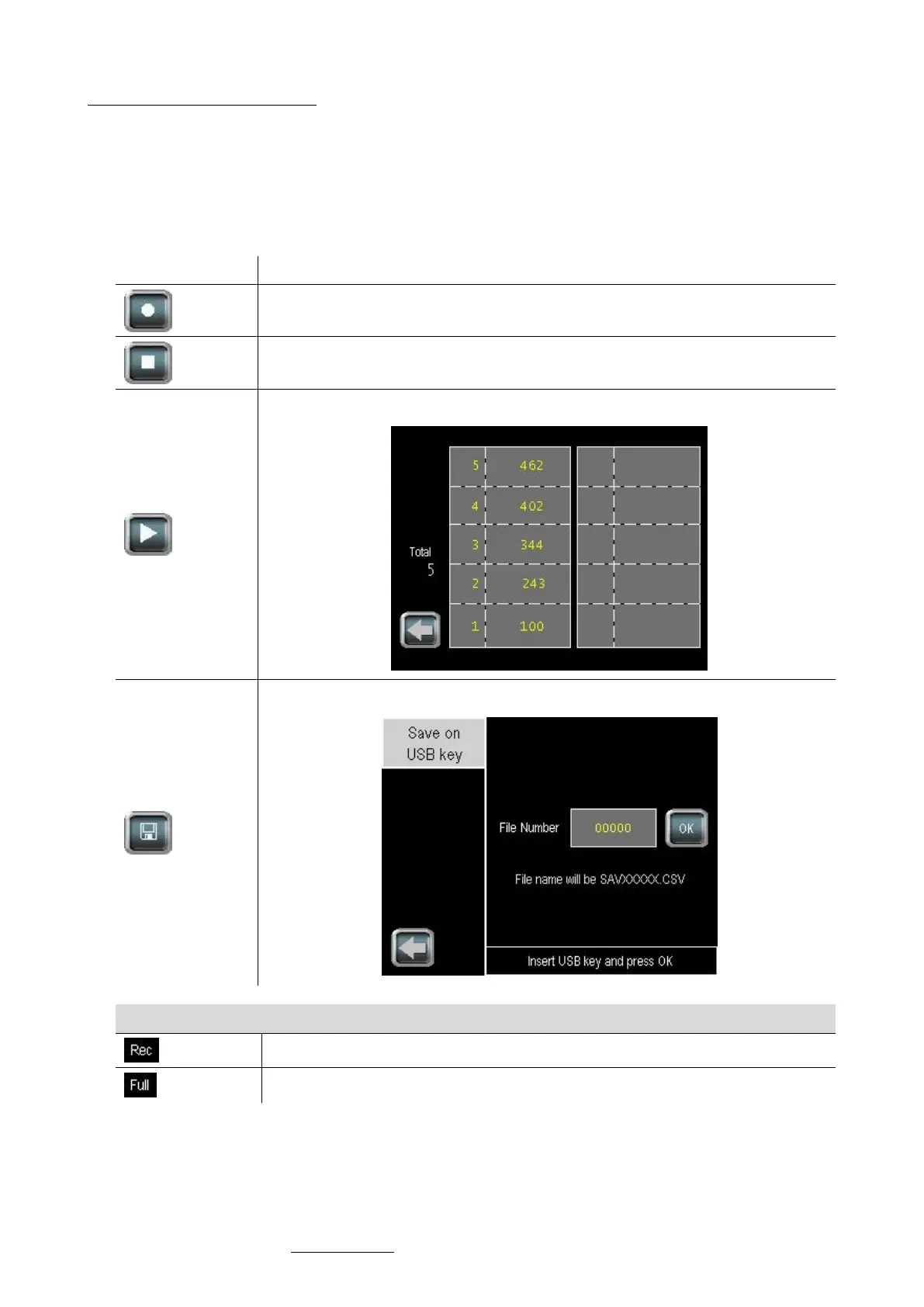
Important note about the recorder:
• When the recorder is running, only the main screen and the result screen are accessible to enable this
recording.
• As a consequence, some touch keys giving access to other screens are no longer visible (e.g. Access touch to
settings menu). To make these buttons visible again, stop the results recorder.
• This recording feature is specific to eNodTouch and should not be confused with DSD feature embedded in
legal for trade certified eNod4 (see Data Storage Device §).



 To Next Page