IPM25 User Manual
10
Configuration Menu
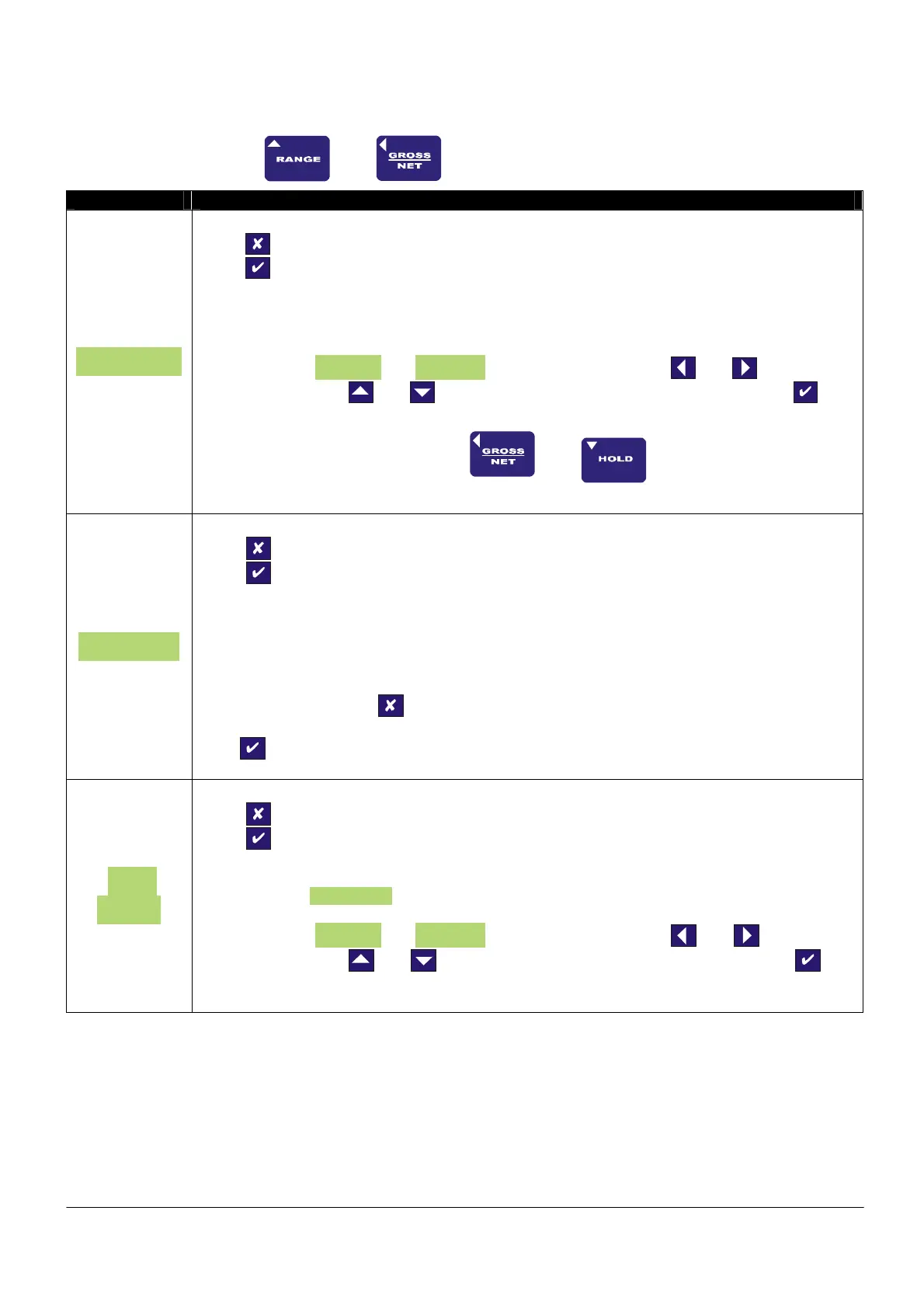
To enter the CONFIGURATION MENU, press and hold
and
buttons for 3 seconds
Parameter Set-up Information
SEt ZEro
Press To skip to next menu item
Press
To set a new system zero
This allows the user to introduce a fixed offset to the display value. The GROSS and NET
values are then displayed with this offset taken into account.
Values between -9999999 and +9999999 can be entered, using the and arrows to
select a digit and the
and arrows to increment or decrement the digits. Press to
accept the value and move onto the next parameter.
Set Zero may also be set by pressing and at the same time.
SEt rAtE
Press To skip to next menu item
Press
To change the update rate
This allows the user to set the display update rate, the options available is the update rate of
the display in Hz. Please note that the 25Hz update is only available in PEAK or TROUGH
mode.
When you choose to change the update rate you will be prompted whether you want to select
25Hz, if you do not press
you will then be prompted to select any of the other values,
which in order, are 10Hz, 3Hz, 1Hz, 0.5Hz. to set the update rate for the value you want
press
SEt
OUEr
Press To skip to next menu item
Press
To set overload alarm
This allows the setting of a visual overload. The value entered is the display value at which the
IPM25 displays OUErLOAd.
Values between -9999999 and +9999999 can be entered, using the and arrows to
select a digit and the
and arrows to increment or decrement the digits. Press to
accept the value and move onto the next parameter.



 To Next Page